The checklist folder in the Odoo filestore and the backup
Odoo creates a folder in the filestore that nobody ordered. What the empty files in it mean and whether they belong in the backup.
A folder nobody created
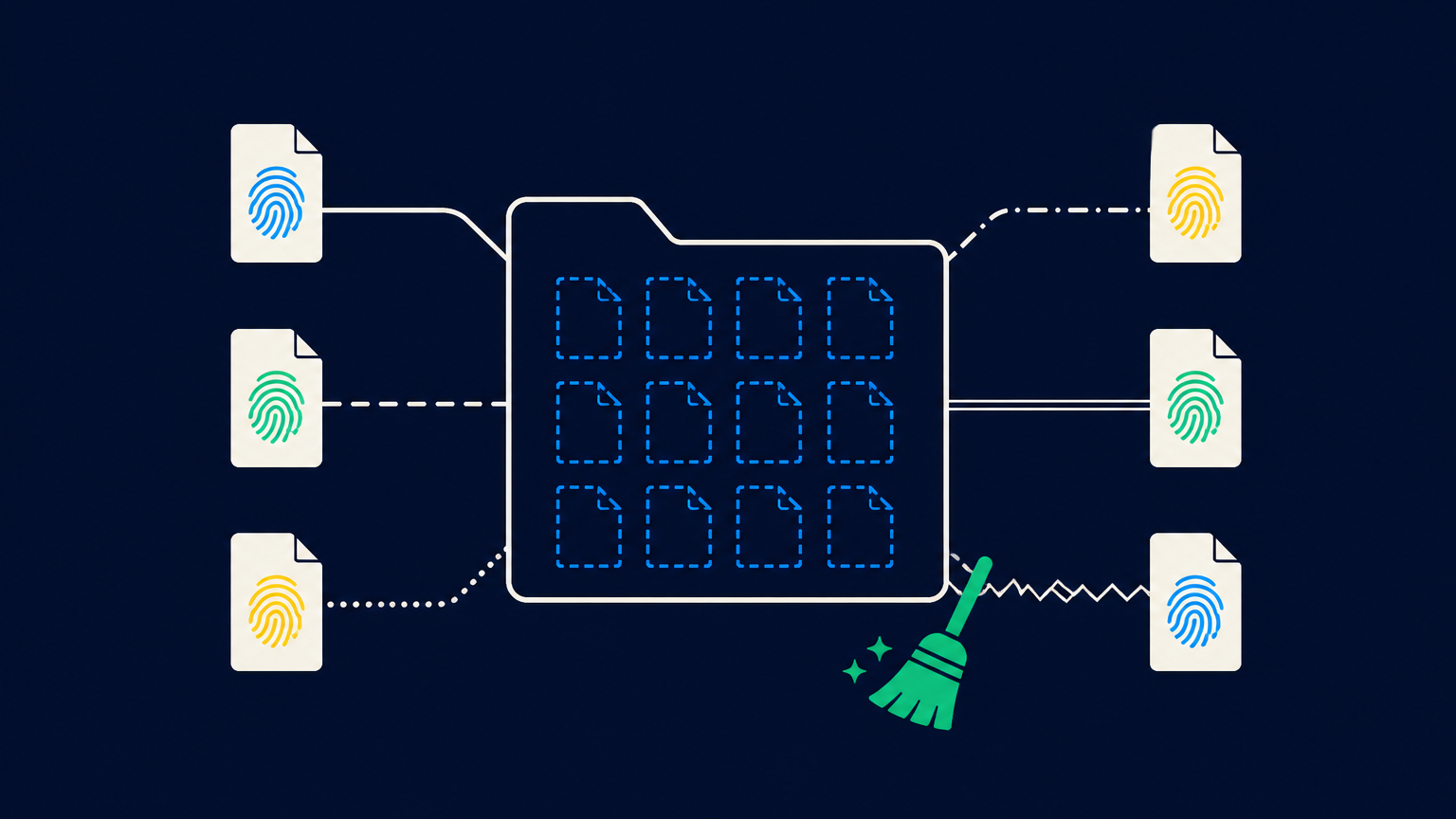
Anyone looking into an Odoo database's filestore for the first time finds 256 folders with two-digit hexadecimal names and, among them, one that stands out: checklist. Inside are more hexadecimal folders, containing files with long hash names, each exactly 0 bytes in size. Depending on the number of documents, there can quickly be several hundred. The Odoo documentation does not mention the folder, and no setting disables it. When writing the backup script at the latest, the question arises whether it needs to be included.
It does not. The reason is in the source code of ir.attachment, tested against Odoo 19.
What Odoo stores there
Odoo stores attachments under the SHA1 hash of their contents, distributed across 256 subfolders based on the first two characters of the hash. Two attachments with identical content therefore share a single file on disk. This saves space, but it has a consequence: When deleting an attachment, Odoo does not know at that moment whether someone else still needs the file. In addition, the current transaction could still be rolled back, which would restore the attachment. Deleting the file immediately would be risky.
Odoo therefore does not delete anything at all. It merely remembers the filename for later checking, and that is exactly what the checklist folder is: an empty file under the same relative path as the original, namely checklist/a3/a3f1… for a file a3/a3f1…. That is why the folder mirrors the filestore's hash structure. The file is a reminder, not a copy.
When creating a file, Odoo also places such a marker before the first byte is written. If the transaction then aborts, the file is left without an associated record and is disposed of during the next cleanup. So the folder starts filling up with every upload, long before anyone deletes anything.
When the markers are processed
The scheduled action “Base: Auto-vacuum internal data” runs once a day and invokes the filestore garbage collector. It goes through the folder checklist , querying the table ir_attachment in batches to determine which of the listed names are still present in the store_fname column, the reference from the record to the file, and deletes the physical file only if no record points to it anymore. It then removes the marker. To prevent a new attachment from being added in the meantime, it locks the table against writes, but waits no more than ten seconds for that lock and otherwise gives up until the next run. The server log then contains a line like “filestore gc 1834 checked, 212 removed”.
So a full folder is not an error. It only means that the cron job has not run for a while or that a lot was uploaded or deleted recently.
Can the folder be left out of the backup?
Yes. It contains no user data, and everything it retains can be reconstructed from the database or is simply unimportant. After a restore without this folder, Odoo starts normally. The next autovacuum run finds nothing and does nothing, and on the next upload Odoo creates the folder again.
The only effect: files that were marked for checking at the time of the backup remain as orphans in the filestore after the restore. No record points to them, and no garbage collection removes them. They take up storage space, and that’s all.
With rsync or tar, an --exclude 'checklist' at the database filestore level is therefore sufficient.
More important than what is excluded is what remains: the 256 hash folders and the database dump, both created as close together in time as possible. A dump that references attachments missing from the filestore is the actual problem with an Odoo backup. A missing checklist folder is not.
When orphans become a nuisance
Anyone who wants to reclaim space after multiple restores can run garbage collection manually on the entire collection: In the Odoo shell, mark all filestore files using _mark_for_gc and then call _gc_file_store. Odoo checks each entry against the database and deletes only what is no longer referenced anywhere. Create a backup first, as with any intervention in the filestore, and then read the log line. It states how many files were checked and how many were removed.
Created by Martin Schmid, with assistance from Claude Fable 5.1, and approved after an independent content review. Our Notes and Disclaimer.