Odoo2Fast.Report Account Printing
 English
 Deutsch
 Français
 Español
Professional accounting documents at the click of a button.
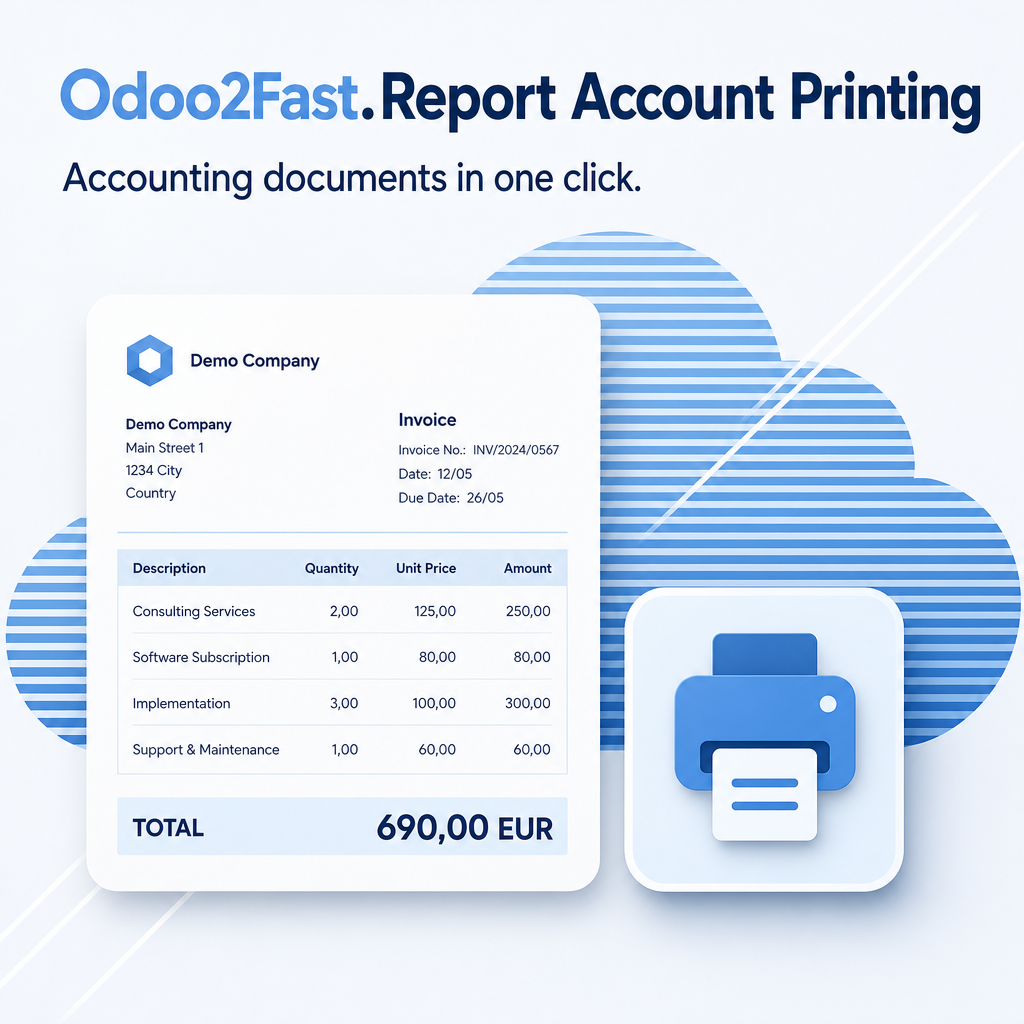
Odoo2Fast.Report Account Printing enables professional printing of accounting documents directly from Odoo. Invoices are generated with high-quality layouts; an optional delivery note attachment is configurable. The module extends the existing print button in the invoice form without changing the familiar workflow. Before a document is created, position descriptions are automatically checked for correct formatting — corrections can be made before the document reaches the customer.
Part of the Odoo2Fast.Report Bundle
This module is part of the Odoo2Fast.Report collection. The full description and all bundle modules are available on the main module page.
To Odoo2Fast.Report Core SystemThe help for this module is findable — for people and for AI
One help page in German and English, shipped inside the module. With Help Docs installed you search them in full text — and an AI assistant reads the same content through a machine-readable module card.
"eq_fr_core_print_account")
Full-text search and module card come from Help Docs (eq_helper). This module ships the content — no extra configuration.
Professionelle Buchhaltungsdokumente auf Knopfdruck.
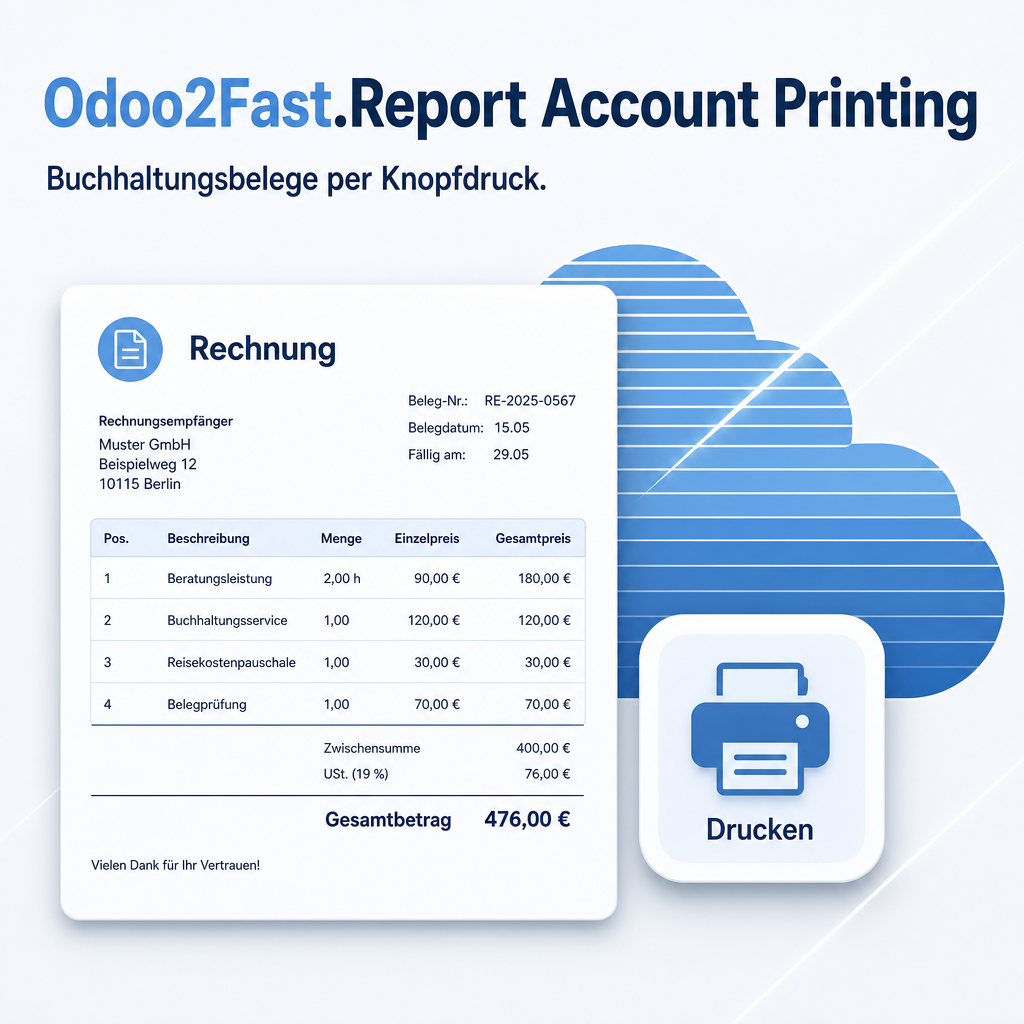
Odoo2Fast.Report Account Printing ermöglicht den professionellen Druck von Buchhaltungsdokumenten direkt aus Odoo heraus. Rechnungen werden mit hochwertigen Layouts ausgegeben; ein optionaler Lieferschein-Anhang ist konfigurierbar. Das Modul ergänzt den bestehenden Druckknopf in der Rechnungsmaske, ohne den gewohnten Arbeitsablauf zu verändern. Vor der Dokumenterzeugung prüft das System Positionsbeschreibungen automatisch auf korrekte Formatierung — Korrekturen sind möglich, bevor das Dokument den Kunden erreicht.
Teil des Odoo2Fast.Report-Bundles
Dieses Modul gehört zur Odoo2Fast.Report-Sammlung. Die vollständige Beschreibung und alle Bundle-Module stehen auf der Hauptmodul-Seite.
Zum Odoo2Fast.Report Core SystemDie Hilfe zu diesem Modul ist auffindbar — für Menschen und für KI
Eine Hilfeseite auf Deutsch und Englisch, im Modul mitgeliefert. Mit installiertem Help Docs durchsuchen Sie sie im Volltext — und ein KI-Assistent liest dieselben Inhalte über eine maschinenlesbare Modulkarte.
"eq_fr_core_print_account")
Volltextsuche und Modulkarte stellt das Modul Help Docs (eq_helper) bereit. Die Inhalte liefert dieses Modul mit — ohne Zusatzkonfiguration.
Des documents comptables professionnels en un seul clic.
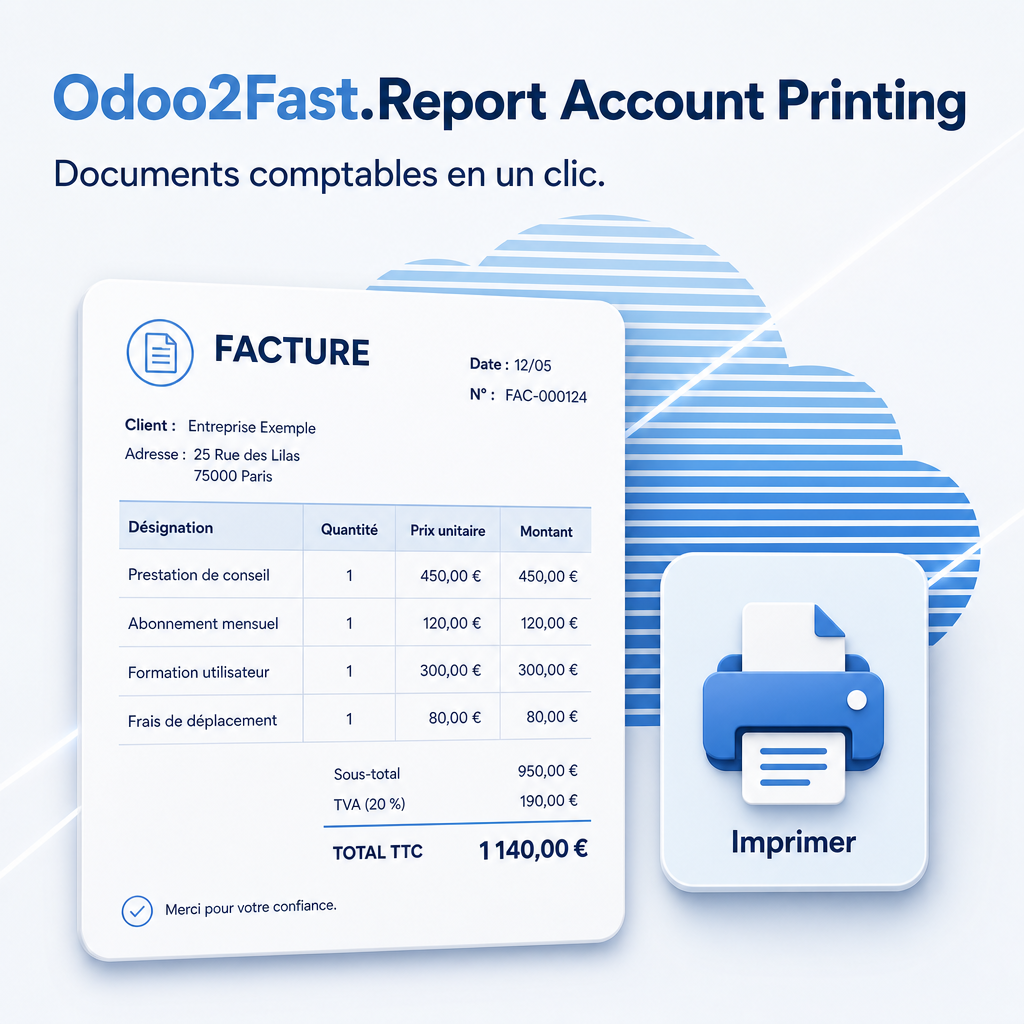
Odoo2Fast.Report Account Printing permet l'impression professionnelle de documents comptables directement depuis Odoo. Les factures sont générées avec des mises en page de haute qualité ; une pièce jointe de bon de livraison optionnelle est configurable. Le module étend le bouton d'impression existant dans le formulaire de facture sans modifier le flux de travail habituel. Avant la création du document, les descriptions de lignes sont automatiquement vérifiées — les corrections peuvent être effectuées avant que le document n'atteigne le client.
Partie de l'ensemble Odoo2Fast.Report
Ce module fait partie de la collection Odoo2Fast.Report. La description complète et tous les modules de l'ensemble se trouvent sur la page du module principal.
Vers Odoo2Fast.Report Core SystemL’aide de ce module est trouvable — pour les humains et pour l’IA
Une page d’aide en allemand et en anglais, livrées dans le module. Avec Help Docs installé, vous les cherchez en texte intégral — et un assistant IA lit le même contenu via une fiche de module lisible par machine.
"eq_fr_core_print_account")
La recherche plein texte et la fiche de module sont fournies par Help Docs (eq_helper). Ce module en livre le contenu — sans configuration supplémentaire.
Les pages d’aide sont livrées en allemand et en anglais ; dans une autre langue d’interface, la version anglaise s’affiche.
Documentos contables profesionales con un solo clic.
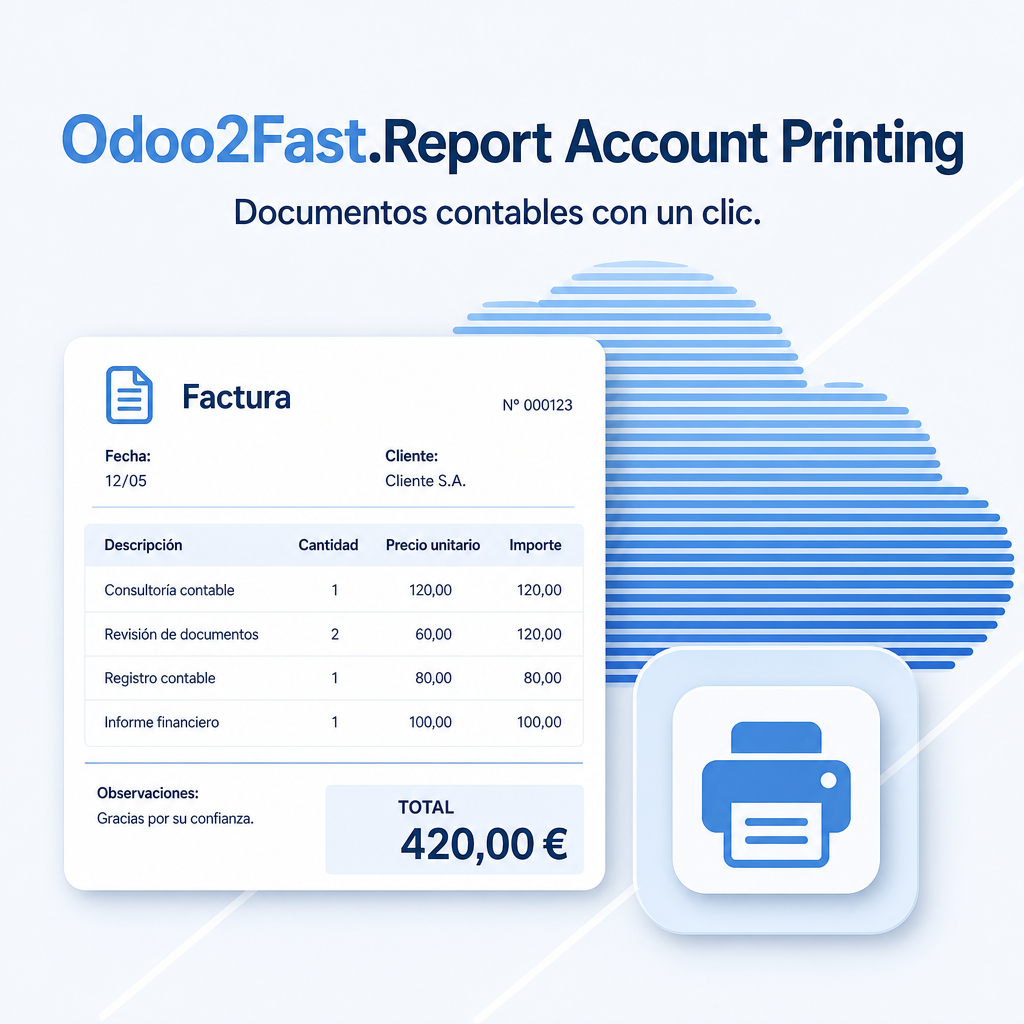
Odoo2Fast.Report Account Printing permite la impresión profesional de documentos contables directamente desde Odoo. Las facturas se generan con diseños de alta calidad; se puede configurar un archivo adjunto opcional de albarán. El módulo amplía el botón de impresión existente en el formulario de factura sin modificar el flujo de trabajo habitual. Antes de crear el documento, las descripciones de posiciones se comprueban automáticamente — las correcciones son posibles antes de que el documento llegue al cliente.
Parte del paquete Odoo2Fast.Report
Este módulo forma parte de la colección Odoo2Fast.Report. La descripción completa y todos los módulos del paquete están disponibles en la página del módulo principal.
Al Odoo2Fast.Report Core SystemLa ayuda de este módulo se encuentra — para personas y para la IA
Una página de ayuda en alemán e inglés, incluidas en el módulo. Con Help Docs instalado las busca a texto completo — y un asistente de IA lee el mismo contenido mediante una ficha de módulo legible por máquina.
"eq_fr_core_print_account")
La búsqueda a texto completo y la ficha de módulo las proporciona Help Docs (eq_helper). Este módulo aporta el contenido — sin configuración adicional.
Las páginas de ayuda se entregan en alemán e inglés; en otro idioma de interfaz se muestra la versión inglesa.
Support · Kontakt
We are happy to support you · Wir unterstützen Sie gerne.


Weiherstraße 13
75173 Pforzheim
Deutschland · Germany
Telefon: +49 7231 16 604 0
Homepage: www.equitania.de · www.ownerp.com · odoo2fast.report
E-Mail: support@equitania.de
EN · All information on this page is provided for product description purposes only and is not legally binding. It constitutes neither a guarantee of quality nor an assurance of any particular scope of functions, fitness for a particular purpose or specific results; only the contractual agreements and the scope of delivery of the version actually installed are authoritative. Screenshots show example configurations.
DE · Alle Angaben auf dieser Seite dienen der Produktbeschreibung und sind rechtlich unverbindlich. Sie stellen weder eine Beschaffenheitsgarantie noch eine Zusicherung eines bestimmten Funktionsumfangs, einer Eignung für einen bestimmten Zweck oder eines bestimmten Ergebnisses dar; maßgeblich sind allein die vertraglichen Vereinbarungen und der Lieferumfang der jeweils installierten Version. Abbildungen zeigen Beispielkonfigurationen.
FR · Toutes les informations figurant sur cette page servent à la description du produit et n'ont pas de valeur juridiquement contraignante. Elles ne constituent ni une garantie de qualité ni l'assurance d'un périmètre fonctionnel déterminé, d'une adéquation à un usage particulier ou d'un résultat donné ; seuls les accords contractuels et l'étendue de la livraison de la version effectivement installée font foi. Les illustrations présentent des configurations à titre d'exemple.
ES · Toda la información de esta página tiene carácter descriptivo y no es jurídicamente vinculante. No constituye una garantía de calidad ni el aseguramiento de un alcance funcional determinado, de la idoneidad para un fin concreto o de un resultado específico; únicamente son determinantes los acuerdos contractuales y el alcance de suministro de la versión efectivamente instalada. Las imágenes muestran configuraciones de ejemplo.