Our DACH modules already run on Odoo 20
39 of the 41 modules in our DACH package already run on the Odoo 20 development version. A report on the changes and how we support you during the transition.
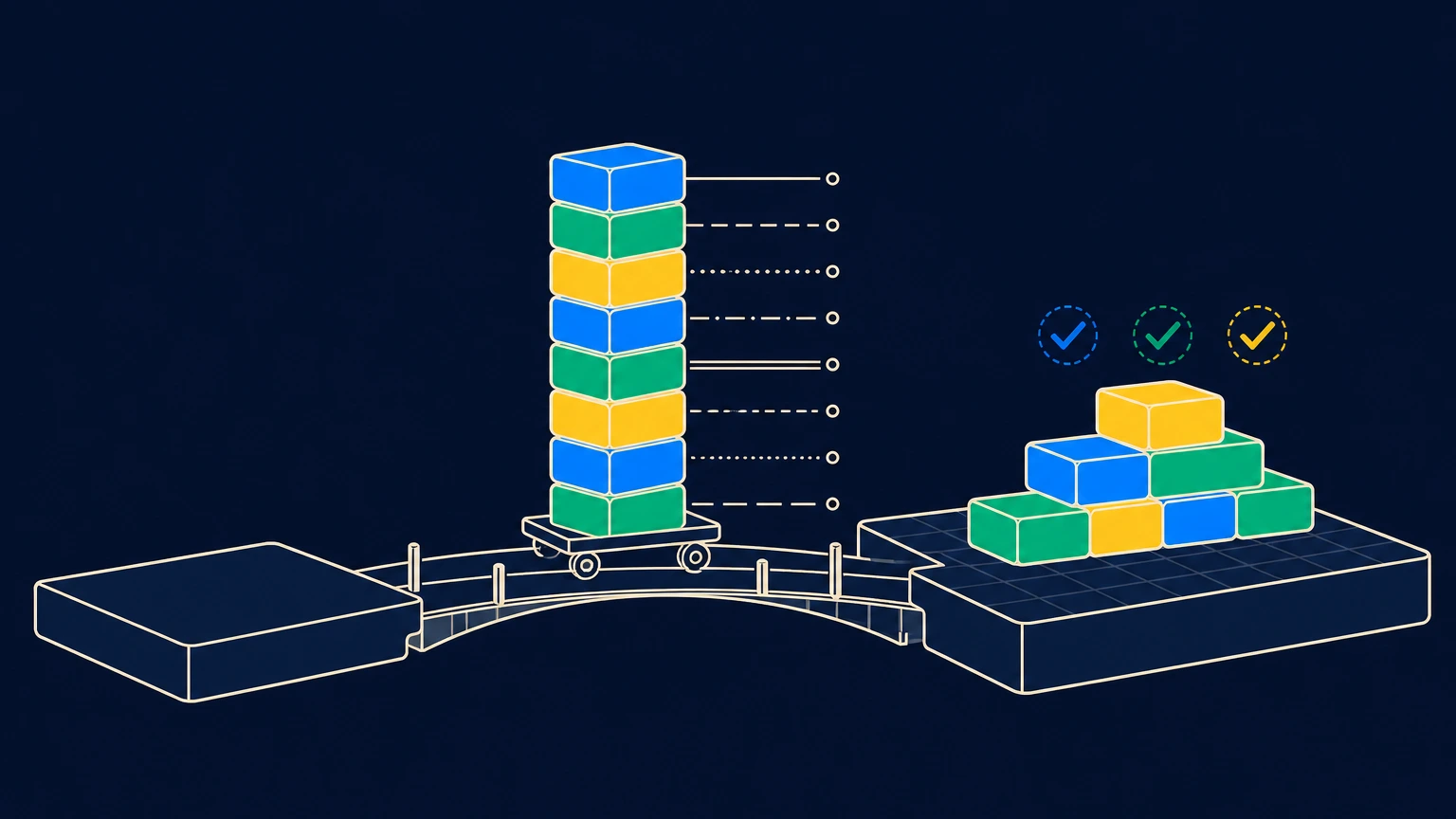
176 tests, 176 passed
On September 26, 2026, we installed our DACH package in full on a fresh Odoo 20 database for the first time. All 176 automated tests passed. This means that 39 of the 41 modules already run on the next Odoo version, even though Odoo has not officially released it yet. The two remaining modules depend on our Fast.Report printing integration, which we will migrate next.
We worked with the development version that Odoo provides in the public source code as of September 25, 2026. Details may still change before release.
What changes with Odoo 20?
Odoo 20 is a thorough cleanup. Our comparison of the Odoo 19 and 20 source code, Community and Enterprise, counts 109 data models and around 1,600 fields that no longer exist in Odoo 20. Anyone running custom modules will need to adapt them.
These changes are most important for users:
- Access rights are being reorganized. Until now, two separate mechanisms determined who could see a table and which records within it. Odoo 20 combines both, so every module with its own access rights must be updated.
- Odoo 20 determines whether a contact is a company based on its VAT ID. This is not always appropriate, for example for small businesses without a VAT ID. Our contact management therefore continues to store your classification itself.
- The web interface is based on OWL 3, the new version of Odoo's user interface framework. Every extension that changes something on the screen requires rework.
- Order lines and price lists have been reworked. For example, the order line text no longer automatically includes the product name, which affects documents and reports.
Some changes only become apparent during testing
You notice an error message during installation right away. Changes where everything keeps running and something is nevertheless missing are more difficult.
Odoo 20 stores file attachments differently internally. Code that writes an attachment the old way does not return an error. The attachment simply remains empty. We only noticed this because our tests check whether the file is actually there afterward instead of merely checking whether the call completes.
The reverse case also exists. Odoo 19 silently truncated text that was too long for limited fields; Odoo 20 rejects it. We ran into exactly this when porting an accounting module and adjusted the field to the new rule.
How we speed up the porting process
A dedicated porting script handles the mechanical work. It copies the module, sets the version number, adds release notes and documentation, updates the module description in all four languages, and invokes the rewrite tools supplied by Odoo itself. These tools help, but they do not cover everything, and one of them aborts during a full run. We therefore start them individually.
After that, we check each module in four steps:
- A field catalog compares the module with all removed models and fields before it is installed at all.
- A validation script checks whether the locations in Odoo's views where our modules hook in still exist in Odoo 20.
- The module is installed and runs through its tests.
- We also open modules with their own user interface in the browser, because some errors only appear there. For example, Odoo's own migration script for OWL 3 is not yet compatible with the current development state and generates references to functions that do not exist.
Each discrepancy found is added to an ongoing migration log, along with the module in which it occurred. The second module with the same change then only requires a quick look at the log. That is how most of the package was ready after two days.
What this means for your transition to Odoo 20
Changing Odoo versions is not a one-click update. The database is migrated, and every installed module must be compatible with the new version. Our modules from the DACH package are prepared for this. For your own customizations and modules from other providers, it is worth taking inventory before the date is set. Pay particular attention to custom access rights and web interface extensions. If you operate your own server, Odoo 20 requires at least Python 3.12.
There is one point we can only verify conclusively with the first actual database migration from Odoo 19 to 20: whether your previous classification as a company or individual is transferred in full. Our migration routine was written for this purpose; verification with real data is still pending.
We would be happy to prepare a non-binding quote for reviewing your modules. It will show you which ones are already ready for Odoo 20 and where adjustments are needed in your installation.
Created by Martin Schmid, with support from Claude Opus 5.5, and approved after our own content review. Our Notices and Disclaimer.