
ownERP Module Overview
The new ownERP module overview showcases features, Odoo versions, and licenses in four languages. The focus is on Chatbot.AI for AI assistance directly in Odoo.
The Entire World of Modules in One Place
Anyone looking for an Odoo extension does not want to search through multiple product pages, project documents, and conversations first. The question is simple: What can the module do, which Odoo version is it compatible with, and how does it fit into your own workflow?
Until now, many ownERP modules were primarily visible in customer projects, consulting discussions, or on individual product pages. That only showed part of the picture. With the new ownERP module overview the entire offering is now available in one place.
Each module card links to a detail page with a feature description, supported Odoo versions, and licensing information. The overview is available in German, English, French, and Spanish. This allows international teams to use the same information base instead of having to translate descriptions internally first.
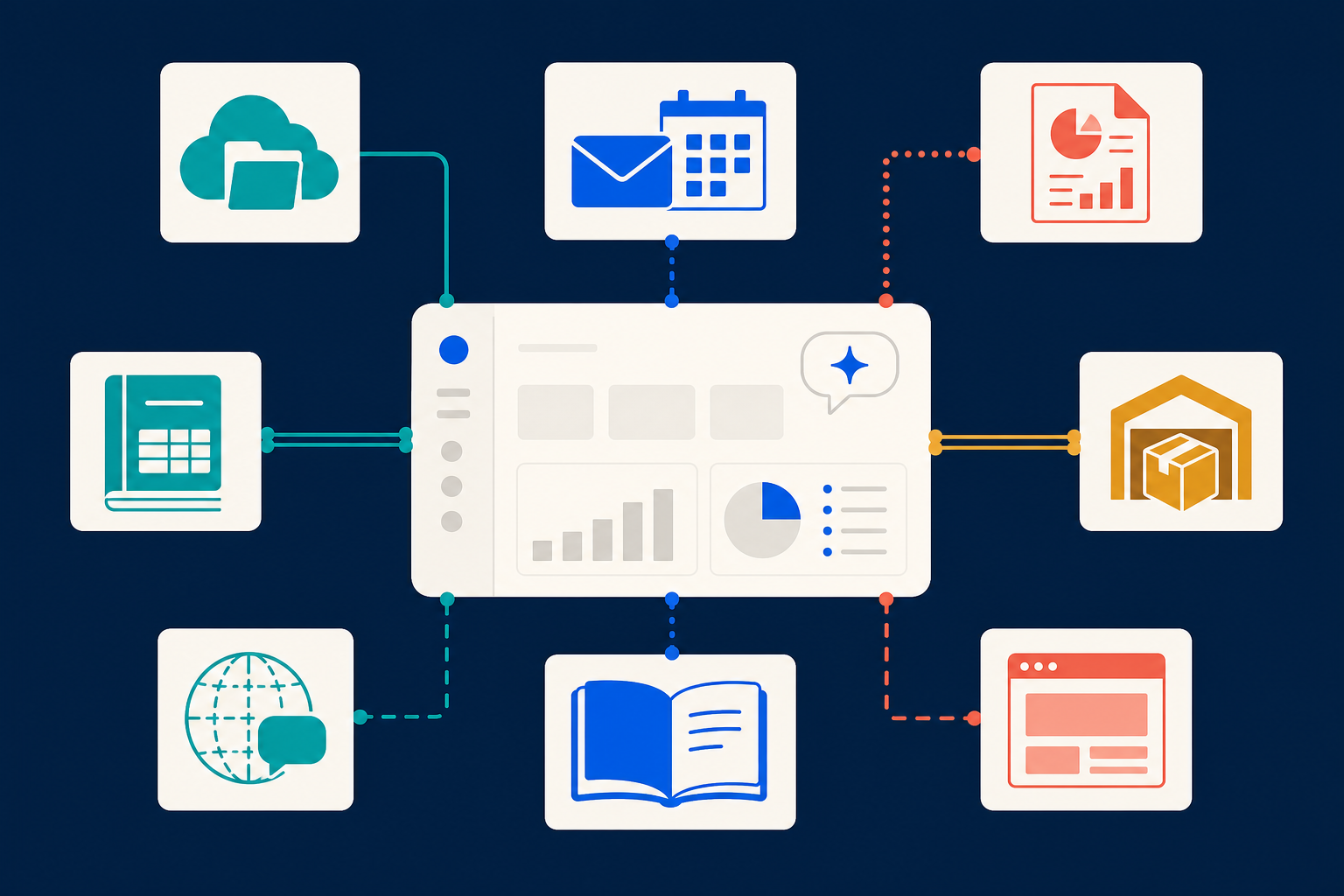
Which areas do the ownERP modules cover?
The overview groups the extensions into thematic packages. Those with a specific task in mind can find the right starting point more quickly.
| Package | Intended use |
|---|---|
| Chatbot.AI | AI assistants in Odoo, knowledge access, content, and website interaction |
| Cloud | Document storage with Nextcloud and OneDrive |
| Core.AI | Shared foundation and tools for AI features in ownERP |
| DACH | Extensions for accounting, sales, inventory, and German-speaking business operations |
| Microsoft 365 | Connecting Odoo with Outlook, calendars, and contacts |
| Odoo2Fast.Report | Professionally designed PDF documents and reports |
| Productivity.AI | Data enrichment, lead scoring, knowledge management, and inbox support |
| Website.AI | Content, translation, SEO, and visibility in AI searches |
The module overview directly answers: Which ownERP modules are available and what purpose do they serve? It does not replace an analysis of your own processes. However, a project gets off to a better start when the available building blocks are visible.
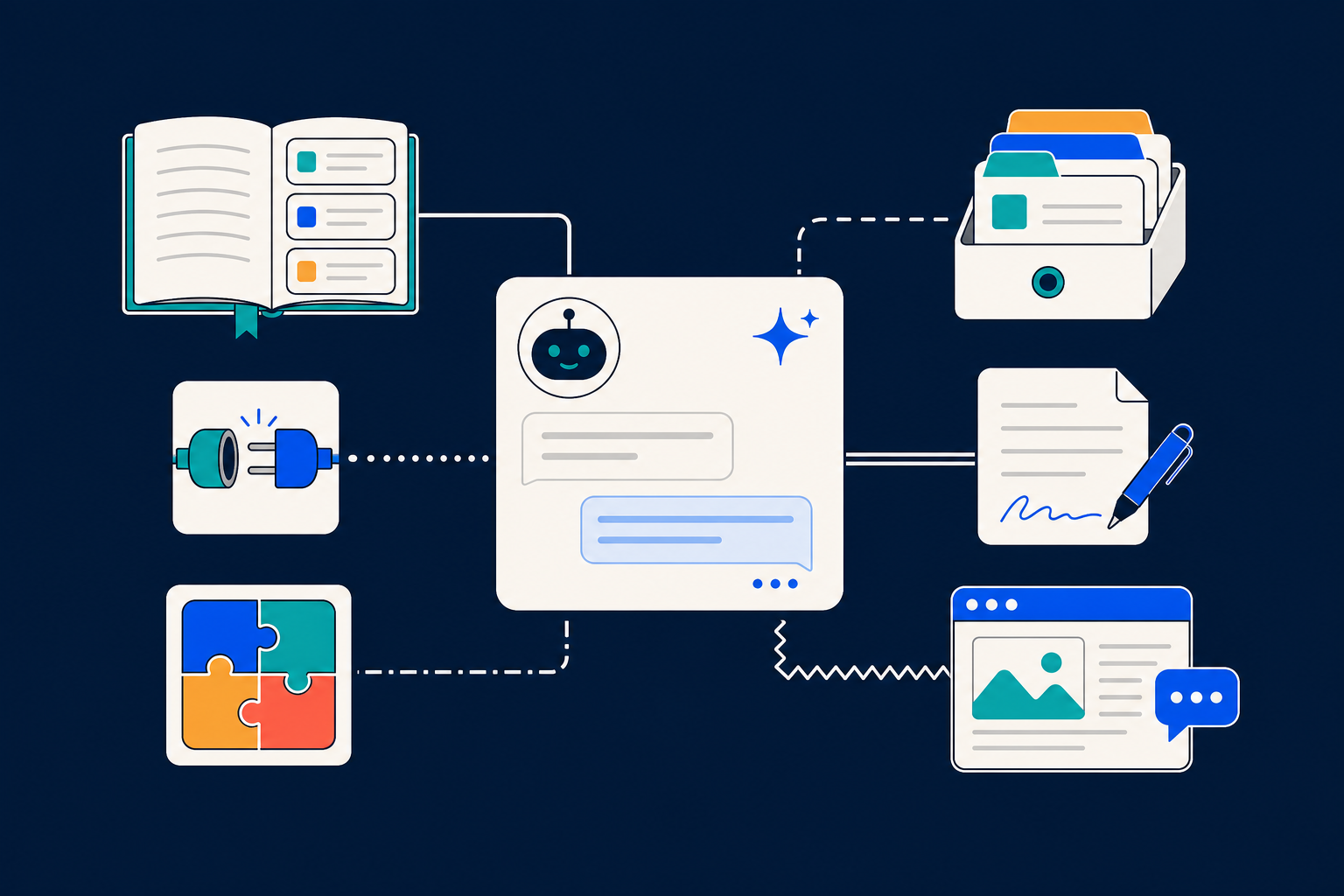
Chatbot.AI works in the Odoo context
Deserves special attention Chatbot.AI. At its center is the ownERP chatbot, an AI assistant directly in the Odoo backend.
Employees work where transactions, contacts, documents, and processes are already being handled. They do not first have to copy information from Odoo, open a separate AI tool, and then transfer the results back. The assistant can support their work within the system context.
The package includes several modules for different tasks:
- ownERP-Chatbot RAG / Knowledge enables answers based on a maintained knowledge source.
- ownERP-Chatbot Memory & Insights stores recurring information and insights in the assistant's context.
- ownERP-Chatbot MCP connects the chatbot with additional tools through the Model Context Protocol.
- ownERP-Chatbot Skill Creator helps teams define specialized capabilities for recurring tasks.
- ownERP-Chatbot Content Drafts supports the preparation of content drafts.
- ownERP Website Chatbot provides an AI-powered point of contact on your own website.
This results in concrete use cases: Internal knowledge is easier to find. Teams prepare texts, answer recurring questions in a more structured way, and map repeatable workflows as a specialized AI capability. AI is not an end in itself. It must fit an actual process.
AI results require expert review
An AI assistant provides suggestions, not a binding decision. The quality of its answers depends on the stored information, appropriate permissions, and expert review.
Especially for customer-facing texts, information, or business decisions, responsibility remains with people. Chatbot.AI can bring information and workflows closer to Odoo. Review by the responsible person remains part of the process.
Four languages for shared decisions
Odoo projects rarely stop at a language barrier. The new overview is available in German, English, French, and Spanish. The structure remains the same in every language version: Select a package, open a module, and review features and technical specifications.
This makes coordination between business units, IT, and international locations easier. Information that all stakeholders can read directly avoids follow-up questions and prevents misunderstandings in the early project phase.
Transparency before the project starts
Software decisions are better when features and requirements are visible early on. The new ownERP module overview shows what is already available, how the modules are connected, and which Odoo versions they are designed for.
Visit the ownERP module overview, open the detail pages of the relevant packages, and check which extensions are compatible with your Odoo setup. If you would like to discuss the right combination, our team can assist with evaluation and implementation.