Thursday evening Odoo 8, Friday afternoon Odoo 18
Ten version jumps in one night, 48 ported modules, two companies in live operation. This is how we migrate Odoo Community.
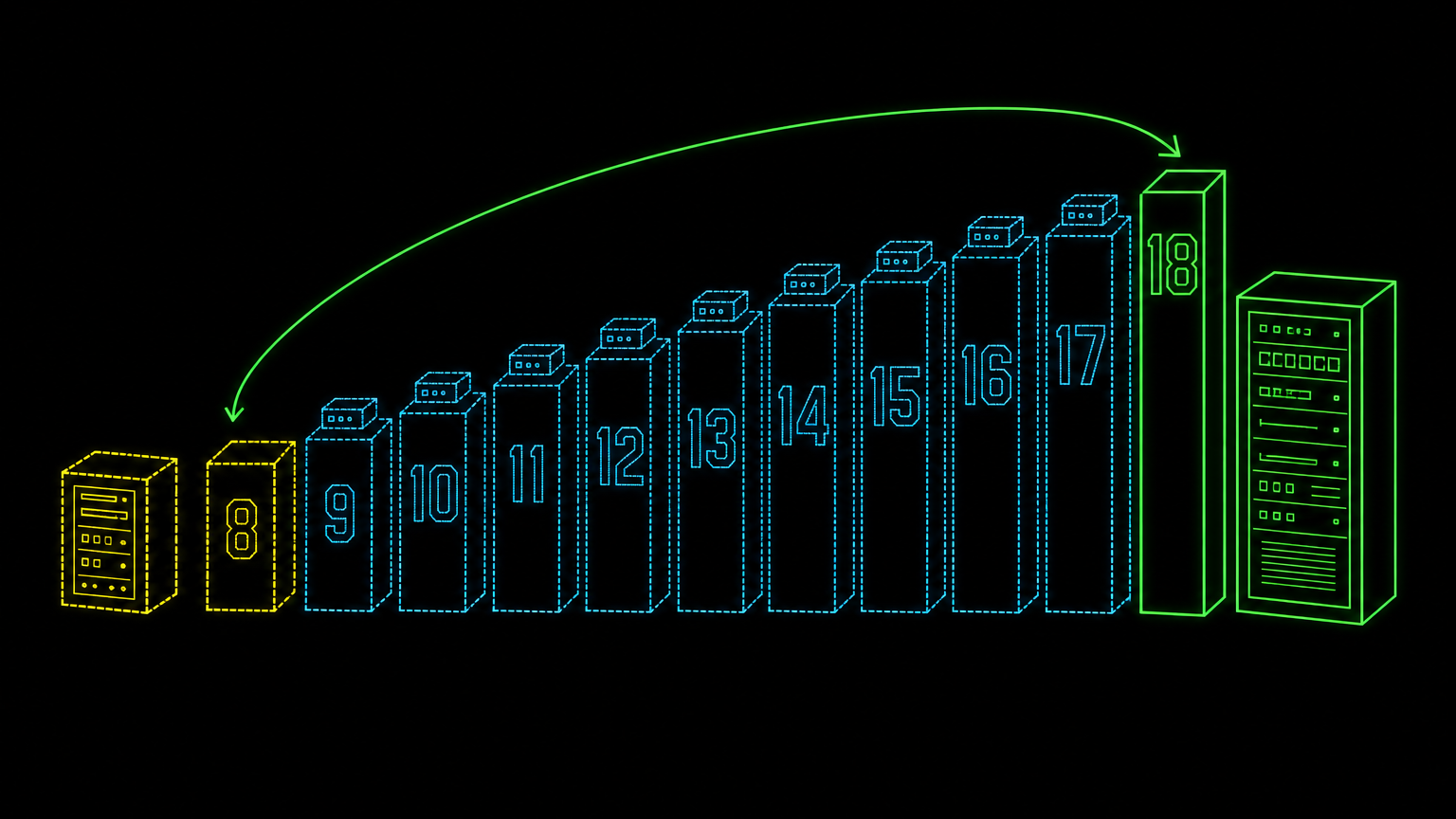
On Thursday evening, our client pulled the final backup of their Odoo 8 system. On Friday afternoon, their staff were working in Odoo 18. In between lay ten version jumps, 48 ported customer modules, and a data set reaching back more than ten years.
Migrations like this are our specialty. We migrate Odoo, and we prefer doing it where there is no set path: in the Community Edition.
There is no upgrade button for Odoo Community
The manufacturer's upgrade service is available as part of the Enterprise contract. For this, the customer uploads their database to Odoo's servers, including personnel and customer data. For Odoo Community, this route is not available, and it is not necessary either: we carried out the entire migration on the customer's server. The data never left their network at any point.
Even Enterprise customers only get their own modules converted by the manufacturer with an additional maintenance subscription. Otherwise, they bring them up to the new version themselves or commission a partner.
Anyone running Odoo Community with custom modules needs a partner who masters both the code and the data. We have been doing this work for years, and this project shows what it looks like.
One night for ten version jumps
The sequence on migration day was short. On Thursday evening, the customer pulled the backup. We then migrated the database version by version: from 8 to 9, from 9 to 10, and so on, until Odoo 18 was reached. Afterward, our correction scripts ran over the data set. On Friday afternoon, the customer took the system live. Less than 24 hours passed between backup and live operation.
In the week that followed, a few more topics came up. The customer's downtime remained minimal.
Such a day only succeeds if it has been rehearsed beforehand. We had walked through the migration with test runs, and a playbook sets up and updates the database on the production server. This way, the switchover can be repeated at any time.
Eleven Months of Preparation for a Single Day
The project began in October 2025 with a large review phase, long before we touched the first module. Each of the 69 Modules of the legacy system received its own ticket and one question: What still had to be custom-coded in Odoo 8 and is already available in Odoo 18? This review took a lot of time at the start, and it was worth it. In the end, we deliberately did not migrate 20 modules. Each of them would have required testing and maintenance, and your budget belongs in the features you use every day.
We sorted the remaining modules by effort and ported them in the order of their dependencies.
| Effort | Modules | Lines of Code |
|---|---|---|
| High | 5 | 7.140 |
| Medium | 9 | 5.957 |
| Low | 34 | 10.175 |
Five modules accounted for most of the work. These include the client's core module, on which seven others build, and time tracking with time and leave accounts. Together, they comprise 108 models and 332 views for sales, purchasing, inventory, HR, projects, and CRM.
Until spring 2026, the modules were in place. Then users worked through the new system with their real workflows, and their reports became our work list. We rebuilt 34 reports, including Quotation, Sales Order, Delivery Slip, Invoice, and Purchase Order. A quotation that took 16 seconds to generate as a PDF stood out immediately in testing and was fixed.
A half vacation day became a full day
The real craft of a migration lies in the legacy data. One example from testing: a half vacation day from Odoo 8 appeared in Odoo 18 as a full day in the account. We found similar discrepancies in leave entitlements from 2015 and in overtime on the time account.
That is what the correction scripts are for. One of them runs over all models at the end of the migration. In the legacy data, values of selection fields were sometimes stored as JSON text instead of a plain keyword, and Odoo 18 no longer recognizes such values in the list of allowed options. The script unpacks the text and maps the value by key or label. Whatever cannot be mapped stays unchanged and goes into the log. Nothing is guessed.
We followed up on the final polish of reports and permissions after go-live, with 87 commits in October alone. Across the whole project, we completed around 180 work items.
The second company went live after 24 days
The value of this groundwork was shown by the customer's second company. Its migration began on October 27, 2026, and it went live on Friday, November 20, 2026. That was 24 days instead of eleven months, because the module package, the reporting basis, and the database process were already in place.
The next migration is already scheduled
The customer has signed a software maintenance contract with us. It guarantees that we will migrate his modules to the next Odoo version he wants to switch to. We generally recommend migrating every two to three years. That keeps the gap small, so ten version jumps in one night become two or three.
Are you still working with Odoo 8, 10, or 12 and have custom modules? Then your path to Odoo 18 begins with a list of these modules and one decision per line. We create this list with you before the first line of code is written.
Created by Martin Schmid, with support from Claude Sonnet 5.5 and Claude Fable 5.2, and approved after our own review of the content. Our terms apply. Notices and Disclaimer.