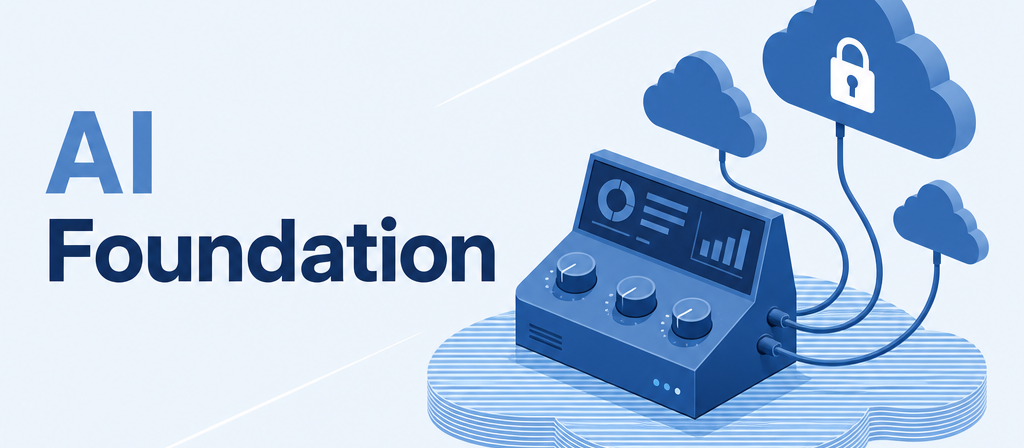
AI Foundation
Every AI feature in ownERP, configured in one place.
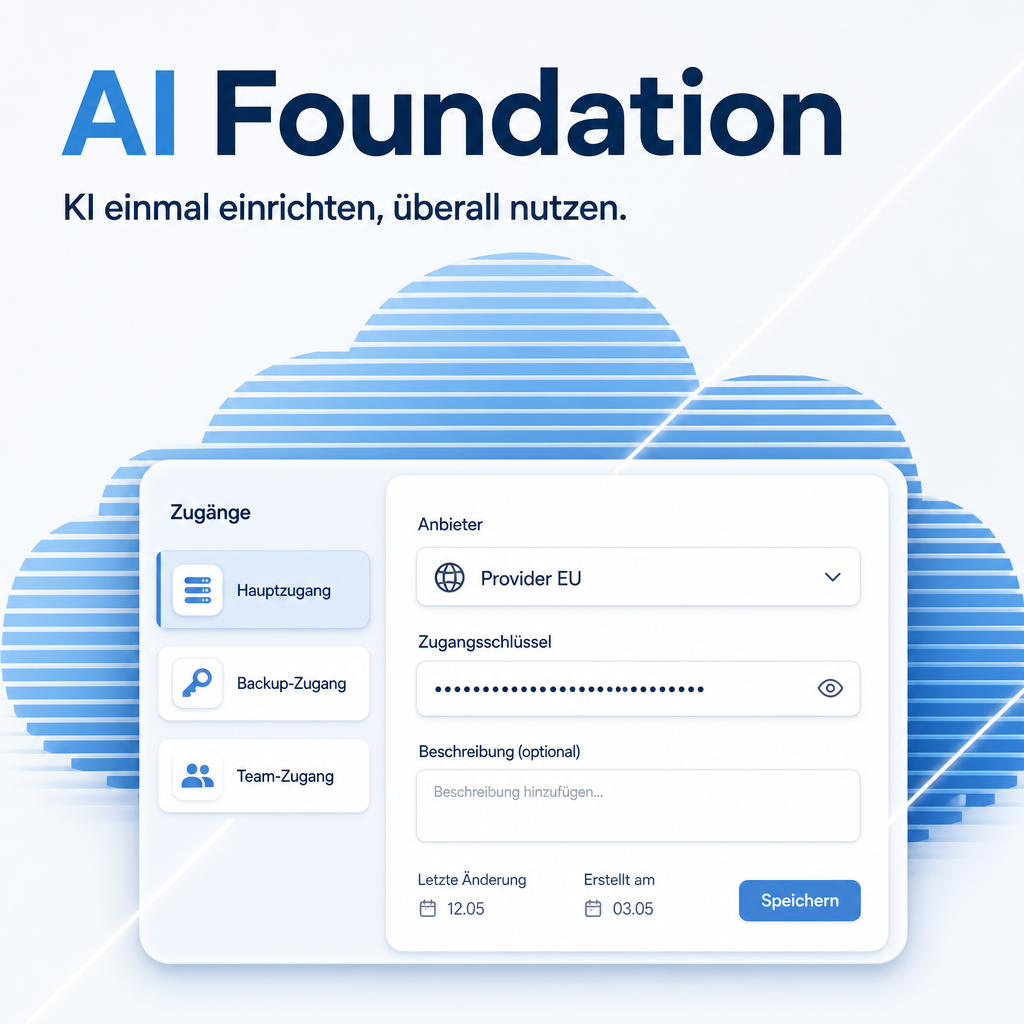
Without a shared foundation, every module that talks to a language model brings its own provider, its own API key and its own prompt field — scattered across whatever settings page that module happened to extend. AI Foundation replaces that with a single settings section: create as many accesses as you need, point each AI task at the one it should use, and phrase the instructions the models receive in your own words. Modules register their tasks themselves, so this module never needs to know what translation or SEO is — it only holds the configuration they share.
The help for this module is findable — for people and for AI
Two help pages in German and English, shipped inside the module. With Help Docs installed you search them in full text — and an AI assistant reads the same content through a machine-readable module card.
"eq_ai_base")
Full-text search and module card come from Help Docs (eq_helper). This module ships the content — no extra configuration.
Features
A settings section of its own
"Artificial Intelligence" sits in the settings sidebar next to Website and Discuss — not buried inside a section some other module happened to extend. Everything AI-related is where you would look for it.
As many accesses as you need
An access describes one route to a language model: provider, key, model, and — where the provider offers it — the region your data is processed in. Create one and everything uses it automatically; create several when different tasks deserve different models. Providers range from sovereign EU hosting through the well-known international services to a model running on your own server.
Test the connection, fetch the catalogue
A test request confirms the model and the response time, or names the actual cause: rejected key, unknown model, unreachable server. Fetching the catalogue asks the provider which models your key may really use and offers them as a list — per access, because two keys from the same provider can be entitled to different models.
Assign a model per task
Every AI task an installed module registers appears in a directly editable list, showing the assigned access and the one actually in use. Bulk message translation can run on an inexpensive model while marketing copy for the public website runs on a strong one. Where nothing is assigned, the default access applies.
The AI speaks your language
Every instruction an AI feature sends is editable in a wide Markdown editor with preview: your terminology, your form of address, the brand names nobody should translate. The shipped wording can be restored at any time, and the fixed technical part is shown beside it for orientation.
Keys stay protected
API keys are stored encrypted and never displayed again. Leaving the key field empty keeps the stored key, so the form can be saved safely for other edits; removing a key is an explicit action. Changing an existing access to a different provider warns you first — a carried-over key would otherwise fail in a way that looks like the new provider is broken.
Frequently Asked Questions
Which Odoo editions are supported?
Community and Enterprise, version 19.0 — self-hosted or on Odoo.sh. Odoo Online, the hosted SaaS edition, does not accept apps from the store, so no third-party module can run there.
Which Python package does this module need?
It requires eq-chatbot-core, the library that handles the actual conversation with the providers. Odoo installs the modules listed under dependencies by itself, but it never installs a Python package — that step is yours.
How do I install that package?
Self-hosted: run pip install eq-chatbot-core in the Python environment your Odoo uses, then restart Odoo. On Odoo.sh: add a line eq-chatbot-core to a requirements.txt in your repository — either at the branch root or in the folder holding your addons — and commit it. A package installed by hand in the Odoo.sh shell is gone with the next build.
Do I need a separate access for every AI module?
No. One access is enough — it automatically becomes the default and serves every task. Additional accesses only pay off when different tasks deserve different models.
Where do my API keys end up?
Encrypted in your own database, never displayed again after saving. In production, set the encryption key through an environment variable so it lives outside the database; otherwise it is stored in the system parameters and readable by anyone with administrator rights.
Where is my data processed?
Wherever the provider of the access in question processes it. Sovereign EU hosting and European data centres are available, as are the well-known international services; with a model running on your own infrastructure, nothing leaves the house at all. The choice is yours, per access.
How do I get support?
Through our support portal at support.equitania.de or by e-mail to support@equitania.de.
More solutions from Equitania · Weitere Lösungen von Equitania



Support · Kontakt
We are happy to support you · Wir unterstützen Sie gerne.


Weiherstraße 13
75173 Pforzheim
Deutschland · Germany
Telefon: +49 7231 16 604 0
Telefax: +49 7231 16 604 200
Homepage: www.ownerp.com · odoo2fast.report
Support: support.equitania.de
E-Mail: support@equitania.de
EN · All information on this page is provided for product description purposes only and is not legally binding. It constitutes neither a guarantee of quality nor an assurance of any particular scope of functions, fitness for a particular purpose or specific results; only the contractual agreements and the scope of delivery of the version actually installed are authoritative. Screenshots show example configurations.