AI Enrichment
Complete company records from their own imprint — using your LLM, not Odoo credits.
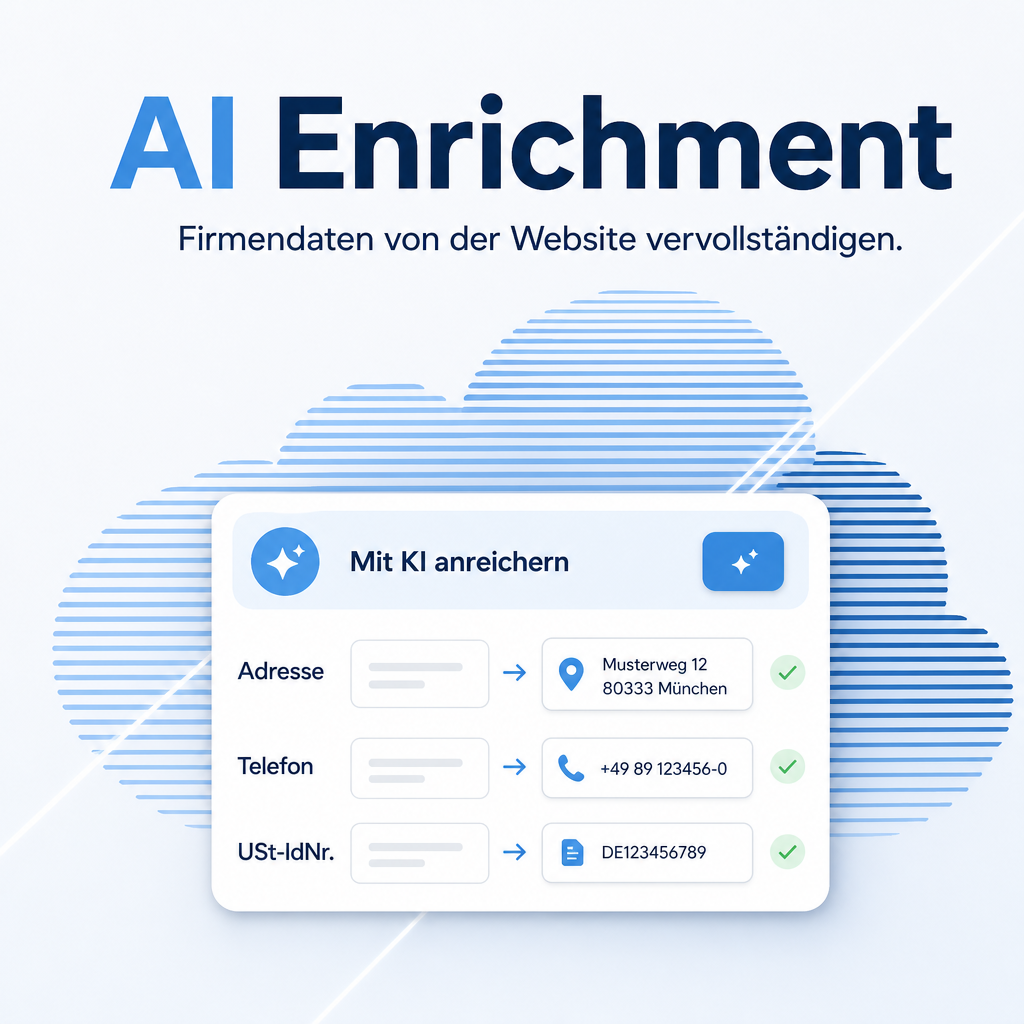
AI Enrichment fills in company master data on your contacts automatically. It fetches the company’s own website including the imprint and takes the postal address, phone number and VAT ID from there. Instead of buying credits from Odoo, it runs on the LLM connection you have already configured.
Every value it proposes carries the page it came from, so a wrong entry can be traced back in one click. The model may only repeat what is actually on the fetched page — if it finds nothing, the field stays empty. That is the difference to asking a chatbot, which produces a plausible-sounding address for any company, including one that does not exist.
The help for this module is findable — for people and for AI
Two help pages in German and English, shipped inside the module. With Help Docs installed you search them in full text — and an AI assistant reads the same content through a machine-readable module card.
"eq_ai_enrichment")
Full-text search and module card come from Help Docs (eq_helper). This module ships the content — no extra configuration.
Features
Enrichment at the push of a button
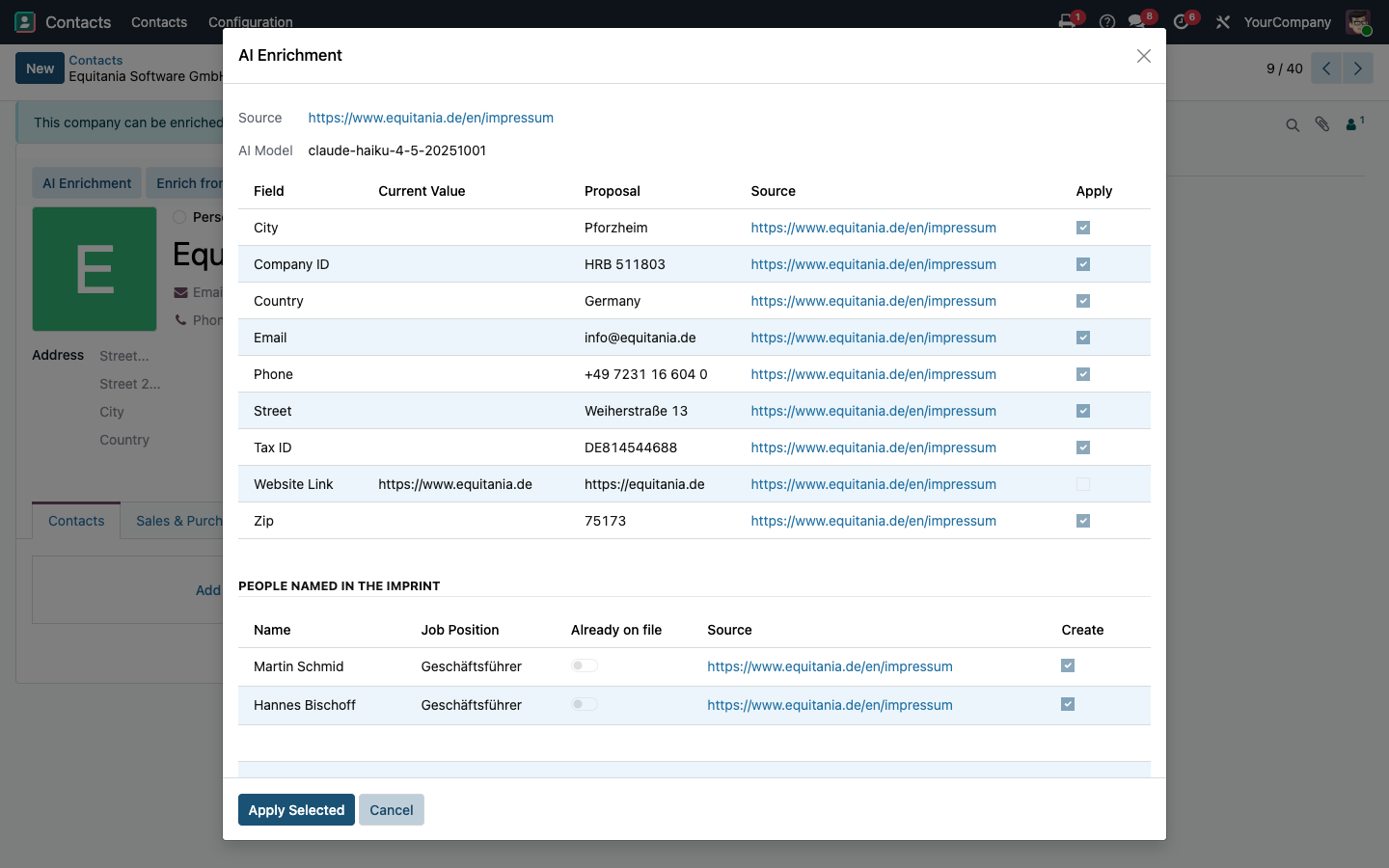
Every company contact carries an AI Enrichment button. A dialog shows the current value, the proposal and the source for each field — only what you tick is written back.
- Existing values stay untouched unless you decide otherwise
- Every proposal names the page it was read from
The imprint as the data source
Besides the start page, up to two imprint or contact pages are read. In Germany, Austria and Switzerland the imprint is legally required and contains exactly the mandatory details you are looking for.
- Only publicly accessible pages are fetched
- Customer data never travels to Odoo SA
Automatic domain detection
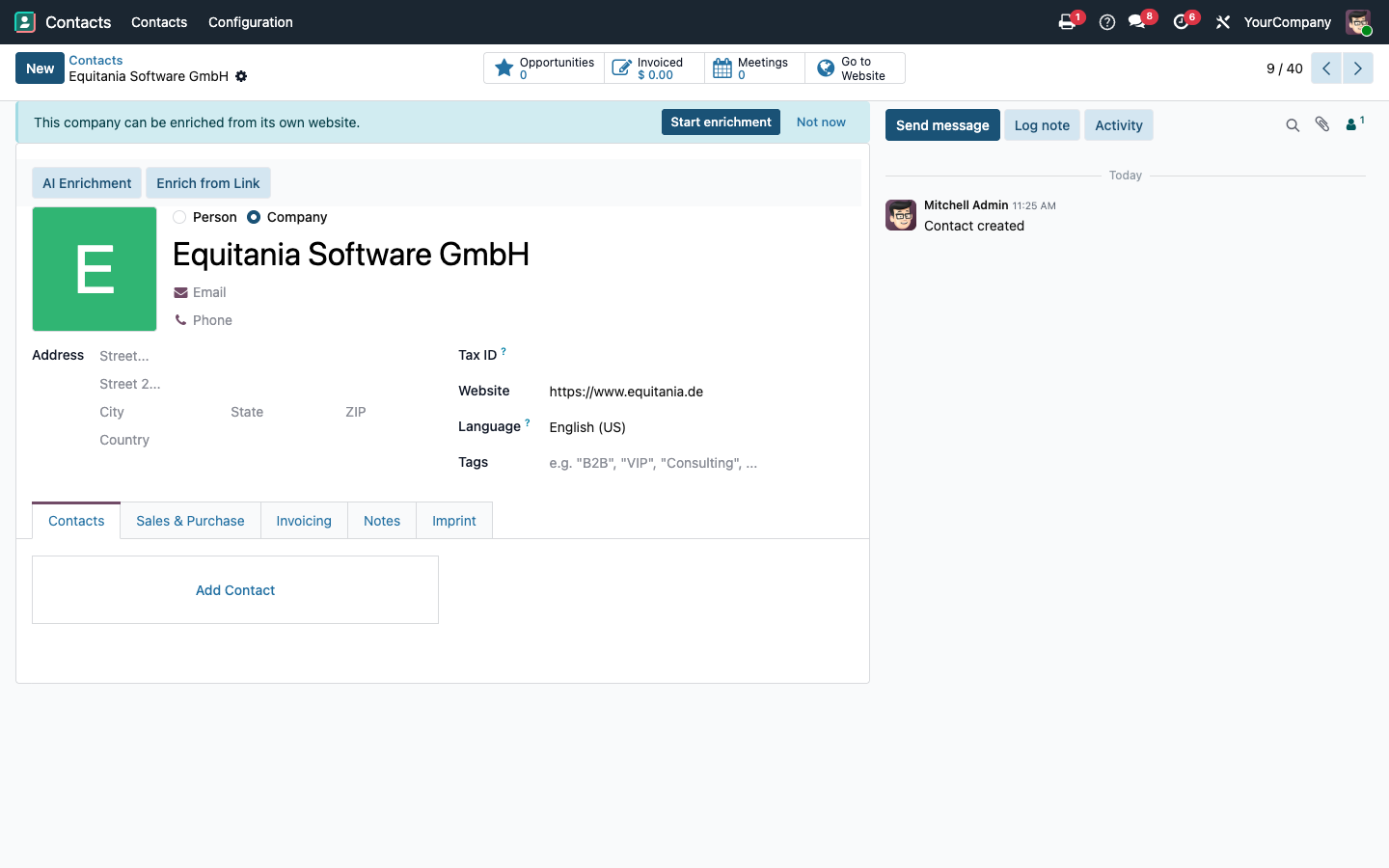
The domain is taken from the website field, otherwise from the e-mail address. Private addresses such as gmail.com or web.de are recognised and skipped, so no lead ends up with the postal address of a mail provider.
A record in the chatter
Every run leaves a note listing the fields, values, sources and the LLM model used. Failures state the reason in plain language. The chatbot can also run an enrichment on request and show the result before anything is written.
Tidy settings
Odoo’s own IAP entries (SMS sending, partner autocomplete, Odoo IAP) can be hidden for as long as this module does the job.
Live progress instead of a blank window
The dialog opens the instant you click and reports every step as it happens — determining the domain, fetching the site, the AI evaluation, preparing the proposals — instead of leaving you staring at nothing for the length of the run.
Named minimum requirements
When no domain can be resolved, the dialog states the three possible routes — website, business email, company name with town and country — and exactly which are met, instead of a flat “nothing found”.
Beyond the address: the imprint’s fine print
Company register entry, tax number, supervisory authority, chamber and professional title are read into a dedicated “Imprint” tab on the contact — details a plain address lookup never touches.
Managing directors as contact proposals
People named as managing directors in the imprint appear as individually confirmable child-contact proposals; a contact of the same name already on file is recognised and flagged instead of created twice.
Enrich from any link
Hand the AI a page directly — an imprint you already have open, for instance — instead of letting it search for the company website. A near-empty result, typical of a login wall such as LinkedIn, is reported explicitly rather than shown as an empty proposal.
A suggestion right where it helps
A company entered without an address, with a viable route to its website, is offered the enrichment directly on the record — dismissible per contact, without blocking a later run.
Frequently Asked Questions
Do I need Odoo IAP credits?
No. The enrichment runs through the LLM connection configured in your own system. No credits are bought or consumed at Odoo.
Which data leaves my system?
The module fetches the publicly accessible website of the company in question and passes that page content to the LLM provider you configured. Your customer records are not sent to Odoo SA.
Can the AI invent an address?
It is restricted to repeating what is on the fetched page. If nothing is found, the field stays empty rather than being filled with a guess. Each proposed value names its source page.
Will existing data be overwritten?
Not unless you decide so. The dialog shows the current value next to the proposal, and only ticked fields are written.
Which Odoo editions are supported?
Odoo Community and Enterprise, version 19.0 — self-hosted or on Odoo.sh. Odoo Online, the hosted SaaS edition, does not accept apps from the store, so no third-party module can run there.
What are the dependencies?
Contacts, Odoo’s
bus, eq_ai_odoo_tools and eq_ai_base (holds the shared AI
accesses and prompts). They install automatically. Lead enrichment for CRM is available through
the companion module eq_ai_enrichment_crm.
Do you provide support?
Yes — via support.equitania.de or support@equitania.de.
Does it keep working after an Odoo update?
Yes, within 19.0.x. A new Odoo major version is delivered as a new module version.
Support · Kontakt
We are happy to support you · Wir unterstützen Sie gerne.

Weiherstraße 13
75173 Pforzheim
Deutschland · Germany
Telefon: +49 7231 16 604 0
Telefax: +49 7231 16 604 200
Homepage: www.equitania.de · www.ownerp.com · odoo2fast.report
Support: support.equitania.de
E-Mail: support@equitania.de
EN · All information on this page is provided for product description purposes only and is not legally binding. It constitutes neither a guarantee of quality nor an assurance of any particular scope of functions, fitness for a particular purpose or specific results; only the contractual agreements and the scope of delivery of the version actually installed are authoritative. Screenshots show example configurations.