ownERP-AI MCP Server
Odoo as a server for Claude Desktop.
ownERP-AI MCP Server turns your Odoo into a remote server for the Model Context Protocol (MCP). Claude Desktop and Claude Code from Anthropic then search and read Odoo data and, where an administrator has allowed it, change it. The endpoint runs inside Odoo itself, so no separate container is needed.
- Every call runs with the signed-in user’s own access rights. Nothing runs as superuser.
- Sign-in uses the normal Odoo login, including two-factor authentication, plus a consent page where the user decides what Claude may do. Write access is a separate box, unticked by default.
- Read-only by default. An administrator enables each write tool individually, and bank data can never be changed.
- Users revoke their connections in their preferences. MCP keys for Claude Code and scripts always expire.
- IP allowlists (Anthropic’s address ranges for the endpoint, office addresses for the consent page), rate limits, and a call log with the old and new value of every change.
- A setup assistant opens right after installation: environment check, IP allowlists, user roles and the Claude client with its secret in four pages. Nothing is saved until you finish.
Protocol specification: modelcontextprotocol.io
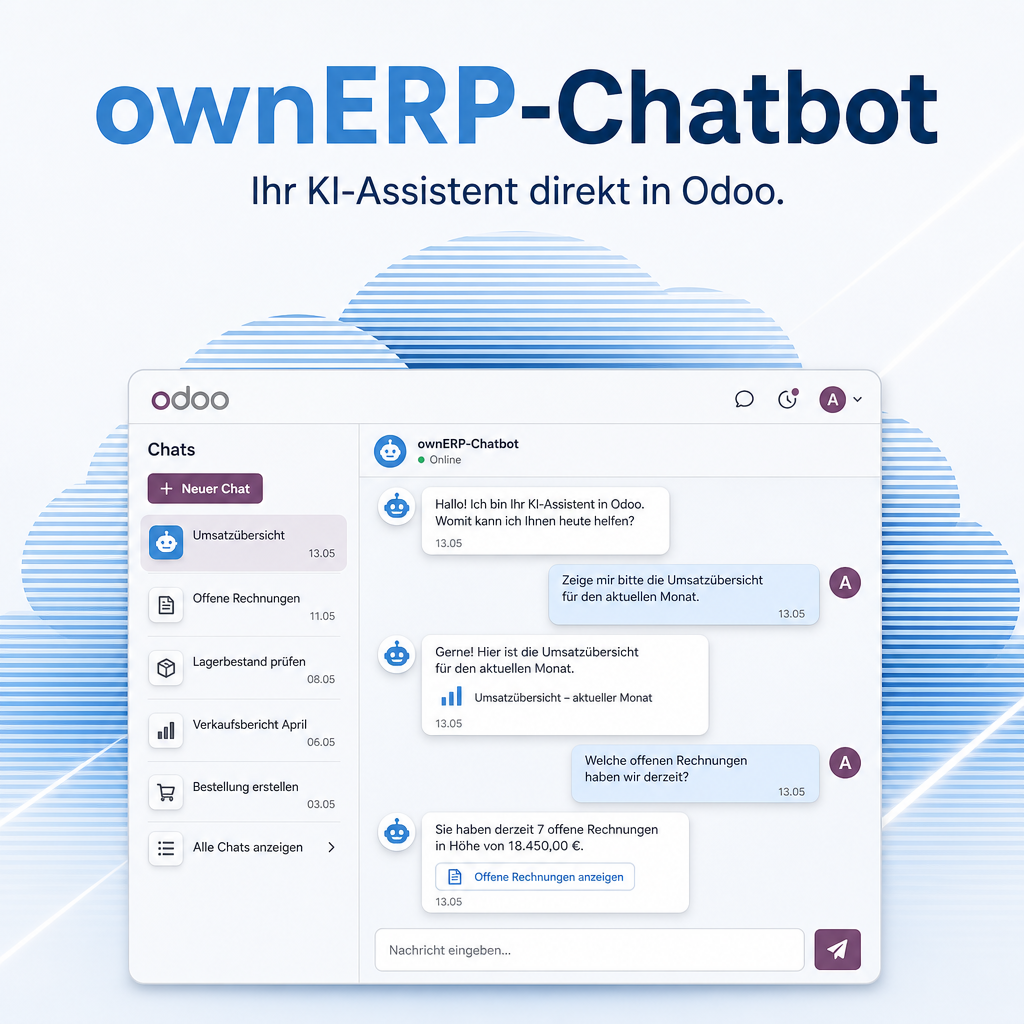
Part of the Chatbot bundle
This module belongs to the Chatbot collection. The full description, features and FAQ live on the main module page.
Go to ownERP-ChatbotThe help for this module is findable — for people and for AI
Six help pages in German and English, shipped inside the module. With Help Docs installed you search them in full text — and an AI assistant reads the same content through a machine-readable module card.
|
A person searches
Claude Desktop
Connecting Claude Desktop
Claude Desktop signs in through OAuth. Odoo itself is the sign-in server: as administrator you register Claude as a client once, then users sign in with their normal Odoo login (including two-factor authentication) and confirm what Claude may do. …
|
An assistant asks
eq.helper.doc.get_capability_card(
"eq_ai_mcp_server") Returns the models, fields, methods and permission rules of ownERP-AI MCP Server in a form an assistant can act on — instead of guessing them from screenshots.
“How do I connect Claude Desktop?” — answered from the module card, not from training data.
|
Full-text search and module card come from Help Docs (eq_helper). This module ships the content — no extra configuration.
Support · Kontakt
We are happy to support you · Wir unterstützen Sie gerne.


Weiherstraße 13
75173 Pforzheim
Deutschland · Germany
Telefon: +49 7231 16 604 0
Homepage: www.equitania.de · www.ownerp.com
Support: support.equitania.de
E-Mail: support@equitania.de
EN · All information on this page is provided for product description purposes only and is not legally binding. It constitutes neither a guarantee of quality nor an assurance of any particular scope of functions, fitness for a particular purpose or specific results; only the contractual agreements and the scope of delivery of the version actually installed are authoritative. Screenshots show example configurations. Product and company names mentioned are trademarks or registered trademarks of their respective owners; naming them implies neither affiliation with nor endorsement by those owners. This description was written with AI assistance and was reviewed and approved before publication; the German version prevails.