Odoo2Fast.Report Purchase Printing
Professional purchase documents — at the click of a button.
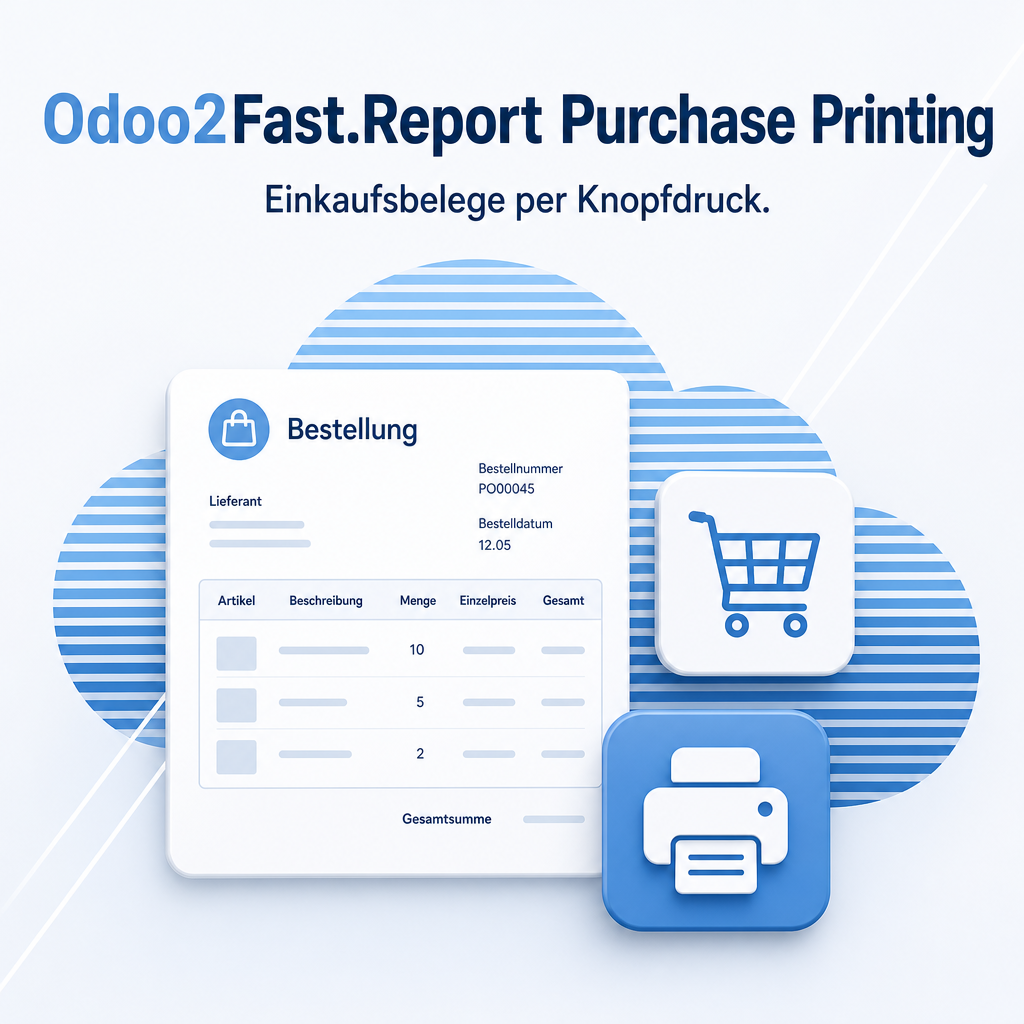
Odoo2Fast.Report Purchase Printing extends the Odoo purchasing workflow with professional document output for purchase orders and requests for quotation. Procurement staff print high-quality, consistently formatted documents directly from the purchase order form — without any extra steps or additional tools. Existing workflows remain fully intact; no retraining is required.
Part of the Odoo2Fast.Report Bundle
This module is part of the Odoo2Fast.Report collection; the full description is available on the main module page.
To the Odoo2Fast.Report Core SystemThe help for this module is findable — for people and for AI
One help page in German and English, shipped inside the module. With Help Docs installed you search them in full text — and an AI assistant reads the same content through a machine-readable module card.
"eq_fr_core_print_purchase")
Full-text search and module card come from Help Docs (eq_helper). This module ships the content — no extra configuration.
Support · Kontakt
We are happy to support you · Wir unterstützen Sie gerne.


Weiherstraße 13
75173 Pforzheim
Deutschland · Germany
Telefon: +49 7231 16 604 0
Homepage: www.equitania.de · www.ownerp.com · odoo2fast.report
E-Mail: support@equitania.de
EN · All information on this page is provided for product description purposes only and is not legally binding. It constitutes neither a guarantee of quality nor an assurance of any particular scope of functions, fitness for a particular purpose or specific results; only the contractual agreements and the scope of delivery of the version actually installed are authoritative. Screenshots show example configurations.