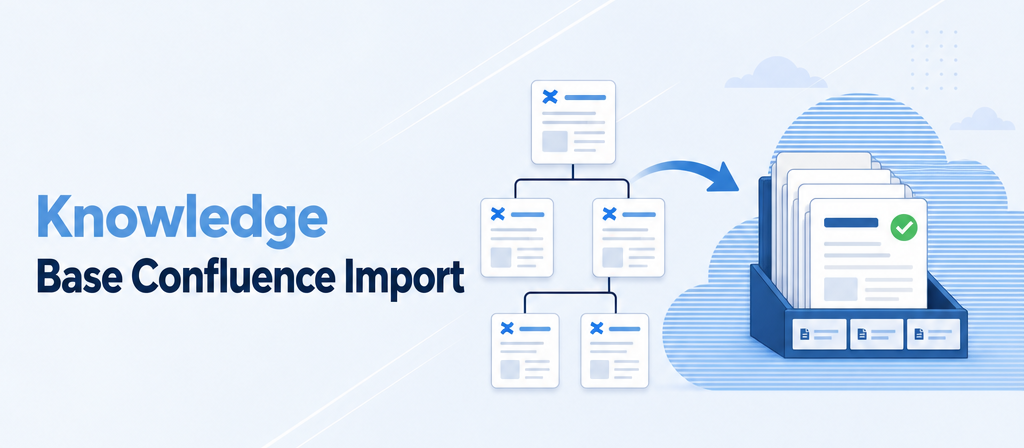
Knowledge Base Confluence Import
Years of Confluence pages, brought into the knowledge base — filtered, structured, reviewed by you.
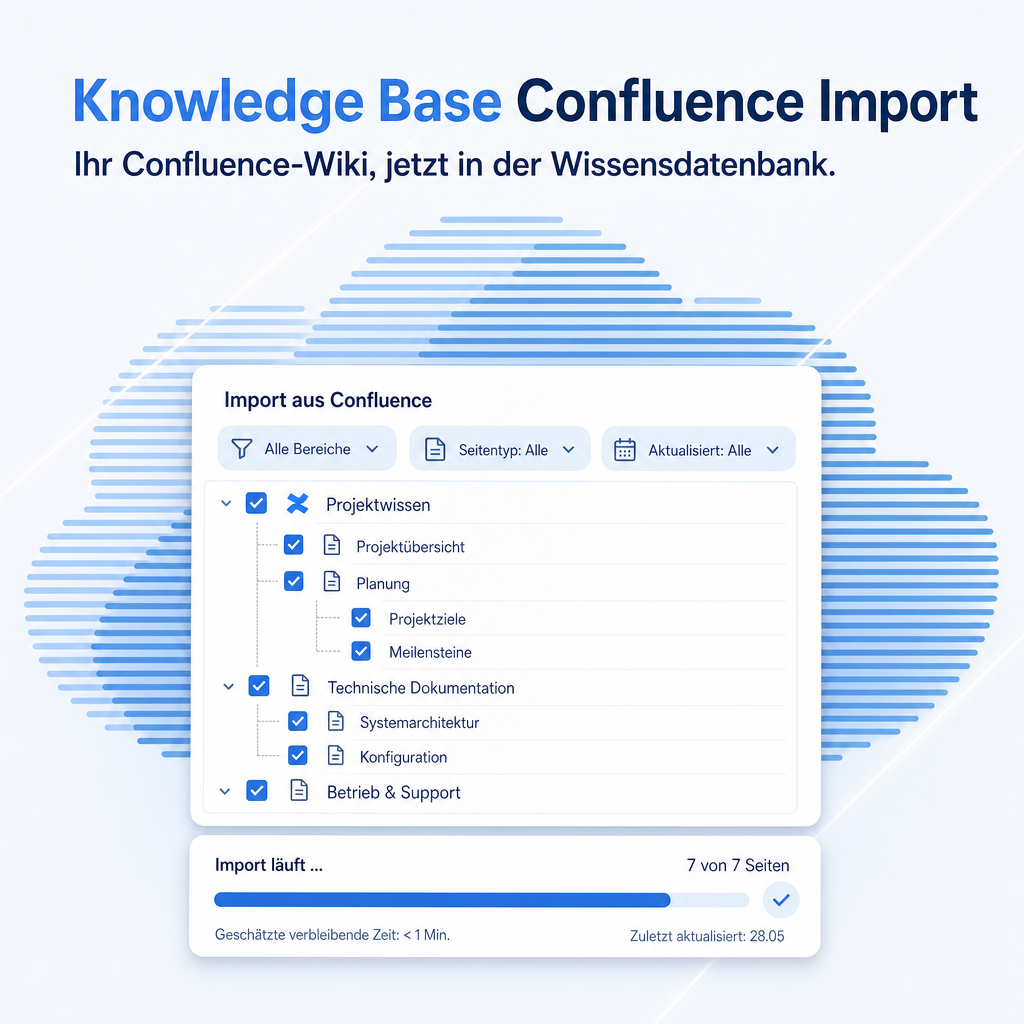
Most companies that ran Confluence for years carry hundreds of pages nobody wants to copy by hand, and nobody wants to lose either. This module connects to your Confluence Cloud site, lets you pick a space, a subtree or a single page, narrows the selection with labels and title filters, and runs every page through the AI document import of Knowledge Base AI. The page tree becomes the area tree, images and attachments come along, links between pages become wiki-links — and every article arrives as a draft, because publishing stays a human decision.
The help for this module is findable — for people and for AI
One help page in German and English, shipped inside the module. With Help Docs installed you search it in full text — and an AI assistant reads the same content through a machine-readable module card.
"eq_knowledge_confluence")
Full-text search and module card come from Help Docs (eq_helper). This module ships the content — no extra configuration.
Features
A whole space in one run, not one page at a time
Pick the space, load the page list, start. A space with 300 pages is one import run, processed in the background a few pages every five minutes while you work on something else. A single page, or one page with everything below it, is the same form with a start page filled in.
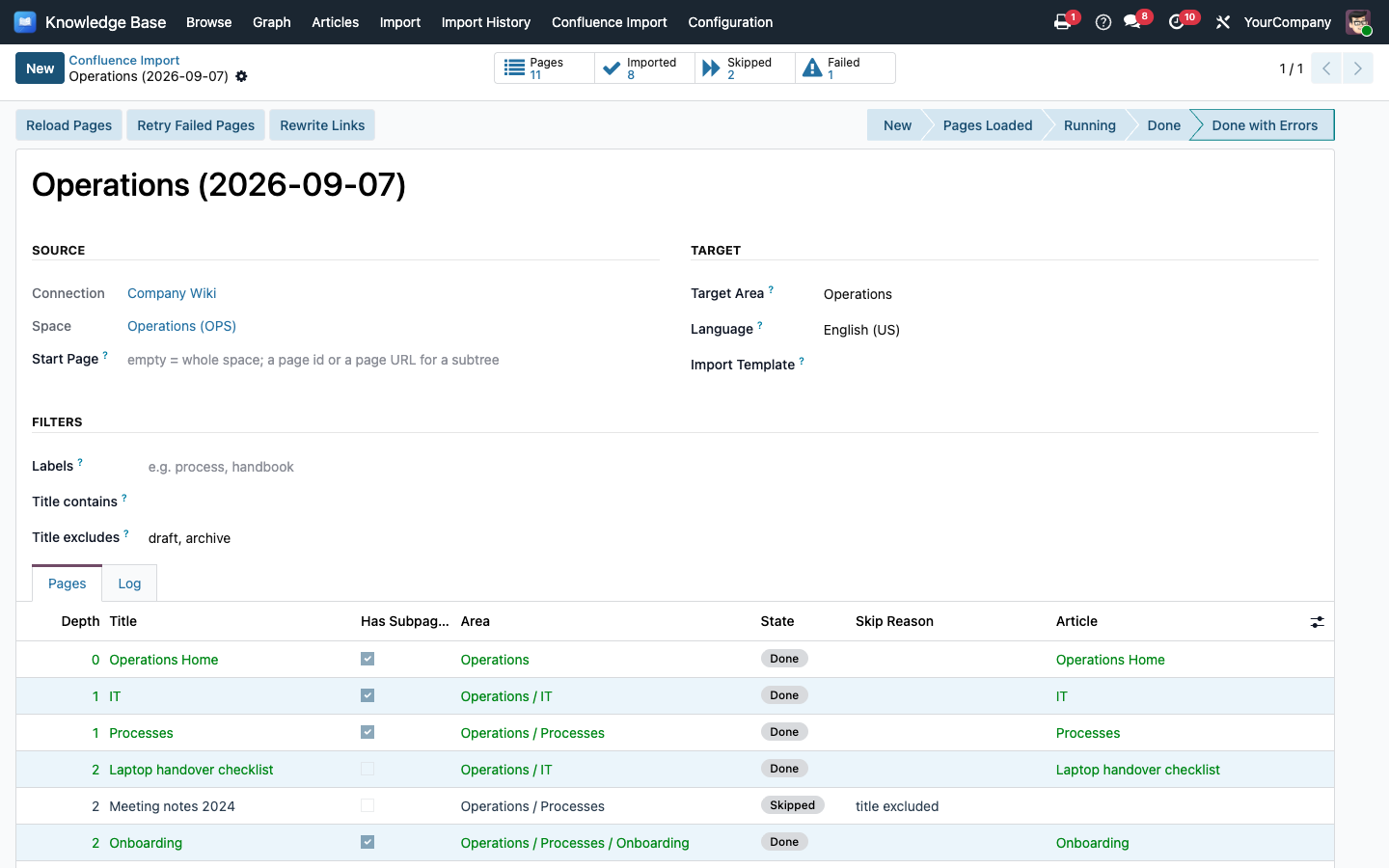
An import run with the loaded page list: depth, subpages, state and the article each page became
Filters decide before the AI gets to work
Labels every page must carry, title fragments to include, title fragments to leave out — “meeting notes”, “archive”, “2019”. The page list shows what will be imported before a single page is converted, so the AI budget is spent on the pages worth keeping.
The page tree becomes the area tree
The space becomes an area, every page with subpages becomes a sub-area named after it and keeps its own overview article inside, leaf pages become articles in their parent's area. Readers find things where they used to be in Confluence.
Images and attachments come along
Embedded images become article images. PDFs, Office files and diagrams hang on the article as attachments and are linked from the text; files nobody linked are listed at the end so nothing is lost. Links between Confluence pages turn into wiki-links once every page of the run exists.
Drafts with the same AI pipeline as uploaded documents
Every page goes through the document import of Knowledge Base AI: the text is extracted, one AI pass turns it into a clean article, area instructions and import templates apply. Each page keeps its conversion record, so the refinement dialogue and the revision history are there per page. Nothing is published by the import.
Run it again, and only the changes move
Articles remember the Confluence page id and version number. A second run marks unchanged pages as skipped before it starts, updates changed pages in place — same article, same slug, a new version snapshot — and creates what is new in Confluence. Migrate in stages, keep both systems in step during the transition.
Frequently Asked Questions
Which Confluence editions are supported?
Confluence Cloud (yourcompany.atlassian.net) through its REST API v2 with an Atlassian API token. Confluence Server and Data Center are not supported.
Which Python package does the module need?
The requests library, which every Odoo installation already carries because Odoo itself depends on it. Odoo resolves module dependencies by itself but never installs a Python package, so the manifest names it — on a standard installation there is nothing to do.
How is that package installed?
On a self-hosted instance it is already present in the Python environment Odoo runs in; if it were missing, install it with pip there and restart the service. On Odoo.sh it is part of Odoo's own requirements.txt, so no entry of your own is needed.
Does the import need the AI?
Yes. Every page is converted through the document import of Knowledge Base AI, so that module, an AI profile assigned to its import purpose and the document extras of eq_chatbot_core must be in place. The run refuses to start otherwise and says what is missing.
Can the import publish or overwrite my articles?
It never publishes: every page arrives as a draft with the review flag set. It updates only articles it imported itself — those carrying a Confluence page id — and only when the page changed in Confluence. Every update is a new entry in the article's version history.
What happens on a second run?
Pages unchanged in Confluence are skipped before the run starts. Changed pages are updated in place: same article, same slug, back to draft for review. Pages new in Confluence are created. Pages deleted in Confluence are left alone — archiving is a human decision.
What about images, attachments and links?
Images become article images, other files hang on the article as attachments and are linked from the text; files above 20 MB are reported instead. Links between Confluence pages become wiki-links once the target page is imported; links to pages you left out stay as Confluence links.
Which Odoo editions does it run on?
Odoo 19 Community, Enterprise and Odoo.sh. Odoo Online (SaaS) accepts no third-party apps from the store.
How is the module supported?
Through the Equitania support portal and by e-mail. Both are linked in the footer of this page.
Support · Kontakt
We are happy to support you · Wir unterstützen Sie gerne.


Weiherstraße 13
75173 Pforzheim
Deutschland · Germany
Telefon: +49 7231 16 604 0
Telefax: +49 7231 16 604 200
Homepage: www.ownerp.com · odoo2fast.report
Support: support.equitania.de
E-Mail: support@equitania.de
EN · All information on this page is provided for product description purposes only and is not legally binding. It constitutes neither a guarantee of quality nor an assurance of any particular scope of functions, fitness for a particular purpose or specific results; only the contractual agreements and the scope of delivery of the version actually installed are authoritative. Screenshots show example configurations. Product and company names mentioned are trademarks or registered trademarks of their respective owners; naming them implies neither affiliation with nor endorsement by those owners. This description was written with AI assistance and was reviewed and approved before publication; the German version prevails.