Microsoft 365 App Registration
Register Odoo in your Microsoft 365 tenant with one click.
Microsoft 365 App Registration replaces the manual steps in the Microsoft admin portal with a single button in the Odoo settings: Odoo registers itself as an application in your company’s Microsoft 365 tenant, and the generated credentials are written straight into the central Microsoft 365 connection — no copying, no typos.
After the registration Odoo shows an admin consent link. Only once your Microsoft 365 administrator has consciously confirmed the requested permissions is the connection active — your company keeps full control. Then activate the integration in the settings and verify it with the connection test.
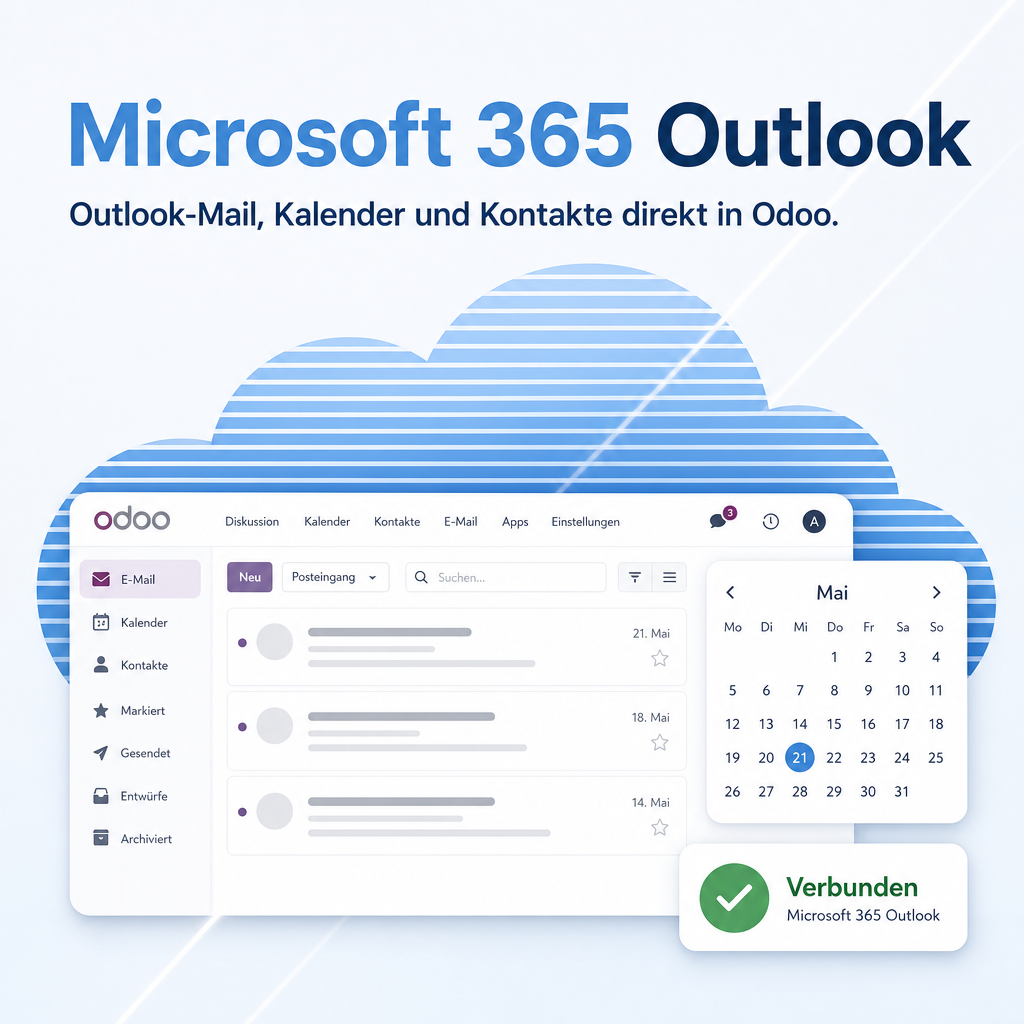
Part of the Outlook365 bundle
This module belongs to the Outlook365 bundle of the Microsoft 365 package. The full description, features and FAQ live on the main module page.
Go to Microsoft 365 OutlookSupport · Kontakt
We are happy to support you · Wir unterstützen Sie gerne.


Weiherstraße 13
75173 Pforzheim
Deutschland · Germany
Telefon: +49 7231 16 604 0
Homepage: www.equitania.de · www.ownerp.com
Support: support.equitania.de
E-Mail: support@equitania.de
EN · All information on this page is provided for product description purposes only and is not legally binding. It constitutes neither a guarantee of quality nor an assurance of any particular scope of functions, fitness for a particular purpose or specific results; only the contractual agreements and the scope of delivery of the version actually installed are authoritative. Screenshots show example configurations. Product and company names mentioned are trademarks or registered trademarks of their respective owners; naming them implies neither affiliation with nor endorsement by those owners. This description was written with AI assistance and was reviewed and approved before publication; the German version prevails.