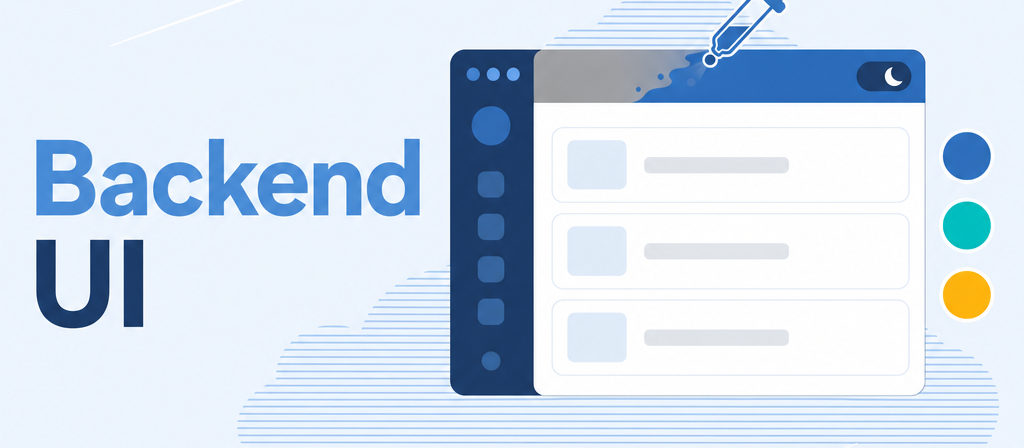
Your ERP in your company's colours — and a dark mode each employee chooses for themselves.
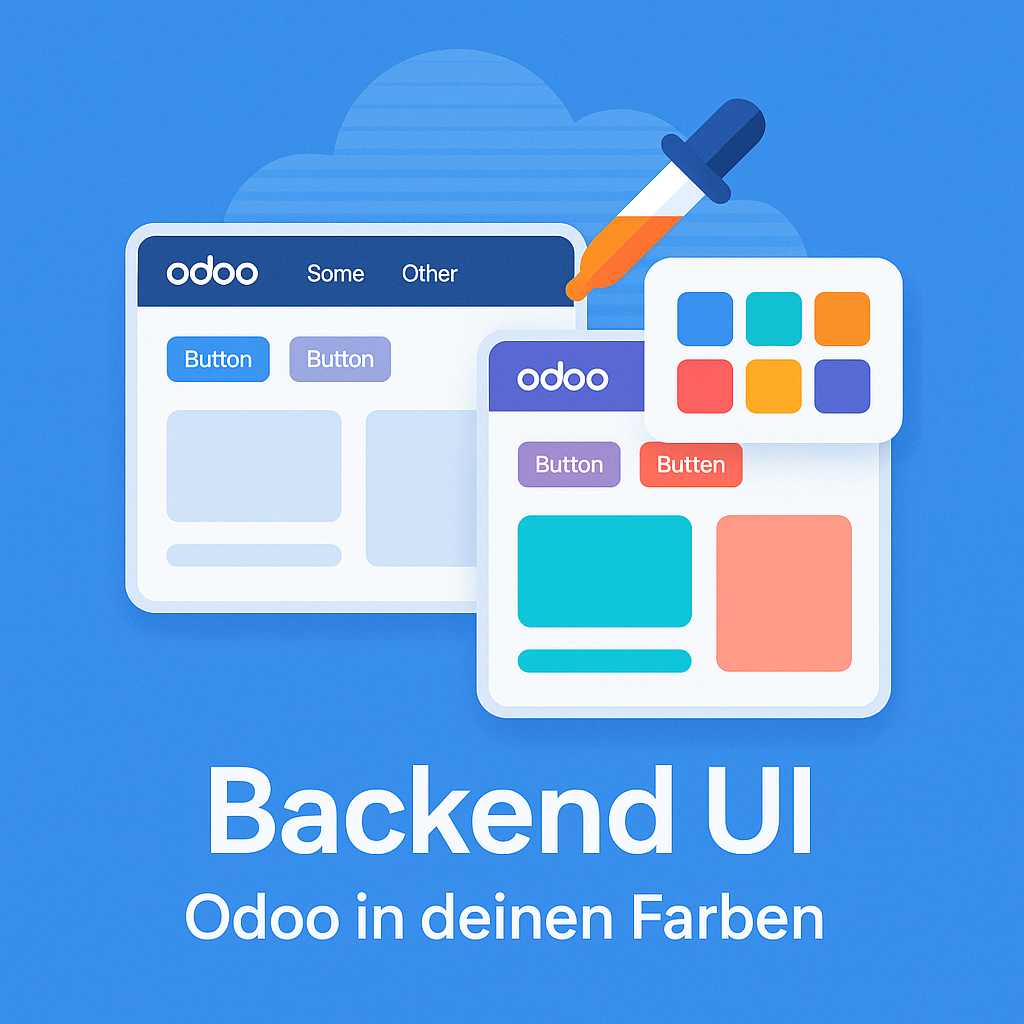
Odoo's backend looks the same everywhere, which is fine until you want your own brand in the tool your staff use all day. Backend UI lets an administrator set the colours of the navigation bar, buttons, links and list views — no developer, effective on save. Fourteen ready-made themes are included, all meeting the WCAG AA contrast requirement in both light and dark presentation, and every employee can switch to dark mode for themselves.
The help for this module is findable — for people and for AI
One help page in German and English, shipped inside the module. With Help Docs installed you search them in full text — and an AI assistant reads the same content through a machine-readable module card.
"eq_ownerp_ui")
Full-text search and module card come from Help Docs (eq_helper). This module ships the content — no extra configuration.
Features
Colours for every part of the interface
Background, text and hover colour of the navigation bar; primary and secondary buttons; links, smart counters and highlights; row and hover backgrounds in list views — each set independently, so tables fit the scheme too.
Dark mode, decided per employee
Each user switches between light and dark from their own menu. The choice is stored on the user account, so it follows them to another browser or machine and does not touch anyone else. Every colour set brings a second, complete set for dark presentation; templates without one are given readable values automatically, so dark mode is never unusable.
Fourteen themes with checked readability
Four classic base themes, six for particular industries and four terminal themes. All of them reach the 4.5:1 contrast ratio required by WCAG AA in both presentations — checked for navigation bar, buttons, body text, secondary text and links, so accessibility requirements are met without your own testing.
Reusable colour templates
A colour combination is saved as a named template and activated with a click, company-wide. In a multi-company setup each subsidiary gets its own, so staff can see at a glance which entity they are working in.
Colours in automated emails, and a background for the app menu
Button colours in automatically sent emails can be taken over from the scheme at the press of a button, so outgoing correspondence carries the house colours too. Optionally a company image can be set as the background of the app menu.
Effective immediately, resettable at any time
Colour changes show up across the interface right after saving — no restart, no manual reload. One click returns everything to the standard values, which is what makes experimenting safe.
Frequently Asked Questions
Does it work with Odoo Community as well as Enterprise?
Yes, with both editions and without extra adjustments.
Can an employee's dark mode be overruled centrally?
The choice belongs to the user and is stored on their account. The company sets the colours; the individual decides between light and dark.
Which Odoo editions are supported?
The module runs on Odoo Community and Odoo Enterprise, version 19.0 — self-hosted or on Odoo.sh. Odoo Online, the hosted SaaS edition, does not accept apps from the store, so no third-party module can run there.
Which other modules does it require?
It requires base_setup, mail, web. Odoo resolves and installs these dependencies itself when you install the module.
Under which license is the module published?
The module is published under the LGPL-3 open-source license.
Will it keep working after an Odoo update?
Yes, within 19.0.x. A move to the next major Odoo version is delivered as a new module version.
Where do I get support?
Write to support@equitania.de or use our support portal at support.equitania.de.
Can I see the module in action first?
We do not run a public demo instance. Write to support@equitania.deand we will walk you through it.
More solutions from Equitania · Weitere Lösungen von Equitania

Support · Kontakt
We are happy to support you · Wir unterstützen Sie gerne.

Weiherstraße 13
75173 Pforzheim
Deutschland · Germany
Telefon: +49 7231 16 604 0
Telefax: +49 7231 16 604 200
Homepage: www.ownerp.com · odoo2fast.report
Support: support.equitania.de
E-Mail: support@equitania.de
EN · All information on this page is provided for product description purposes only and is not legally binding. It constitutes neither a guarantee of quality nor an assurance of any particular scope of functions, fitness for a particular purpose or specific results; only the contractual agreements and the scope of delivery of the version actually installed are authoritative. Screenshots show example configurations.