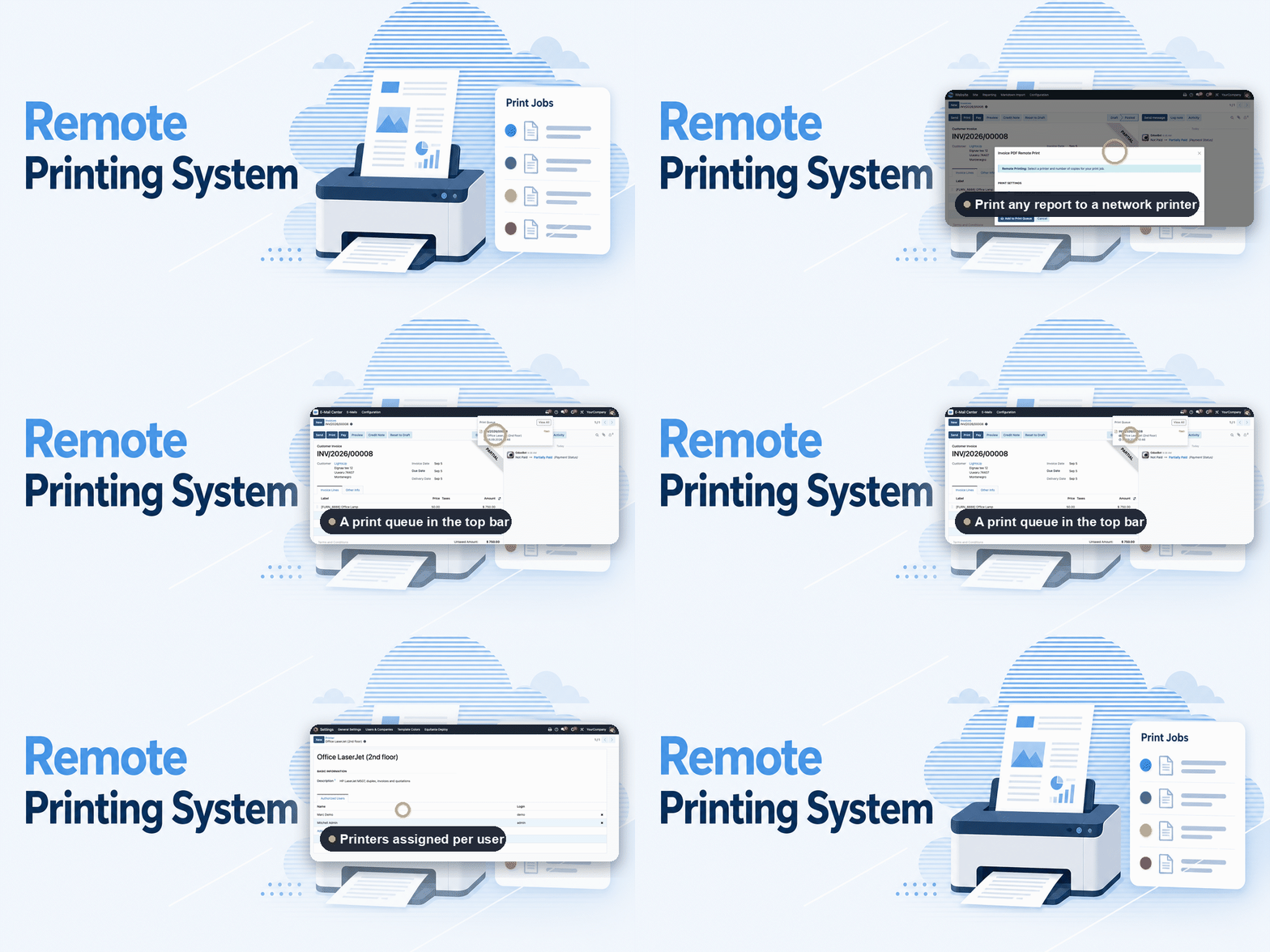
Remote Printing System
One click from the record to the right printer — no download in between.
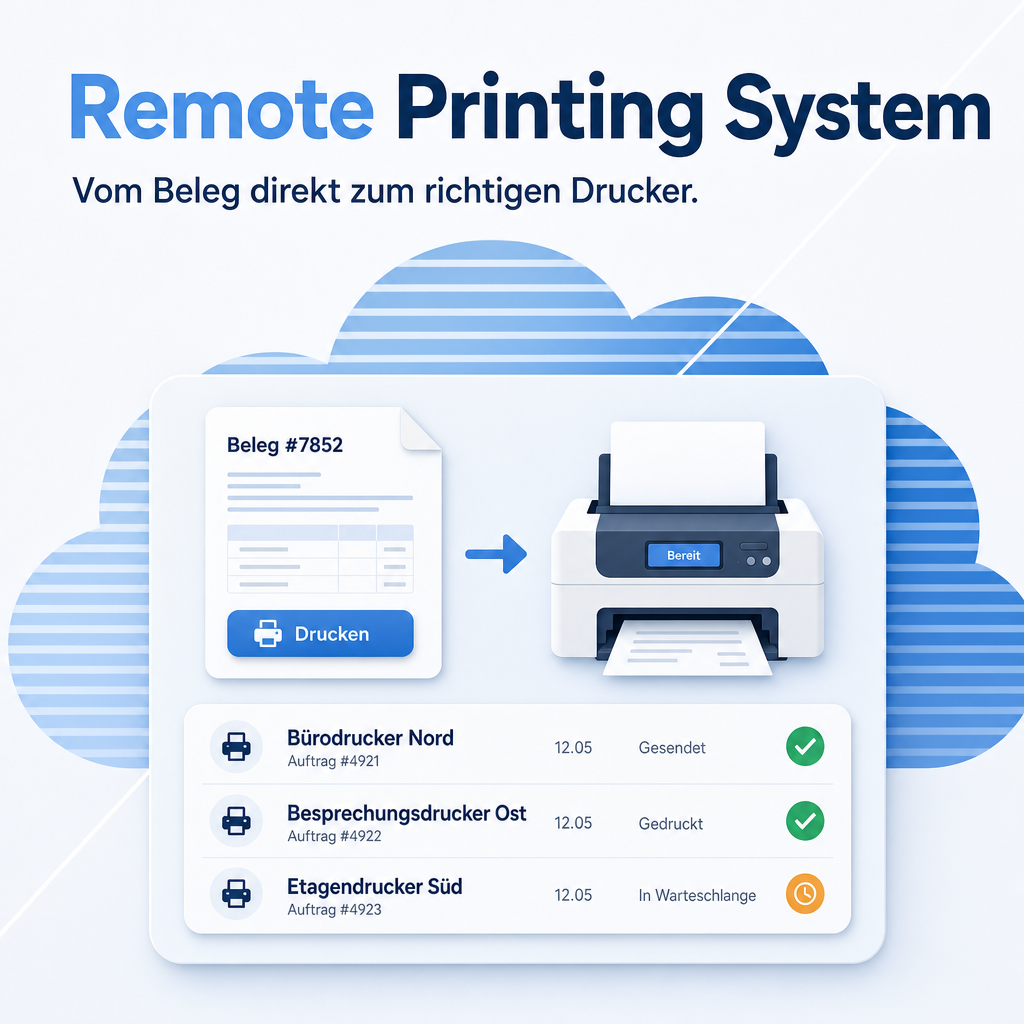
Printing from Odoo normally means three steps: generate the document, open the file, print it. This module removes the two in the middle. The record goes straight to the printer assigned to that user, that workstation or that document type — inside your own network, with no external print service and no internet connection involved. Every job is tracked, so a failed print is visible instead of silently lost.
The help for this module is findable — for people and for AI
One help page in German and English, shipped inside the module. With Help Docs installed you search them in full text — and an AI assistant reads the same content through a machine-readable module card.
"eq_remote_print")
Full-text search and module card come from Help Docs (eq_helper). This module ships the content — no extra configuration.
Features
Straight from the record to the printer
Printing is triggered from the open document and comes out on the assigned device. The detour through a downloaded file, a viewer and a second print dialogue disappears — which is where most of the time and most of the mis-prints came from.
The right printer, decided once
Printers are assigned per user, per workstation and per document type. The delivery note goes to the warehouse, the invoice to accounting, the label to the label printer — without anyone choosing from a list each time.
A failed print is visible, not lost
Every job carries a status: pending, done or failed. A failure is retried and stays visible until it is resolved. The usual question — did that document actually come out? — has an answer in the system.
Many documents in one go
A selection of records is printed together instead of one at a time — the difference between a minute and an afternoon when a batch of invoices goes out.
The documents never leave your network
Printing happens between your Odoo and your printers. No cloud print service sees the documents, and no internet connection is required for printing to work — which also means printing keeps working when the line does not.
A small helper on every workstation
The connection to the printers is made by a small program that runs quietly in the background on Windows, macOS and Linux. It finds the printers already installed on that machine, so there is no separate printer setup to maintain.
Frequently Asked Questions
Does this need a cloud service or an internet connection?
Neither. Odoo talks to the workstation program, which talks to the printer — all inside your own network. No document is sent to a third party.
Which operating systems does the workstation program support?
Windows, macOS and Linux. It runs as a background service and uses the printers already set up on that machine.
Do we have to replace our existing printers?
No. Whatever is already installed and printing on a workstation can be used — including label printers and network devices.
What happens if a printer is switched off?
The job is marked as failed and retried rather than discarded. It stays visible in the queue, so nobody has to guess whether a document was printed.
Which Odoo editions are supported?
The module runs on Odoo Community and Odoo Enterprise, version 19.0 — self-hosted or on Odoo.sh. Odoo Online, the hosted SaaS edition, does not accept apps from the store, so no third-party module can run there.
How is the module supported?
Through the Equitania support portal and by e-mail. Both are linked in the footer of this page.
Support · Kontakt
We are happy to support you · Wir unterstützen Sie gerne.


Weiherstraße 13
75173 Pforzheim
Deutschland · Germany
Telefon: +49 7231 16 604 0
Telefax: +49 7231 16 604 200
Homepage: www.ownerp.com · odoo2fast.report
Support: support.equitania.de
E-Mail: support@equitania.de
EN · All information on this page is provided for product description purposes only and is not legally binding. It constitutes neither a guarantee of quality nor an assurance of any particular scope of functions, fitness for a particular purpose or specific results; only the contractual agreements and the scope of delivery of the version actually installed are authoritative. Screenshots show example configurations.