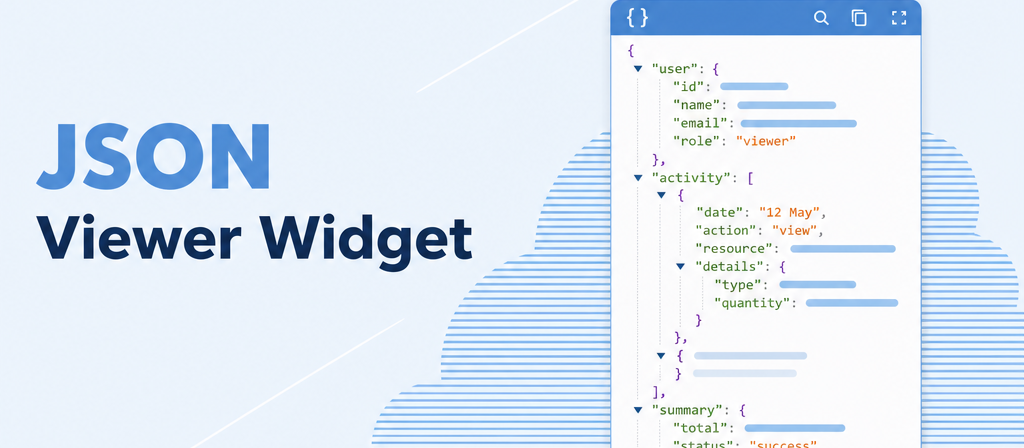
JSON Viewer Widget
Technical data, readable at a glance instead of one endless line.
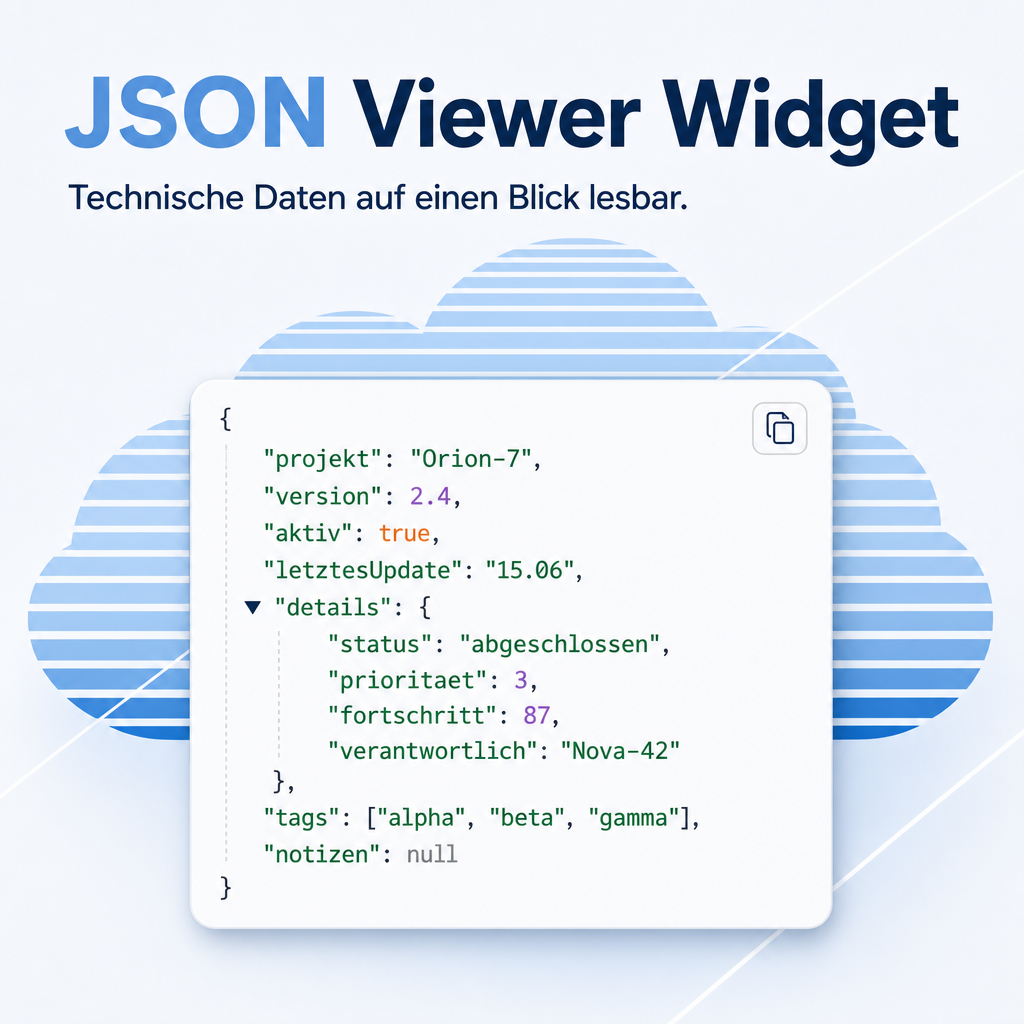
Structured data stored in a field arrives as a single long line: no indentation, no colour, no way to tell where one entry ends and the next begins. This widget renders it the way it is meant to be read — indented, colour-coded and collapsible — so an interface response or a stored configuration can be checked inside the record instead of being copied into a separate tool first.
The help for this module is findable — for people and for AI
One help page in German and English, shipped inside the module. With Help Docs installed you search them in full text — and an AI assistant reads the same content through a machine-readable module card.
"eq_web_json_widget")
Full-text search and module card come from Help Docs (eq_helper). This module ships the content — no extra configuration.
Features
Structure you can actually see
Nested entries are indented, and names, texts and numbers are colour-coded differently. What belongs together is visible without counting brackets.
Large content stays manageable
Long content can be collapsed so the form stays readable, and expanded again when the detail is needed. The display area keeps its set height and scrolls inside itself instead of stretching the form.
Hand it on complete, with one click
A button copies the whole content, including the part currently scrolled out of sight — useful for a support request, where a truncated excerpt is exactly what nobody can work with.
Read-only on purpose
The field is for inspecting, not editing. Technical data cannot be altered by an accidental keystroke in the form — a safeguard that matters most exactly where the data is hardest to read.
Readable in light and dark
The colouring follows the chosen appearance, so the content stays legible whether the interface is light or dark.
Frequently Asked Questions
Which fields can use the viewer?
Text fields, single-line fields and the native JSON field type. The viewer is assigned to the field in the view definition, so no form has to be rebuilt.
Can data be changed through this field?
No. The widget displays only. Editing continues to happen wherever it happened before — the viewer adds a readable view, not a second way in.
What happens with invalid content?
The content is shown as it is stored. Nothing is silently corrected or hidden, so a malformed entry stays visible — which is usually the point of looking.
Which Odoo editions are supported?
The module runs on Odoo Community and Odoo Enterprise, version 19.0 — self-hosted or on Odoo.sh. Odoo Online, the hosted SaaS edition, does not accept apps from the store, so no third-party module can run there.
Which other modules does it require?
Only the Odoo base and web modules. The syntax highlighting uses a library that ships with Odoo itself, so nothing is loaded from outside.
How is the module supported?
Through the Equitania support portal and by e-mail. Both are linked in the footer of this page.
Support · Kontakt
We are happy to support you · Wir unterstützen Sie gerne.


Weiherstraße 13
75173 Pforzheim
Deutschland · Germany
Telefon: +49 7231 16 604 0
Telefax: +49 7231 16 604 200
Homepage: www.ownerp.com · odoo2fast.report
Support: support.equitania.de
E-Mail: support@equitania.de
EN · All information on this page is provided for product description purposes only and is not legally binding. It constitutes neither a guarantee of quality nor an assurance of any particular scope of functions, fitness for a particular purpose or specific results; only the contractual agreements and the scope of delivery of the version actually installed are authoritative. Screenshots show example configurations.