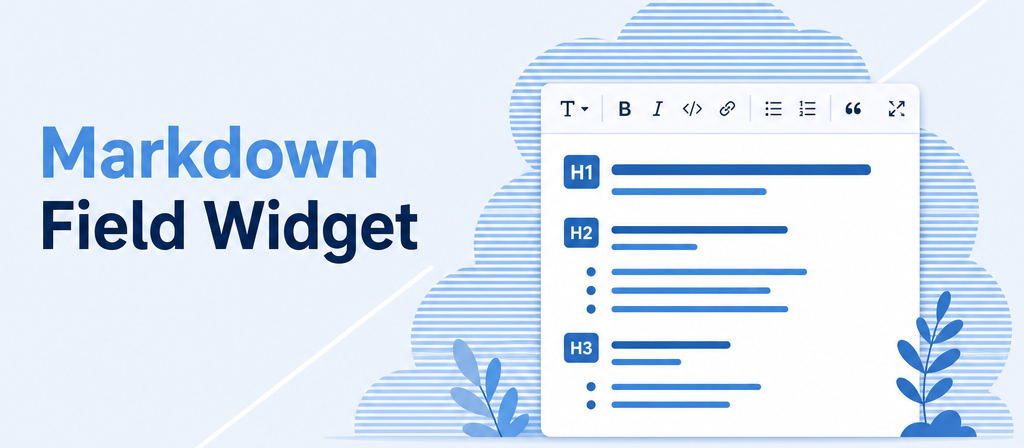
Markdown Field Widget
Write formatted text in Odoo and see the result while you type.
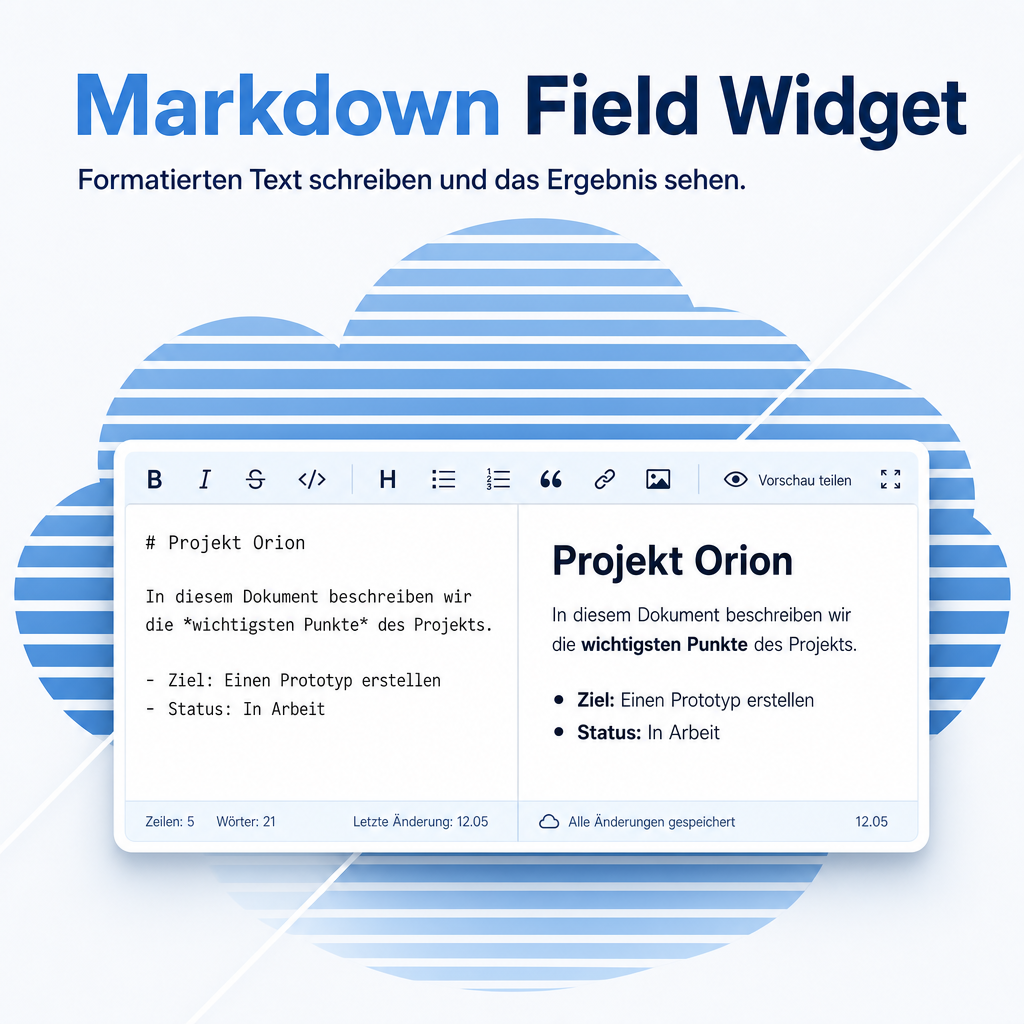
A plain text field in Odoo shows exactly what you typed — markup characters included. This module turns such a field into a comfortable editor: a toolbar for the usual formatting, a live preview of the finished text, and a fullscreen mode for anything longer than a form comfortably holds. In read-only mode the text is rendered properly instead of being shown as raw markup.
The help for this module is findable — for people and for AI
One help page in German and English, shipped inside the module. With Help Docs installed you search them in full text — and an AI assistant reads the same content through a machine-readable module card.
"eq_web_markdown")
Full-text search and module card come from Help Docs (eq_helper). This module ships the content — no extra configuration.
Features
Formatting without learning markup
Bold, italics, heading levels, ordered and unordered lists, quotes, links, images and tables are all one click away in the toolbar. Anyone who already knows the shorthand can keep typing it directly.
Preview while you write
One click switches between input and finished rendering. The side-by-side view shows both at once, which keeps longer texts readable while they are being written.
Room to think: fullscreen mode
A form field is a small window onto a long text. Fullscreen mode hands the whole screen to the editor and gives it back just as quickly — useful for documentation, text blocks and lengthy descriptions.
Readable even when nobody is editing
As soon as a field is read-only, the text appears the way it was meant: headings as headings, lists as lists. Colleagues who only read the record never see the raw markup.
Starts the way the field is used
By default a field opens in preview. Fields that are written far more often than read can be set to open in edit mode instead, so typing can start immediately rather than after dismissing the preview.
Frequently Asked Questions
Which fields can use the editor?
Multi-line text fields, in standard Odoo forms as well as in your own. The editor is assigned to the field in the view definition, so no form has to be rebuilt around it.
Does the stored text stay readable without this module?
Yes. What is stored is ordinary text with the usual markup characters, not a proprietary format. Uninstalling the module leaves the content intact; only the comfortable editing surface goes away.
Which Odoo editions are supported?
The module runs on Odoo Community and Odoo Enterprise, version 19.0 — self-hosted or on Odoo.sh. Odoo Online, the hosted SaaS edition, does not accept apps from the store, so no third-party module can run there.
Does it need an internet connection?
No. Everything the editor needs is delivered with the module and served by your own Odoo instance. No external service is contacted while editing.
Which other modules does it require?
Only the Odoo base and web modules, which every installation already has. There are no further dependencies.
How is the module supported?
Through the Equitania support portal and by e-mail. Both are linked in the footer of this page.
More solutions from Equitania · Weitere Lösungen von Equitania



Support · Kontakt
We are happy to support you · Wir unterstützen Sie gerne.


Weiherstraße 13
75173 Pforzheim
Deutschland · Germany
Telefon: +49 7231 16 604 0
Telefax: +49 7231 16 604 200
Homepage: www.ownerp.com · odoo2fast.report
Support: support.equitania.de
E-Mail: support@equitania.de
EN · All information on this page is provided for product description purposes only and is not legally binding. It constitutes neither a guarantee of quality nor an assurance of any particular scope of functions, fitness for a particular purpose or specific results; only the contractual agreements and the scope of delivery of the version actually installed are authoritative. Screenshots show example configurations.