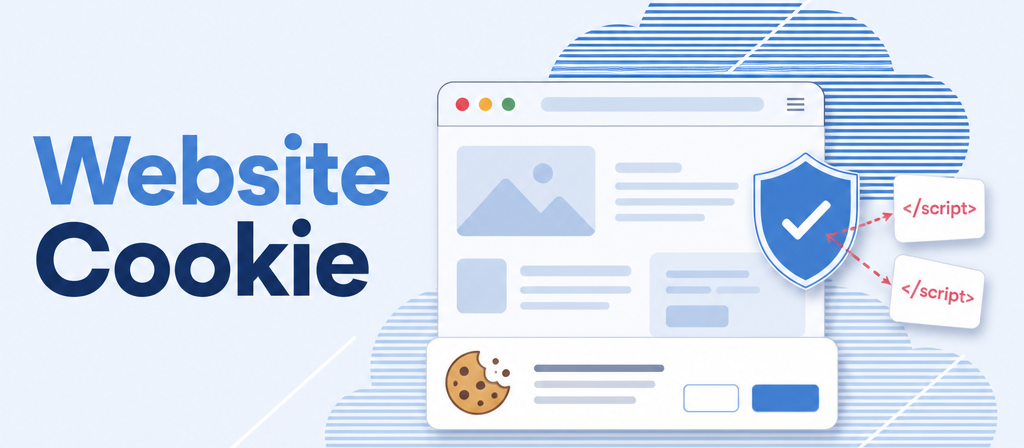
Website Cookie
Tracking scripts wait for your visitors’ consent.
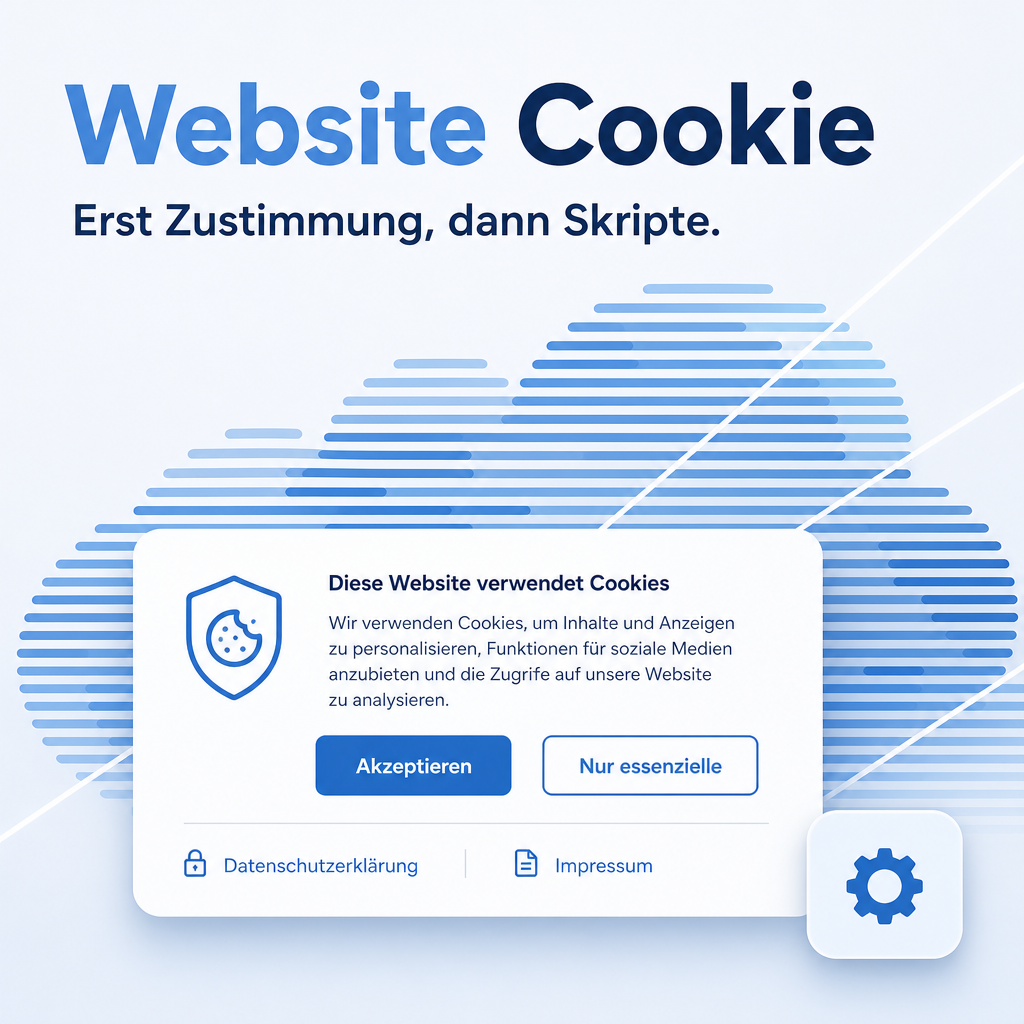
The cookie bar blocks Plausible Analytics and Google Tag Manager until a visitor actively consents — no data reaches those services beforehand. Once consent is given, the page reloads automatically so the newly allowed scripts start correctly. Alongside the cookie policy, the bar links the privacy and imprint pages and, whenever one exists, a published /disclaimer page. A floating gear icon lets visitors revoke their choice at any time, without clearing browser cookies by hand.
The help for this module is findable — for people and for AI
Full-text search for editors, a capability card for AI assistants — this module ships both.
"eq_website_cookie")
Full-text search and the module card are provided by Help Docs (eq_helper). This module ships the content — no extra configuration.
Features
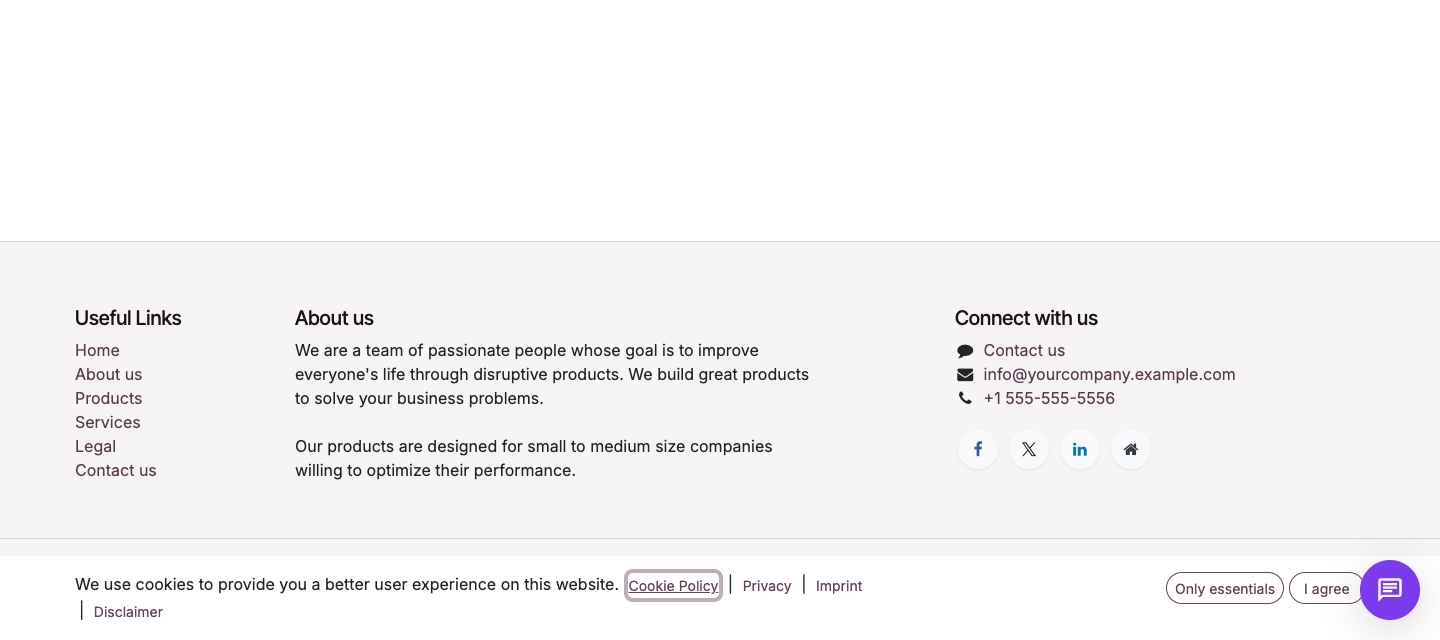
Tracking scripts wait for the decision
Plausible Analytics and Google Tag Manager only load once a visitor has consented to optional cookies. No data reaches those services before that — regardless of how they are already configured in the website settings.
- No manual script rewiring — the module hooks into the existing Odoo configuration.
- After consent the page reloads automatically so the newly allowed scripts start correctly.
Legal pages right inside the cookie bar
Next to the cookie policy, the bar shows a link to the privacy and imprint pages as soon as they are selected under Website → Configuration → Settings. An empty field simply omits that one link, nothing more.
- One click is enough: pick the page, the link appears.
- No link ever points at a page that is not configured.
A disclaimer link with no setting at all
When a published page exists at the address /disclaimer for the requested website, a "Disclaimer" link appears automatically next to the other legal links. What decides is the address, not the page title — a title such as "Legal Notice" is fine.
- Unpublishing the page or renaming its address removes the link on its own.
- Across several websites, a website-specific /disclaimer page takes precedence over a generic one.
Revoke consent at any time
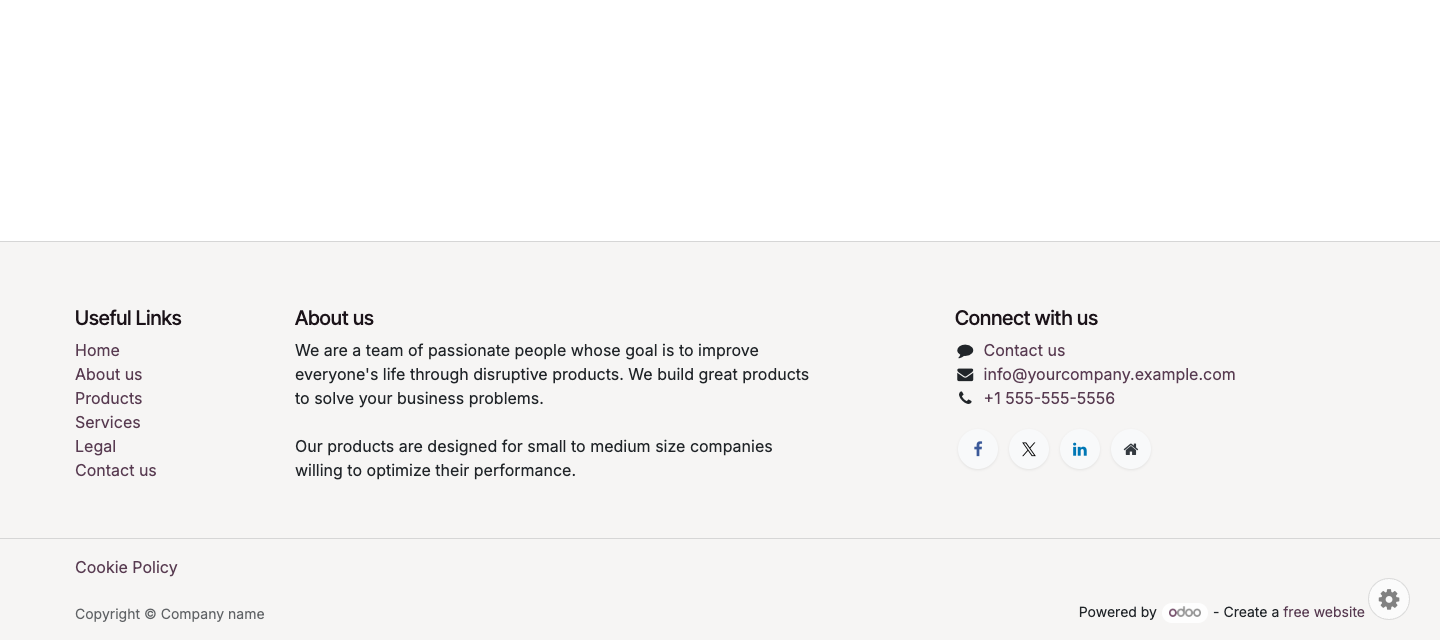
A floating gear icon on every page reopens the cookie bar, so visitors can change their decision without clearing browser cookies by hand — satisfying the right to withdraw consent under Article 7(3) GDPR.
Built into the layout, not the website editor
Since version 19.0.1.0.4 the reset button is part of the page layout itself and appears automatically as soon as the cookie bar is active. There is no separate toggle to switch on in the website editor.
- Keeps working after a website theme change, with no reconfiguration.
- With several websites in one Odoo instance, the check runs per website.
Frequently Asked Questions
Which Odoo editions are supported?
The module runs on Odoo Community and Odoo Enterprise, version 19.0 — self-hosted or on Odoo.sh. Odoo Online, the hosted SaaS edition, does not accept apps from the store, so no third-party module can run there.
What are the module's dependencies?
The module needs the Odoo modules web and website, which Odoo installs automatically. No additional Python packages are required.
Is this module paid?
No. It is licensed under AGPL-3 — free to use, with open source you may also adapt and redistribute.
Do I need to set up Plausible Analytics or Google Tag Manager separately?
No. The module blocks the scripts already configured in Odoo until a visitor consents — the setup itself does not change.
Does it work with several websites in the same Odoo instance?
Yes. Privacy and imprint pages are configured per website in the settings, and the disclaimer check runs per website too — a website-specific page takes precedence over a generic one.
Will the module keep working after an Odoo update within 19.x?
Yes, within 19.x. A major version change ships as its own module version.
Do you provide support?
Yes, at support@equitania.de.
Support · Kontakt
We are happy to support you · Wir unterstützen Sie gerne.


Weiherstraße 13
75173 Pforzheim
Deutschland · Germany
Telefon: +49 7231 16 604 0
Telefax: +49 7231 16 604 200
Homepage: www.ownerp.com
Support: support.equitania.de
E-Mail: support@equitania.de
EN · All information on this page is provided for product description purposes only and is not legally binding. It constitutes neither a guarantee of quality nor an assurance of any particular scope of functions, fitness for a particular purpose or specific results; only the contractual agreements and the scope of delivery of the version actually installed are authoritative. Screenshots show example configurations. Product and company names mentioned are trademarks or registered trademarks of their respective owners; naming them implies neither affiliation with nor endorsement by those owners. This description was written with AI assistance and was reviewed and approved before publication; the German version prevails.