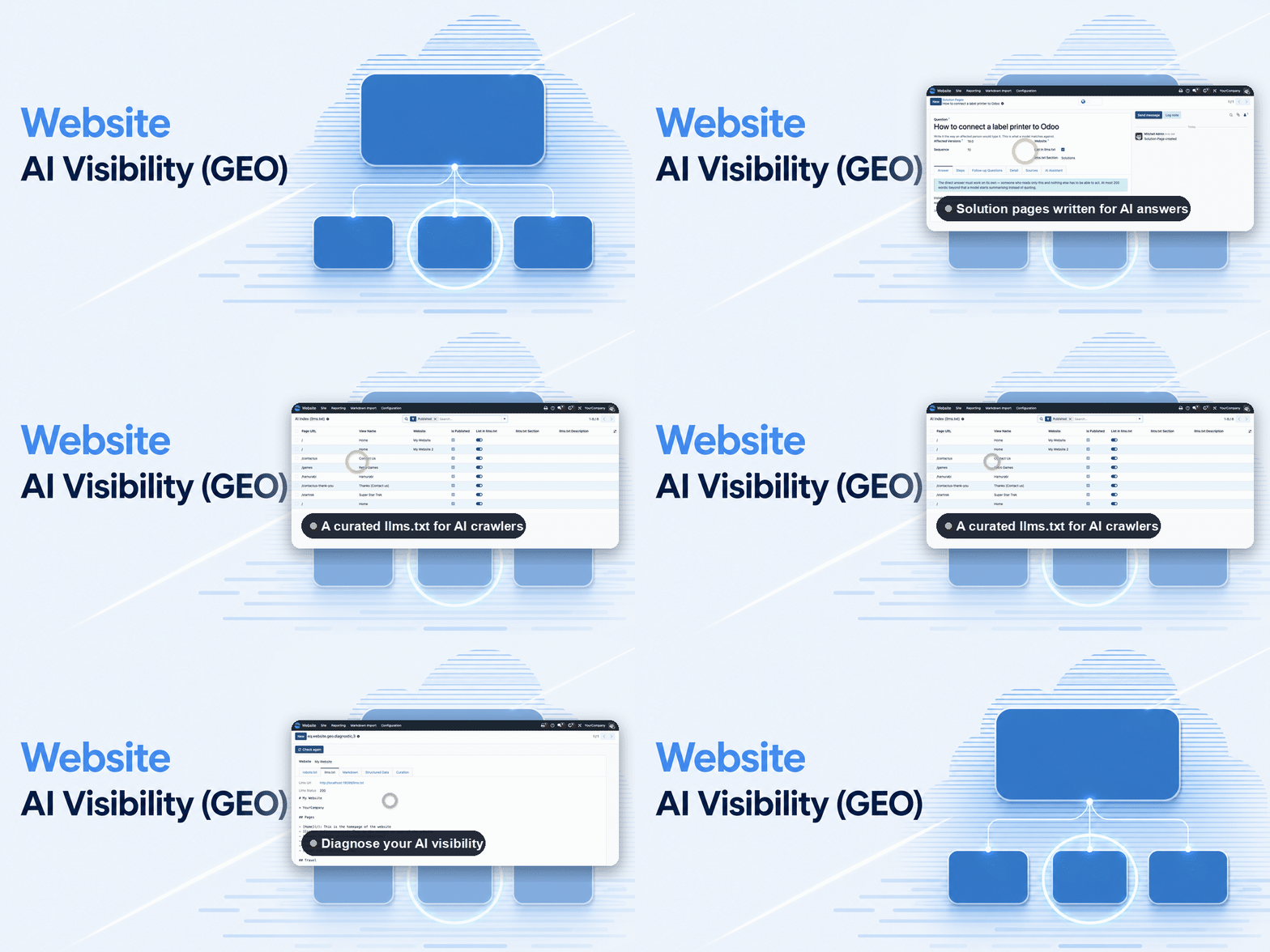
Website AI Visibility (GEO)
Be found where your customers ask today — inside the AI answer.
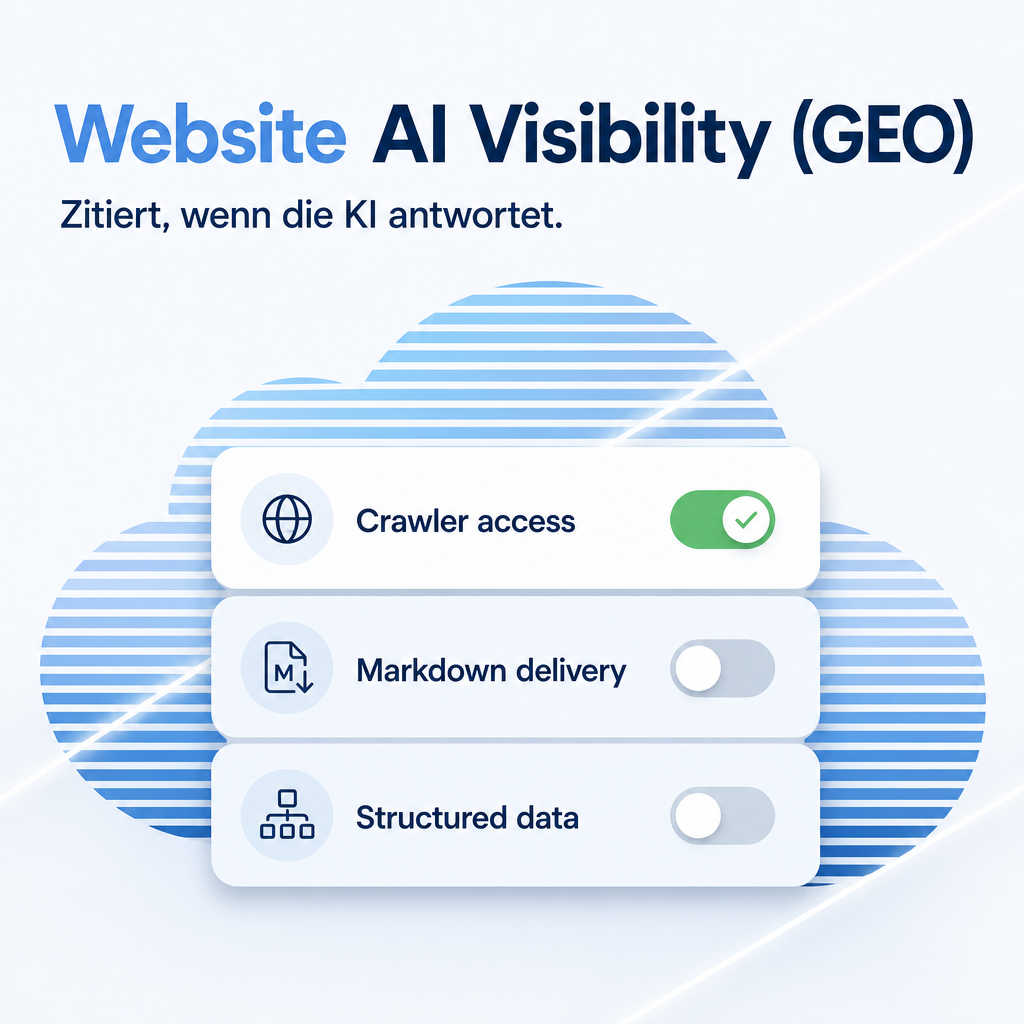
ChatGPT, Perplexity, Claude, Gemini and Copilot give an answer and name a handful of sources alongside it. A site that is not among them no longer takes part in the conversation — not even when it ranks first on Google. This module makes your Odoo website readable for exactly those systems.
Explicitly not by hiding text for machines. Answer engines discard invisible content, and serving crawlers something other than what people see is cloaking — it costs you your ordinary search ranking too. Instead the same content is offered in a second, machine-readable form.
The help for this module is findable — for people and for AI
Five help pages in German and English, shipped inside the module. With Help Docs installed you search them in full text — and an AI assistant reads the same content through a machine-readable module card.
"eq_website_geo")
Full-text search and module card come from Help Docs (eq_helper). This module ships the content — no extra configuration.
Features
First check: are you allowed to be read at all?
A button in the settings reports which
AI crawlers your website currently locks out. This is the most common and most banal reason a page
never shows up in AI answers — usually an old line in robots.txt nobody remembers
writing. As long as the door is shut here, nothing else you do has any effect.
Separate switches for three kinds of crawler
Those that build the index behind AI
answers, those that fetch a page because someone just asked, and those that collect material for
future model training. You can keep your content out of training and stay citable — that is
exactly the factory setting. The Content-Signal line follows the Cloudflare convention.
Your own robots.txt entries are left untouched: they still come last and still have the
final word.
The same content, offered in a second form
Every page is additionally available as
clean Markdown, through three routes: Accept: text/markdown
request to the very same address (with Vary: Accept), and an HTTP Link header
plus — so both kinds of client find it, the ones that
read the page body and the ones that read only the headers. No special hidden material: the same
text, without navigation and layout.
Being reproduced correctly
Details about your company are published
as JSON-LD, including your official profiles via sameAs and your subject areas via
knowsAbout. That is how a language model recognises it really is you it is talking about,
and not a company of the same name somewhere else.
Solution pages that get quoted
A page type of its own enforces the
structure that works with these systems: the question as the heading, the complete answer in at most
200 words right at the top, then the steps and the follow-up questions. The word limit is a hard check
on save, not a hint — an answer that has to be summarised first loses the quotation it was
written for. Out of it come TechArticle and FAQPage markup, the Markdown
version and the llms.txt entry, automatically.
A draft from your notes
If you would rather not build the structure yourself, write down informally what you know and a language model turns it into question, answer, steps and follow-ups. It is instructed to invent no version numbers, menu paths or figures that are not in your notes. Optional: without a configured AI access every page can still be written entirely by hand.
A curated page index (/llms.txt)
Following the llmstxt.org specification,
curated per page, with an optional /llms-full.txt under a size limit — and the
truncation is declared inside the document instead of happening silently.
Control panel: crawlers, live diagnosis, AI drafts
A new bot can be added straight into an
editable crawler list — name, exact robots.txt token, one of three purpose groups
— without waiting for a module update, and a single website can treat one crawler differently
from the rest of its group. A diagnostic wizard fetches robots.txt, llms.txt,
llms-full.txt, the Markdown of a chosen page and its structured data live over HTTP,
showing what a reverse proxy, firewall or stale cache actually lets through — plus a curation
list that edits the llms.txt fields of every page in place. A Suggest with AI button
drafts the site summary, areas of expertise and organisation type from the content already on the
site, deliberately never inventing a LinkedIn or GitHub link, since a wrong one does more harm than
an empty field.
See the rules before you save them
The settings section shows the block it
writes into robots.txt and recalculates it with every tick — so what the three
crawler switches actually do stands next to them instead of in a file nobody sees from here. The
audit tells two cases apart: it only reports a block that does not come from these settings,
and names the line number and wording of the rule. Crawlers you switched off yourself are listed as a
matter of fact, not as a fault. A second button opens the file for editing, right where the reported
line sits.
Several domains, one screen — and a list to curate them
Every website gets its own rules, its own page index and its own company data. A selector at the top of the section says which one you are editing, and switching with unsaved changes asks first instead of writing the pending values to the other domain. Which pages appear in the curated index is decided in a list of its own: filter by in-index, published or without a section, group by section, and change a multi-selection in one go instead of clicking through forty pages.
Frequently Asked Questions
Does every building block work equally well?
No — and the in-app help says so too. High: the crawler-lockout audit, because a locked-out crawler reads nothing no matter how good the page is. Well documented: machine-readable company details, and the answer-first structure of the solution pages. Mixed: Markdown delivery — crawlers rarely fetch it on their own; the benefit appears when a person pastes the address into a chat window. Unproven: llms.txt — adoption is growing, but no major provider has committed to it. The biggest lever remains the content itself.
Does the module hide text for machines?
No, explicitly not. It is the
obvious idea and it backfires: AI answer engines throw away content behind display:none, and
serving crawlers something different from what people see counts as deception and costs you your ordinary
Google placement as well. Crawlers get exactly what your visitors get.
Can I refuse AI training and still be quoted?
Yes, and that is the factory setting. Training crawlers are turned away while the crawlers that build the answer index keep their access.
Do I need an AI access key?
Only for the optional draft of a
solution page. The access is configured centrally in AI Foundation (eq_ai_base);
with no profile assigned the button says so instead of failing deeper in the process. Every page can be
written entirely by hand.
Does this replace my SEO work?
No, it complements it. Search engines and answer engines read the same website but weigh it differently: the one ranks pages, the other assembles an answer and cites what it used.
How do I know it is working?
This module does not measure.
Website Analytics (eq_website_analytics) shows afterwards which AI systems actually
read your website and how many visitors arrive out of an AI answer. Only both together turn a measure
into a verifiable one.
Which Odoo editions are supported?
Odoo Community and Enterprise,
version 19.0 — self-hosted or on Odoo.sh. Odoo Online, the hosted SaaS edition, does not accept apps from the store, so no third-party module can run there. Requires the Website app and AI Foundation (eq_ai_base).
Which languages does the module ship in?
The interface is completely translated into English, German, French and Spanish — 152 strings each. The in-app help pages are bilingual (German and English).
Do you provide support?
Yes — via support.equitania.de or support@equitania.de. Bilingual in-app help is included.
Support · Kontakt
We are happy to support you · Wir unterstützen Sie gerne.


Weiherstraße 13
75173 Pforzheim
Deutschland · Germany
Telefon: +49 7231 16 604 0
Telefax: +49 7231 16 604 200
Homepage: www.equitania.de · www.ownerp.com · odoo2fast.report
Support: support.equitania.de
E-Mail: support@equitania.de
EN · All information on this page is provided for product description purposes only and is not legally binding. It constitutes neither a guarantee of quality nor an assurance of any particular scope of functions, fitness for a particular purpose or specific results; only the contractual agreements and the scope of delivery of the version actually installed are authoritative. Screenshots show example configurations.