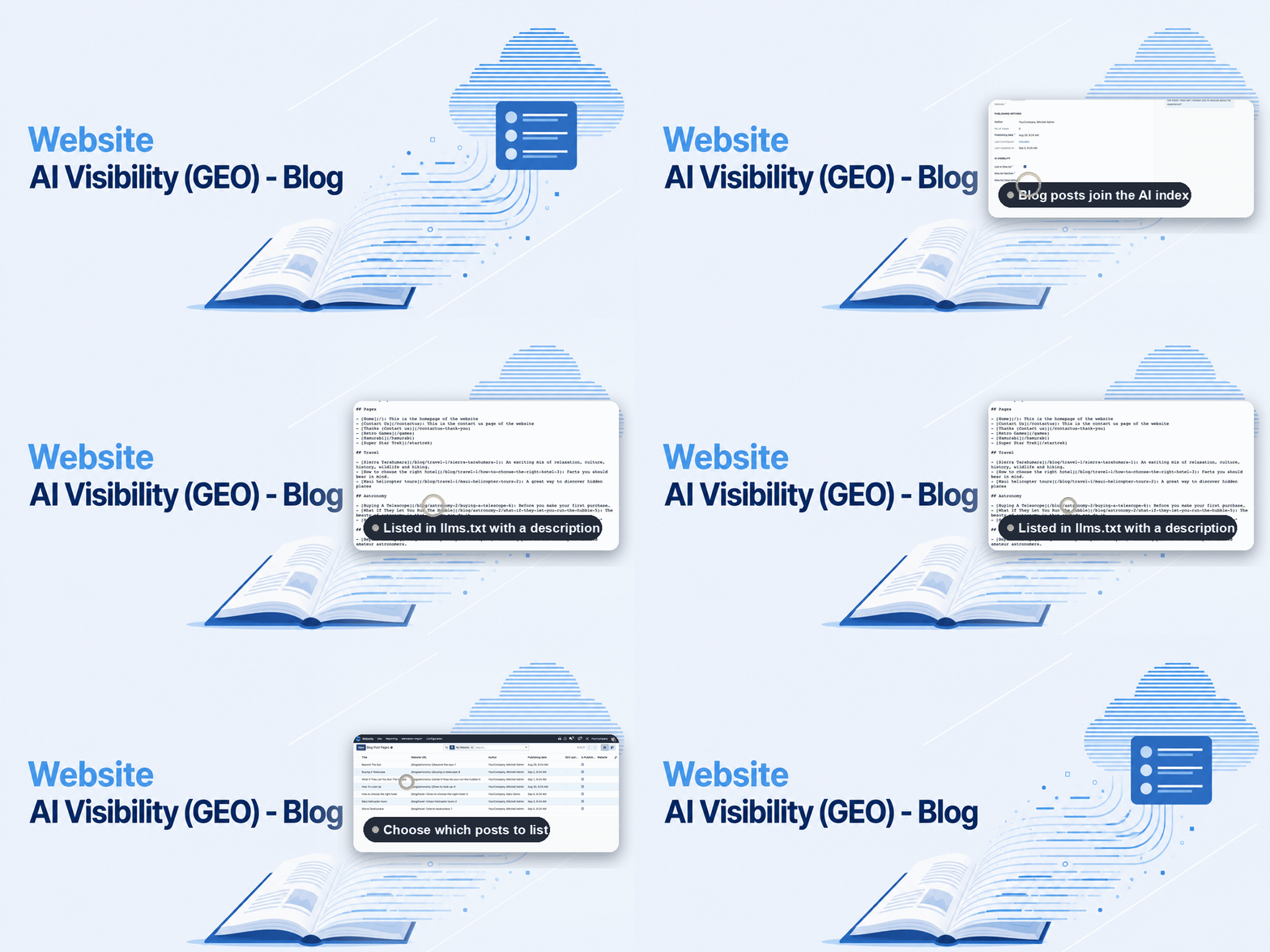
Website AI Visibility (GEO) - Blog
Blog posts belong in the AI index.
Website AI Visibility (GEO) builds a curated /llms.txt index of your website for ChatGPT, Perplexity, Claude, Gemini and Copilot — but on its own it never looks at your blog. This bridge module closes that gap: as soon as both Website AI Visibility and the Odoo blog are installed, it sets itself up automatically, and every published post starts contributing to the index, with its full text included once /llms-full.txt is enabled.
The help for this module is findable — for people and for AI
One help page in German and English, shipped inside the module. With Help Docs installed you search them in full text — and an AI assistant reads the same content through a machine-readable module card.
"eq_website_geo_blog")
Full-text search and module card come from Help Docs (eq_helper). This module ships the content — no extra configuration.
Features
Installs itself, nothing to configure
The moment Website AI Visibility (GEO) and the Odoo blog are both present, this module installs automatically (auto_install). Blog posts start contributing to the index without a single click.
- Neither module becomes a hard dependency of the other — remove the blog and Website AI Visibility keeps working exactly as before.
- No separate settings page: everything happens on the blog post form itself.
The same curation editors already know
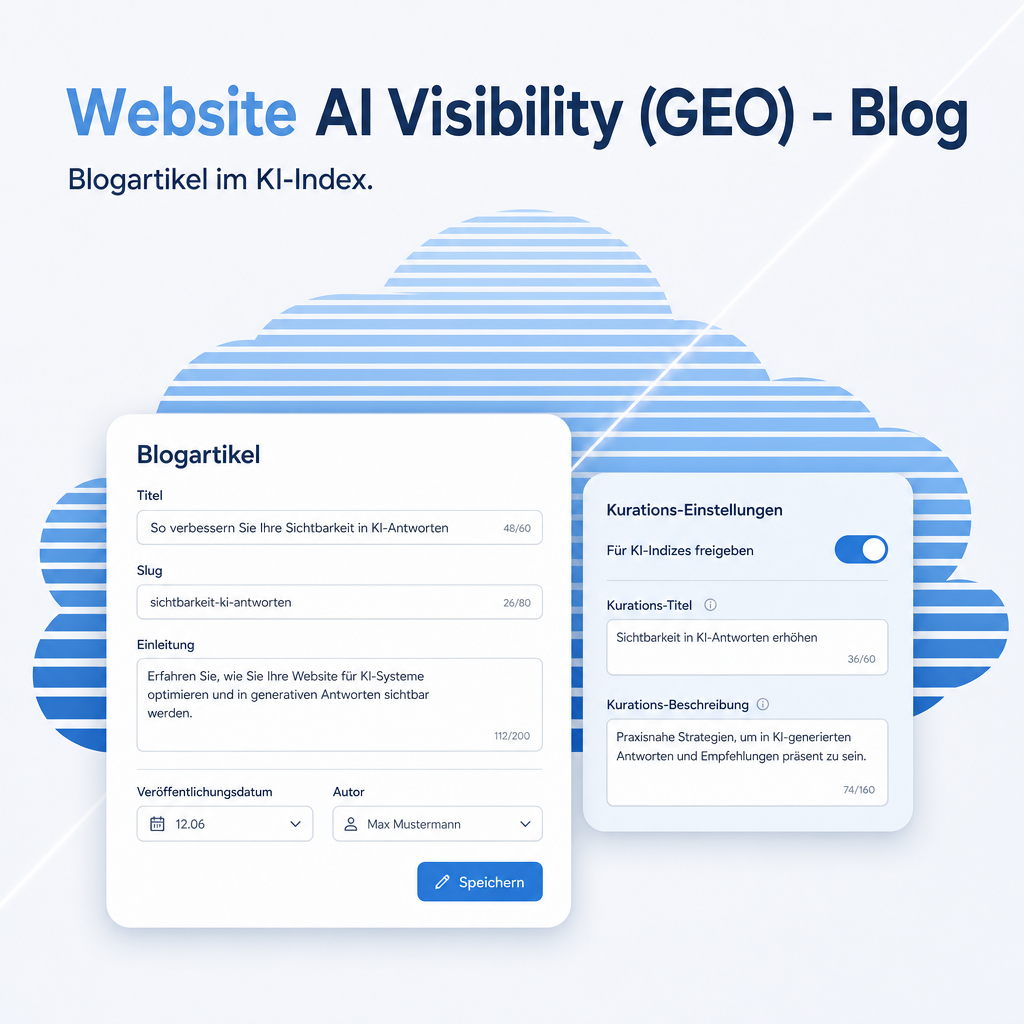
Every blog post gets the same three curation fields already familiar from website pages, in a new "AI Visibility" section on the post form — nothing new for an editor to learn.
- List in llms.txt — on by default, one click removes a post from the index.
- llms.txt Section and llms.txt Description — both optional, falling back to the blog's name and the post's subtitle or meta description.
Scheduled posts stay hidden until their date
A post can already be marked "published" while carrying a future publish date — the usual way to prepare an announcement ahead of time. This module keeps such a post out of both /llms.txt and the full text under /llms-full.txt until the date actually arrives, exactly like the ordinary blog on the website.
- No manual step afterwards — the post appears in the index by itself once its date is reached.
Frequently Asked Questions
Which Odoo editions are supported?
Works on Odoo Community and Enterprise, version 19.0 — self-hosted or on Odoo.sh. Odoo Online, the hosted SaaS edition, does not accept apps from the store, so no third-party module can run there.
What does the module depend on?
Website AI Visibility (GEO) and Odoo's own blog module (website_blog). Odoo installs both automatically when this module is installed; no separate purchase step beyond having Website AI Visibility active.
What happens if I don't have a blog yet?
Nothing changes. This module only installs itself once both prerequisites are present, so Website AI Visibility (GEO) keeps working exactly as it does today.
Do you provide support?
Yes, contact support@equitania.de.
Will it keep working after an Odoo update?
Yes, within 19.0.x. Major version upgrades are delivered as a new module version.
Support · Kontakt
We are happy to support you · Wir unterstützen Sie gerne.


Weiherstraße 13
75173 Pforzheim
Deutschland · Germany
Telefon: +49 7231 16 604 0
Telefax: +49 7231 16 604 200
Homepage: www.ownerp.com
Support: support.equitania.de
E-Mail: support@equitania.de
EN · All information on this page is provided for product description purposes only and is not legally binding. It constitutes neither a guarantee of quality nor an assurance of any particular scope of functions, fitness for a particular purpose or specific results; only the contractual agreements and the scope of delivery of the version actually installed are authoritative. Screenshots show example configurations.