Website Markdown Import
Turn Markdown and AI-generated content into native Odoo pages and blog posts — in a guided wizard.
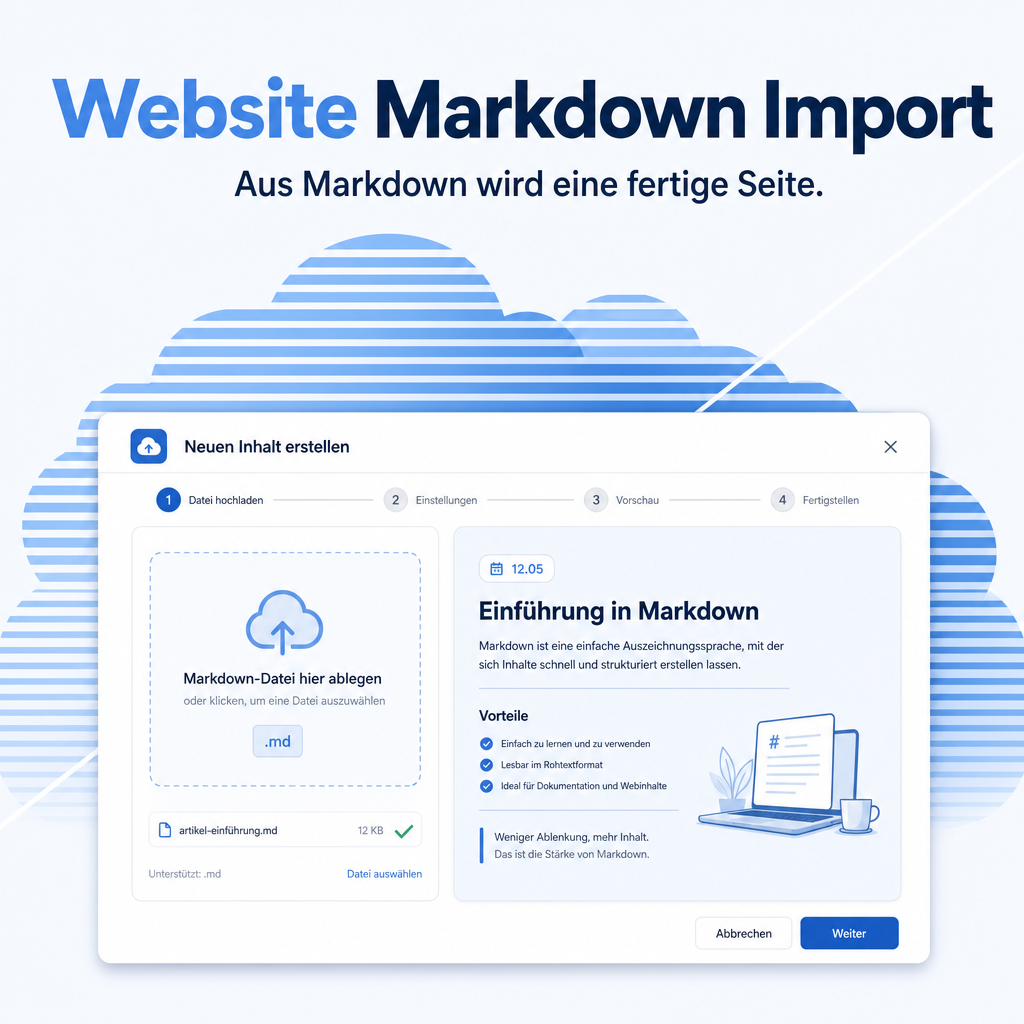
Website Markdown Import uploads .md files (with optional YAML frontmatter) and turns them into native Odoo blog posts or website pages through a guided 4-step wizard. It is built for AI-generated content from ChatGPT, Claude and any Markdown source, and produces real, editable, translatable pages — not embeds. Five polished layout templates, a preview before publishing, automatic image handling from ZIP packages and full Odoo translation support make publishing fast and consistent.
The help for this module is findable — for people and for AI
Two help pages in German and English, shipped inside the module. With Help Docs installed you search them in full text — and an AI assistant reads the same content through a machine-readable module card.
"eq_website_markdown_import")
Full-text search and module card come from Help Docs (eq_helper). This module ships the content — no extra configuration.
Features
Guided 4-step wizard
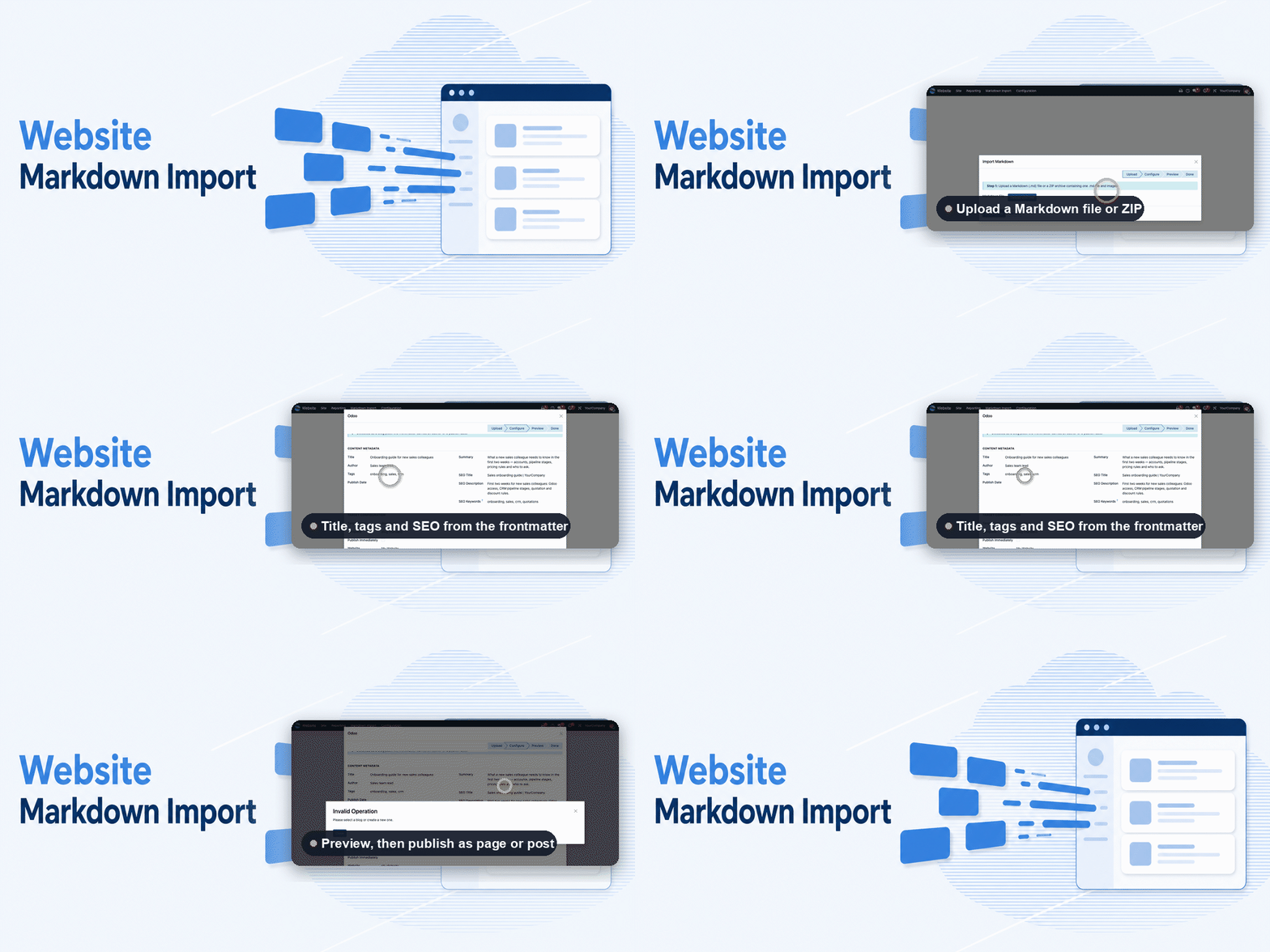
A clear path from file to published content: upload, configure, preview, import — with a preview before anything goes live.
- Upload a .md file or a ZIP with images
- Choose a blog post or a website page as the target
- Edit title, author, tags, summary and SEO before publishing
Built for AI-generated content
Whatever ChatGPT, Claude or any Markdown source produces lands on your website without losing its formatting. Optional YAML frontmatter pre-fills title, author, tags and SEO fields.
- Import content from any Markdown source
- YAML frontmatter for metadata and template choice
- Automatic slug generation with umlaut handling
Five layout templates
Pick from five polished layouts so every imported page looks professional and consistent — with an optional table of contents for longer documents.
- Blog Standard, Documentation, Landing Page, Article, Tutorial
- Automatic table of contents from headings
- Fully customizable layouts
Rich, responsive output with images
Tables, fenced code blocks, note/warning boxes and lists are rendered cleanly and mobile-friendly. Code blocks get a copy button, and images bundled in a ZIP are stored and linked automatically.
- Responsive tables, images and alert boxes
- Copy button on code blocks
- Images from the ZIP become managed attachments
Native, translatable, re-importable
The result is a real Odoo page or blog post — fully editable, translatable and SEO-ready. Update an existing page in place from a revised file, with no duplicates, and keep an import history.
- Full Odoo translation support
- SEO meta title and description
- Re-import updates the page in place; import history kept
Knows what it is importing
Drop a file in and the wizard works out the rest: a name ending in _blog or _website settles the target type, and without it the frontmatter decides — an author or a publish date points to a blog post, their absence to a page. It says why it decided that way, and every preselection stays editable.
- Target type from the file name or the frontmatter, with the reason shown
- Layout template resolved to match the detected type
- A single blog on the website is preselected automatically
Never overwrites in silence
Odoo puts no unique constraint on a page URL, so an import onto an occupied address used to create a second page that the router never served — the import looked like it did nothing. Now the wizard stops, names the URL and the page occupying it, and waits for your decision.
- Conflict step naming the existing page before anything is written
- "Overwrite Page" replaces the content and keeps a single import history entry
- Target URLs normalized, so
page/fooand/page/foo/mean the same address
Fits your theme, ready for search engines
Imported content adopts the colors, spacing and fonts of the active website theme instead of bringing its own. SEO metadata is written on the very first import, not only on a later edit.
- Content width, corner radius, accent color and code font come from the theme profile
- Meta title, description and keywords from the frontmatter
- A clear warning when the frontmatter is missing or malformed
Frequently Asked Questions
Which Odoo editions are supported?
Works on Odoo Community and Enterprise, version 19.0 — self-hosted or on Odoo.sh. Odoo Online, the hosted SaaS edition, does not accept apps from the store, so no third-party module can run there.
What are the dependencies?
It builds on the standard Website and Blog apps and uses the Python packages markdown and PyYAML. Odoo installs the app dependencies by itself, but never a Python package — see the next question.
How do I install the Python packages?
Self-hosted: install them into the environment Odoo runs in, e.g. pip install markdown PyYAML (or uv pip install …), then restart the service. On Odoo.sh: add a requirements.txt to your repository — in the branch root or in the folder holding the add-ons — listing markdown and PyYAML on separate lines, then commit. Odoo.sh installs them on the next build. A pip install typed into the Odoo.sh shell is gone with the next build.
Is this a one-time purchase or a subscription?
The module is published under the Odoo Proprietary License v1.0 (OPL-1). A valid license purchased from Equitania is required; there are no recurring license fees.
Do you provide support?
Yes — contact us by e-mail at support@equitania.de.
Can I import content from ChatGPT or Claude?
Yes. Save the Markdown they produce as a .md file (optionally with images in a ZIP) and import it — the wizard lets you review everything before publishing.
Will it keep working after an Odoo update?
Yes, within 19.0.x. Major version upgrades are delivered as a new module version.
More solutions from Equitania · Weitere Lösungen von Equitania
Support · Kontakt
We are happy to support you · Wir unterstützen Sie gerne.


Weiherstraße 13
75173 Pforzheim
Deutschland · Germany
Telefon: +49 7231 16 604 0
Telefax: +49 7231 16 604 200
Homepage: www.equitania.de · www.ownerp.com · odoo2fast.report
E-Mail: support@equitania.de
EN · All information on this page is provided for product description purposes only and is not legally binding. It constitutes neither a guarantee of quality nor an assurance of any particular scope of functions, fitness for a particular purpose or specific results; only the contractual agreements and the scope of delivery of the version actually installed are authoritative. Screenshots show example configurations.