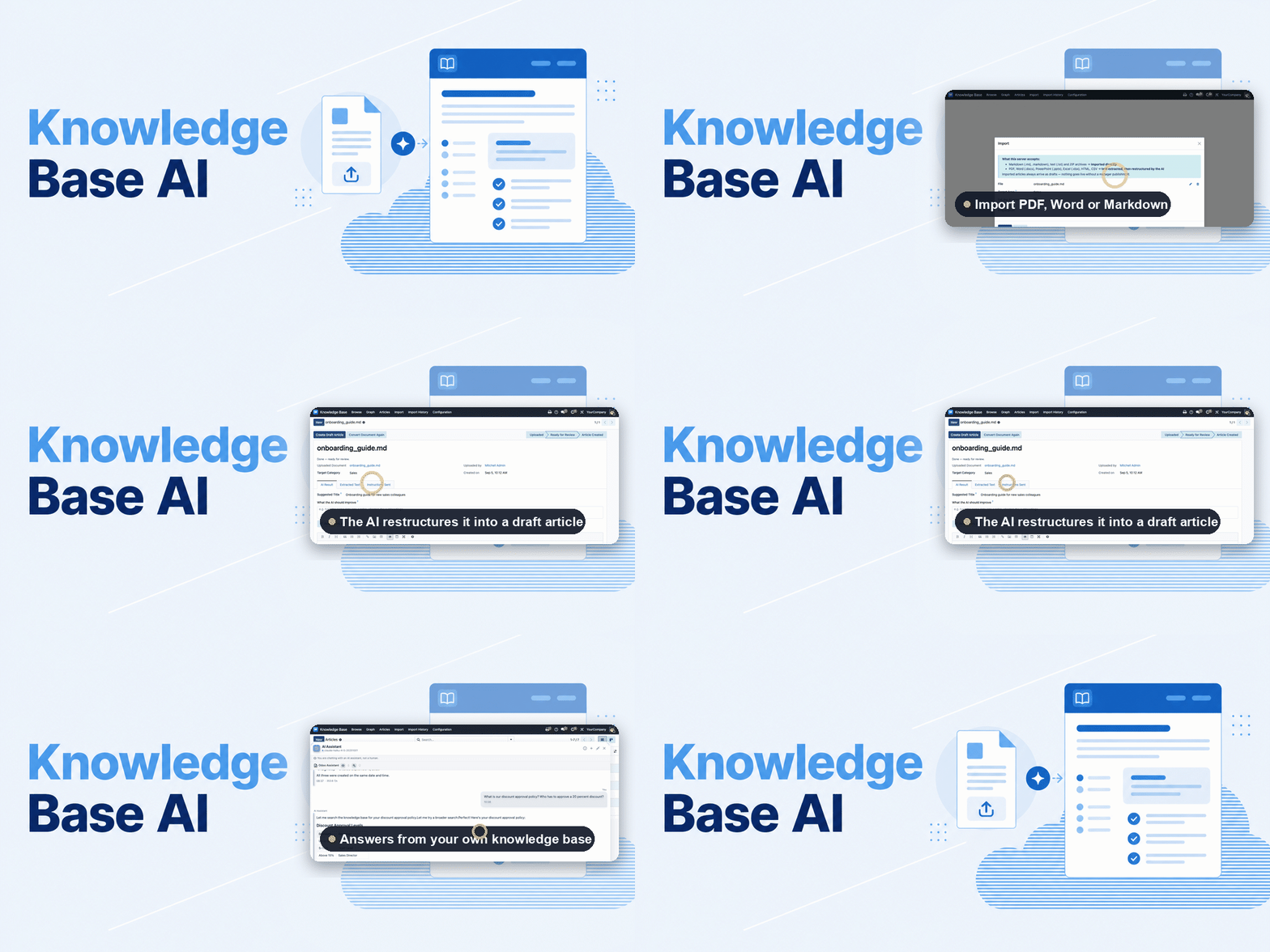
Knowledge Base AI
Answers from your own knowledge — and nothing published without you.
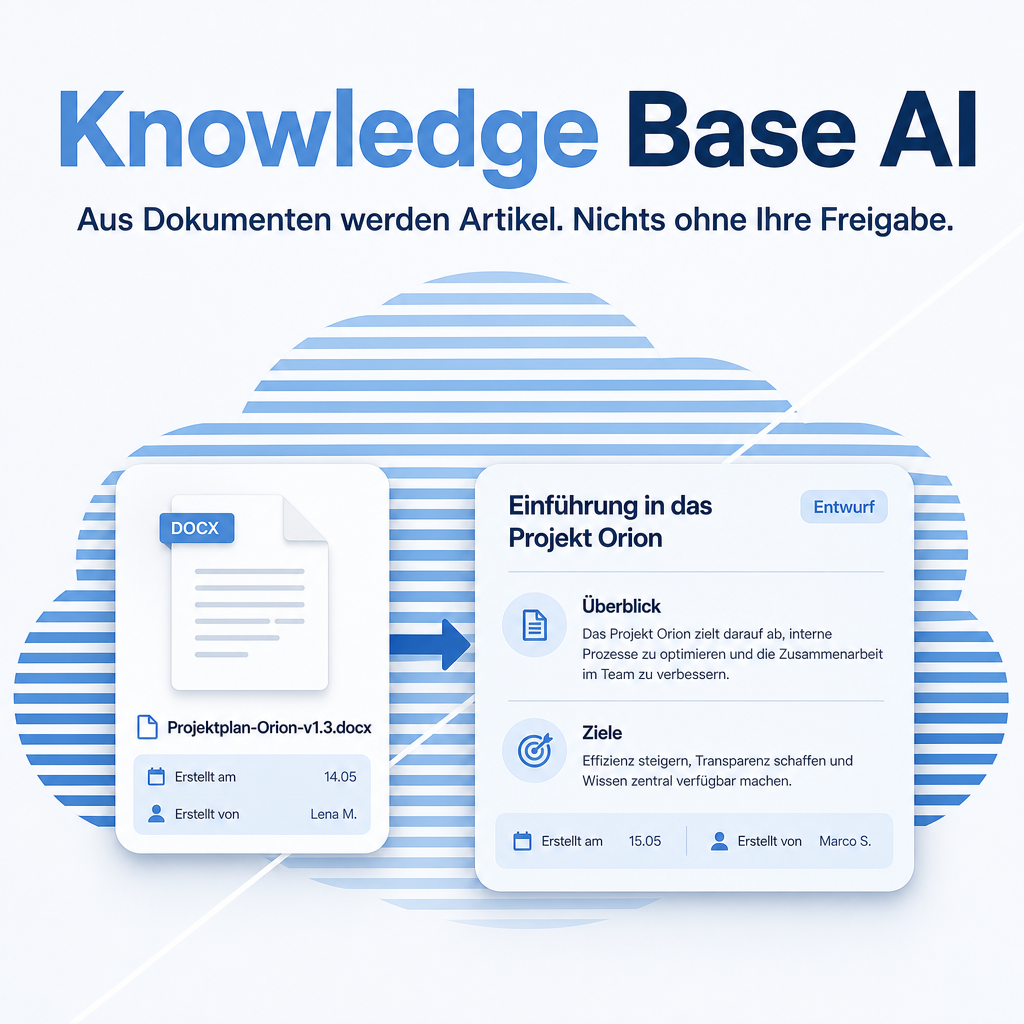
Two things usually stand between a company and its own documentation: it sits in files nobody opens, and finding the right passage takes longer than asking a colleague. This module addresses both. Existing documents are read in and turned into a properly structured article draft, and the assistant answers questions from the knowledge base itself, naming the article it used. Everything the AI writes stays a draft — publishing remains a human decision.
The help for this module is findable — for people and for AI
Two help pages in German and English, shipped inside the module. With Help Docs installed you search them in full text — and an AI assistant reads the same content through a machine-readable module card.
"eq_knowledge_ai")
Full-text search and module card come from Help Docs (eq_helper). This module ships the content — no extra configuration.
Features
House rules per kind of document
Refining the same kind of document twice writes the house rule for all of them — usually without anyone noticing. From the second round on, the AI condenses those requests into one standing instruction and shows which request became which sentence before anything is saved. The next matching upload is recognised by file type, target area and a file-name fragment, and the template is proposed by name. Three interface descriptions later, the fourth arrives already shortened, anonymised and in the right language.

Every template names what it does to a document and when it is proposed — file type, target area, a file-name fragment — plus how many documents have already been imported with it.
Existing documents become readable articles
PDFs, Word and PowerPoint files, spreadsheets, HTML and plain text are read in and turned into a structured draft with headings and sections — instead of remaining an attachment that nobody opens twice.
Refine the draft in your own words
The first draft rarely gets every detail right. Describe what should change — “turn the name lists into a table”, “shorten the subheadings” — and the AI revises the text that is there, including edits you made by hand. That is the difference from converting the document again, which starts over from the raw text. Every round is kept and can be brought back, and while the AI works the progress runs right at the button, so nobody is left guessing whether anything is still happening.
The assistant answers from your knowledge, not from the internet
Questions are answered by searching the knowledge base first and naming the article used. That is the difference between an answer you can check and one you have to trust.
Nothing is published without a human
Whatever the AI writes or changes stays a draft and is marked as one. Nobody wakes up to find an article the company never approved — the publish step belongs to a person, always.
Knowledge captured while it is still fresh
What was worked out in a conversation can be turned into an article draft on the spot, ready to be reviewed later — rather than being explained again to the next person who asks.
Frequently Asked Questions
Which Python package does the module need?
The eq_chatbot_core library from version 3.2.1 onwards, including its document extras. Odoo resolves module dependencies by itself but never installs a Python package, so this one has to be provided — otherwise the module reports a missing dependency at install time.
How is that package installed?
On a self-hosted instance, install it with pip into the Python environment Odoo runs in, then restart the service. On Odoo.sh, add it to a requirements.txt in the repository — at the branch root or in the folder holding the addons. A pip command typed into the Odoo.sh shell is gone with the next build.
Can the AI publish or overwrite an article on its own?
No. Creating and changing happens as a draft only. The published state is reached by a person reviewing and releasing it.
Which documents can be imported?
PDF, Word, PowerPoint and Excel files as well as HTML, CSV, Markdown and plain text. What matters is the text they contain; layout is not carried over, because an article is meant to be read, not to look like the original file.
Which other modules does it require?
The knowledge base itself and the Equitania chatbot with its tool registry. This module is the bridge between them, not a replacement for either.
How is the module supported?
Through the Equitania support portal and by e-mail. Both are linked in the footer of this page.
Support · Kontakt
We are happy to support you · Wir unterstützen Sie gerne.

Weiherstraße 13
75173 Pforzheim
Deutschland · Germany
Telefon: +49 7231 16 604 0
Telefax: +49 7231 16 604 200
Homepage: www.ownerp.com · odoo2fast.report
Support: support.equitania.de
E-Mail: support@equitania.de
EN · All information on this page is provided for product description purposes only and is not legally binding. It constitutes neither a guarantee of quality nor an assurance of any particular scope of functions, fitness for a particular purpose or specific results; only the contractual agreements and the scope of delivery of the version actually installed are authoritative. Screenshots show example configurations. Product and company names mentioned are trademarks or registered trademarks of their respective owners; naming them implies neither affiliation with nor endorsement by those owners. This description was written with AI assistance and was reviewed and approved before publication; the German version prevails.