OneDrive Connector
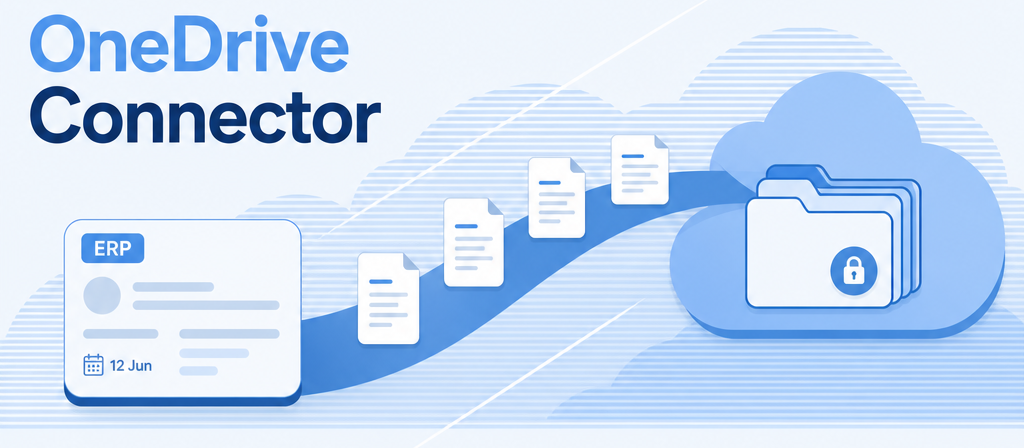
Odoo documents in your OneDrive — registered once, exported on schedule.
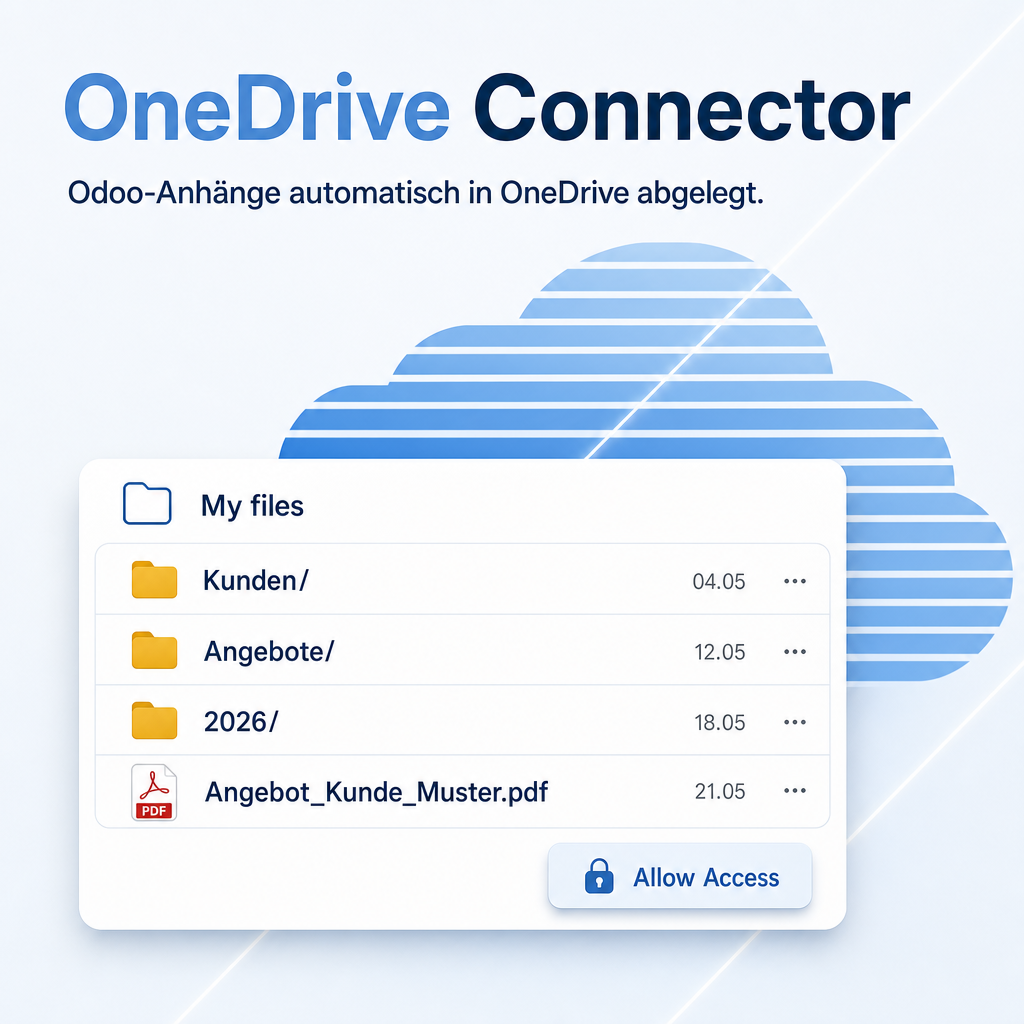
The OneDrive Connector links Odoo to a Microsoft OneDrive account through the Microsoft Graph API and files the documents of sales, purchase, invoicing, contacts, products, transfers, employees and leads in the folder structure configured in Cloud Base. The administrator registers the connection once with Allow Access; from then on a scheduled export uploads new attachments, a daily action keeps the token fresh, and every record carries a Documents smart button plus an Export Files button for the impatient.
Modules in this bundle
This is the main module of the OneDrive bundle (package: Cloud). It includes:
Features
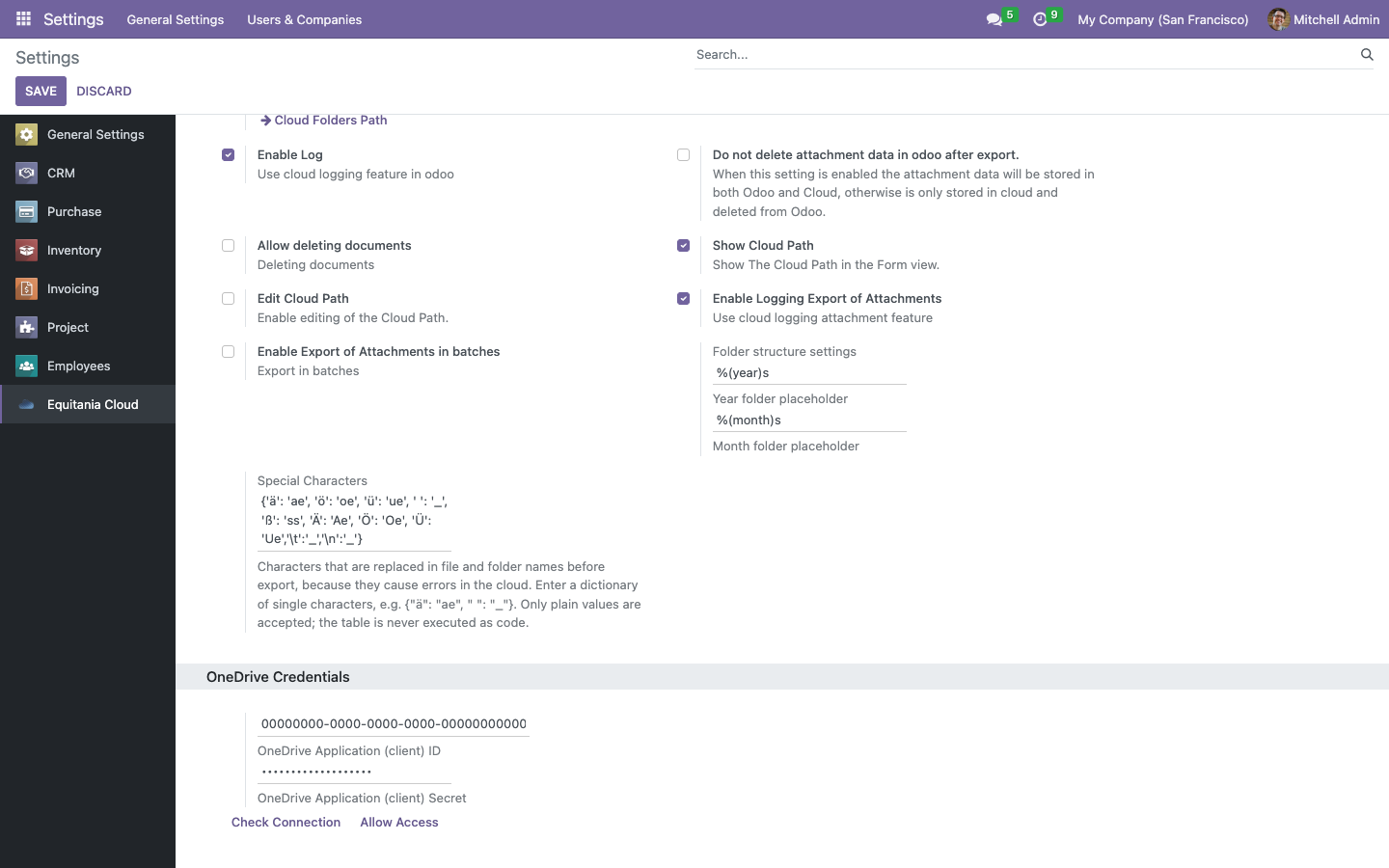
Register once with Allow Access
Enter the client ID and secret of your Azure app registration in Settings → Cloud and click Allow Access: Microsoft asks the administrator for consent and Odoo stores the tokens. A daily scheduled action renews them; Delete Access removes the connection again.
- The registration is reserved to the group Cloud Connector / Manager and bound to the browser session that started it.
- The client secret and the tokens are never readable from the browser.
Scheduled export, or Export Files right now
The scheduled action Export Attachments in OneDrive creates the record's folder tree and uploads every new attachment. On the record itself, Export Files does the same for one record immediately, and the Documents smart button opens the folder in OneDrive.
- Export in batches of a configurable size; interrupted runs resume, failed uploads get the status Connection Error and are retried.
- Files above 4 MB are sent through an upload session in chunks.
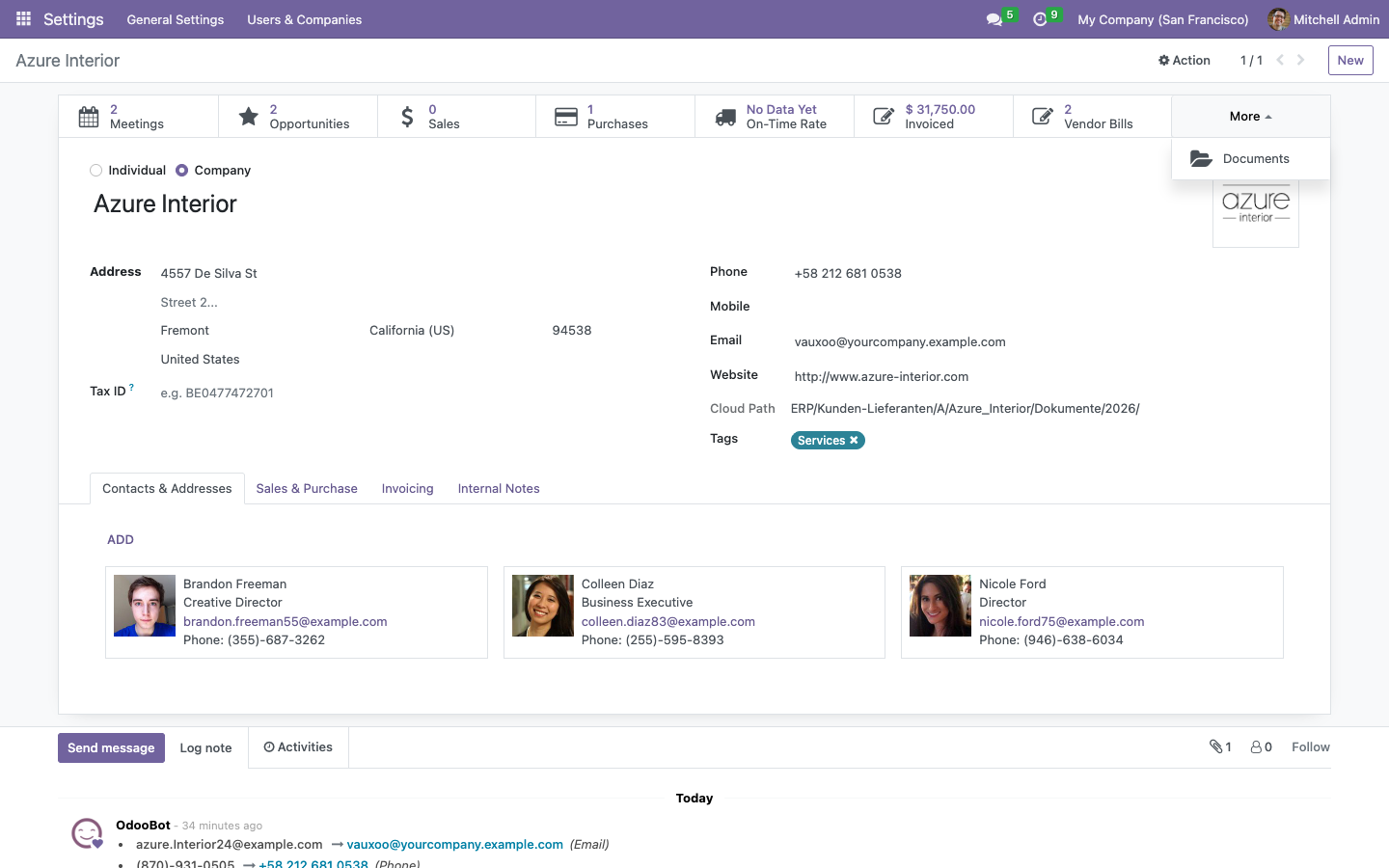
Folder templates from a zip archive
Attach a zip archive to the main folder of a model and Create Cloud Structure unpacks it into the record's new folder: sub folders, checklists, forms — every customer or project starts with the same structure.
- The archive is read in memory; nothing is written to the Odoo server.
- An archive with one top-level folder is flattened into the target folder.
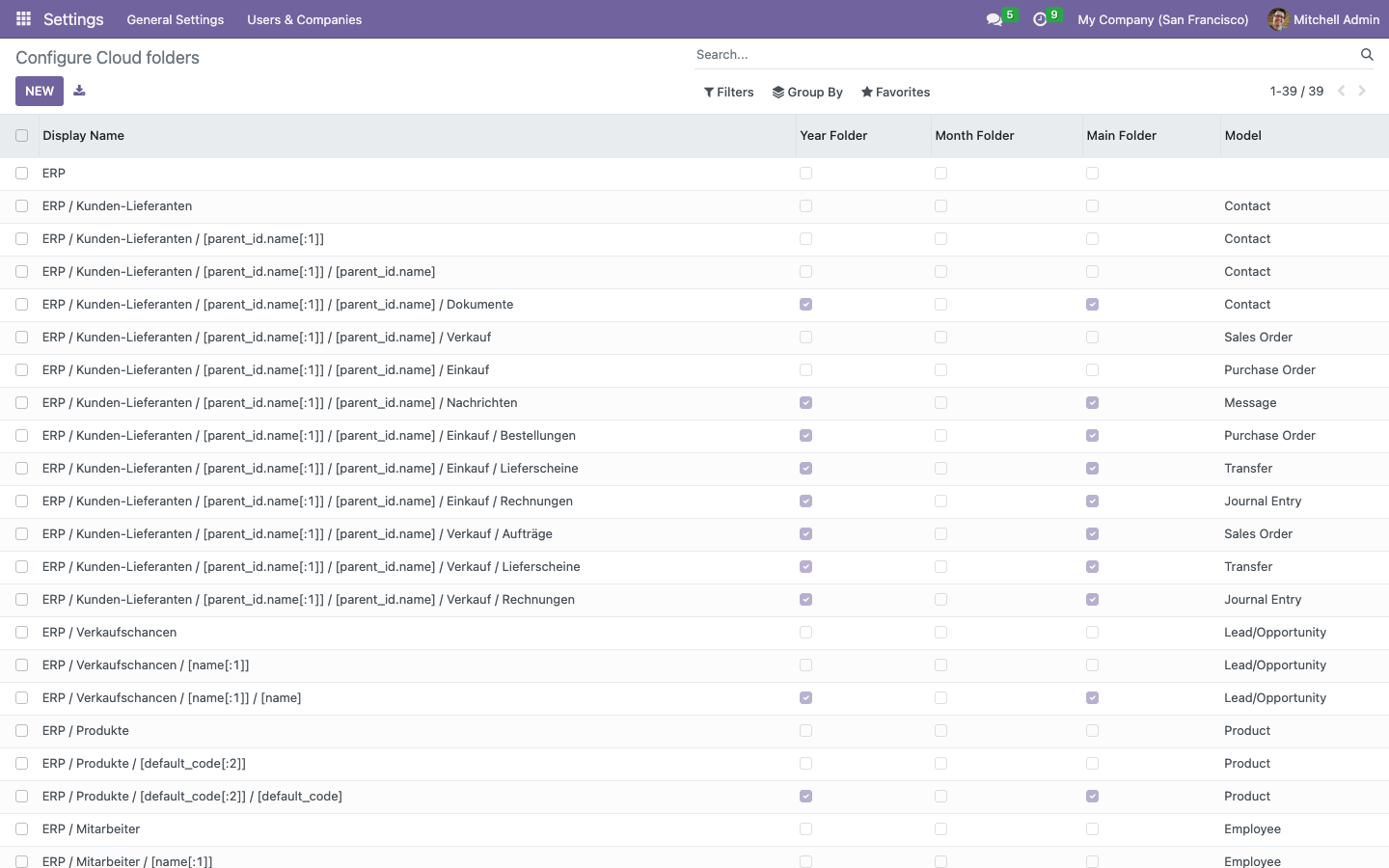
Folder structure from Cloud Base
The connector uses the folder configuration of Cloud Base: field expressions, A–Z index folders, year and month folders, template files. Configure the structure once, and all supported document types follow it.
- Check Path on every record compares the configured tree with OneDrive and creates what is missing.
- Extensions add Enterprise Documents and projects to the same configuration.
Lead files follow the customer
When a lead becomes an opportunity or is assigned to a customer, its folder moves below the customer folder, or its files move into
- Attachments are re-linked to the partner in Odoo.
- Merging two leads moves the attachments of the resulting opportunity as well.
Timeouts and a cached token
Every request to Microsoft Graph carries a timeout, so a slow endpoint never blocks an Odoo worker. The access token is cached with its expiry and refreshed only when needed — one token request per hour instead of one per file.
- A rejected token triggers one refresh and one retry, then the run reports the error.
- Every run and every warning is logged under Settings → Technical → Logging.
Administration stays in one group
Registration, export runs, the folder configuration and the manual export require the group Cloud Connector / Manager. Regular users see the smart buttons and the cloud path of their records and can export the files of a record they may edit.
- Connector log and template files are hidden from other users.
- External scripts need a technical user in that group.
Frequently Asked Questions
Which Odoo editions are supported?
The module runs on Odoo Community and Odoo Enterprise, version 16.0 — self-hosted or on Odoo.sh. Odoo Online, the hosted SaaS edition, does not accept apps from the store, so no third-party module can run there.
What do I need on the Microsoft side?
An app registration in Microsoft Entra ID (Azure) with a client ID, a client secret and the redirect URI https://. The account that gives consent owns the folders. Odoo's web.base.url must be an https address; Microsoft rejects http redirects.
Does it work with SharePoint document libraries?
No. The connector writes to the OneDrive of the account that gave consent (me/drive). SharePoint sites are not addressed.
Which dependencies does the module have?
Cloud Base (from this package) and the standard Odoo modules Contacts, CRM, Sales, Purchase, Invoicing, Inventory, Employees, Discuss and Attachment Indexation. Odoo installs them automatically. The connector uses requests, which is part of every Odoo installation; nothing has to be added to a requirements.txt.
What happens to the attachment in Odoo after the export?
By default the binary data is removed from Odoo and the attachment keeps its cloud path and item id; preview and download read the file from OneDrive. Switch on Do not delete attachment data in Odoo after export to keep a copy in Odoo.
Can I use Nextcloud and OneDrive at the same time?
One cloud provider per database: install either the NextCloud Connector or the OneDrive Connector on top of Cloud Base. Both use the same folder configuration, so switching later means installing the other connector and running its export once.
Do you provide support?
Yes. Write to support@equitania.de or open a ticket in the support portal at support.equitania.de.
Will it work after an Odoo update within the same major version?
Yes, within Odoo 16.x. A new Odoo major version is delivered as a new module version.
More solutions from Equitania · Weitere Lösungen von Equitania
Support · Kontakt
We are happy to support you · Wir unterstützen Sie gerne.


Weiherstraße 13
75173 Pforzheim
Deutschland · Germany
Telefon: +49 7231 16 604 0
Telefax: +49 7231 16 604 200
Homepage: www.ownerp.com · odoo2fast.report
Support: support.equitania.de
E-Mail: support@equitania.de
EN · All information on this page is provided for product description purposes only and is not legally binding. It constitutes neither a guarantee of quality nor an assurance of any particular scope of functions, fitness for a particular purpose or specific results; only the contractual agreements and the scope of delivery of the version actually installed are authoritative. Screenshots show example configurations. Product and company names mentioned are trademarks or registered trademarks of their respective owners; naming them implies neither affiliation with nor endorsement by those owners. This description was written with AI assistance and was reviewed and approved before publication; the German version prevails.