Mail Center AI
Help with the inbox — but no mail leaves without your word.
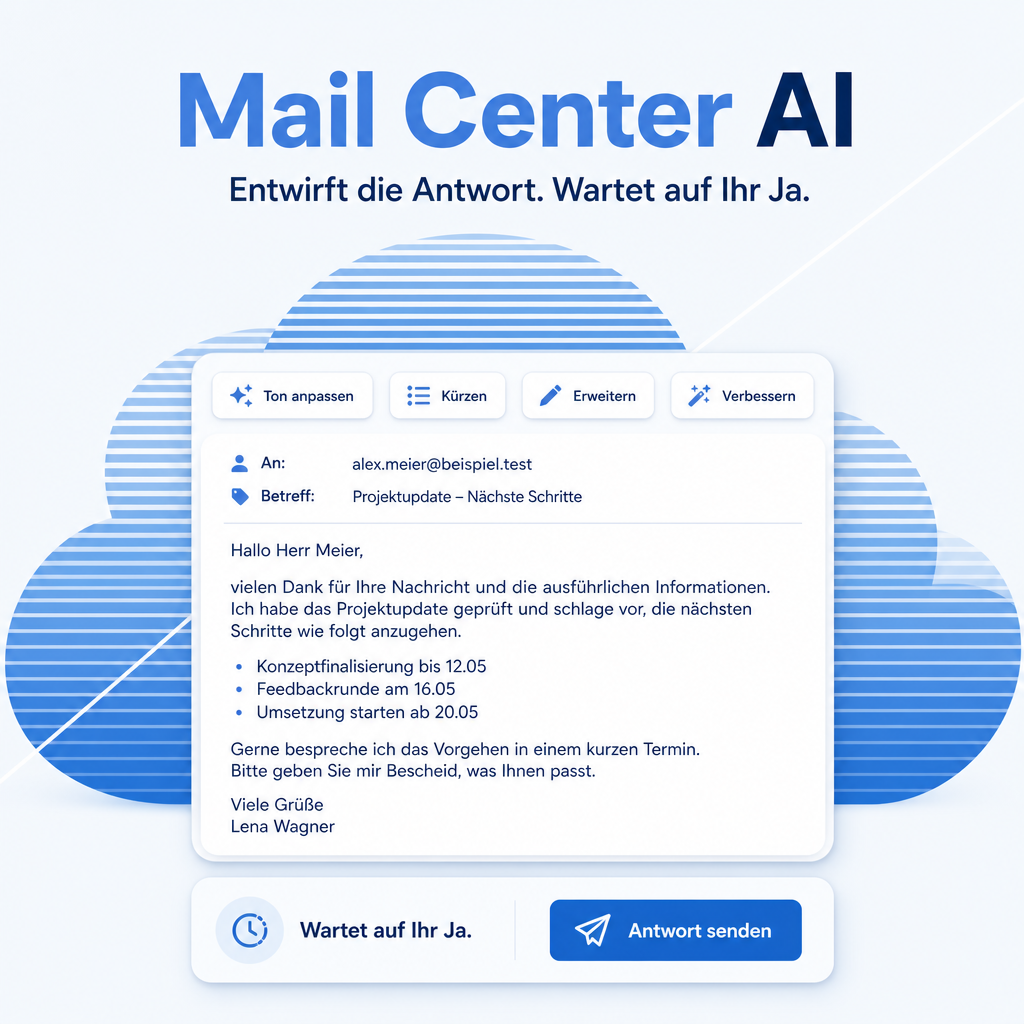
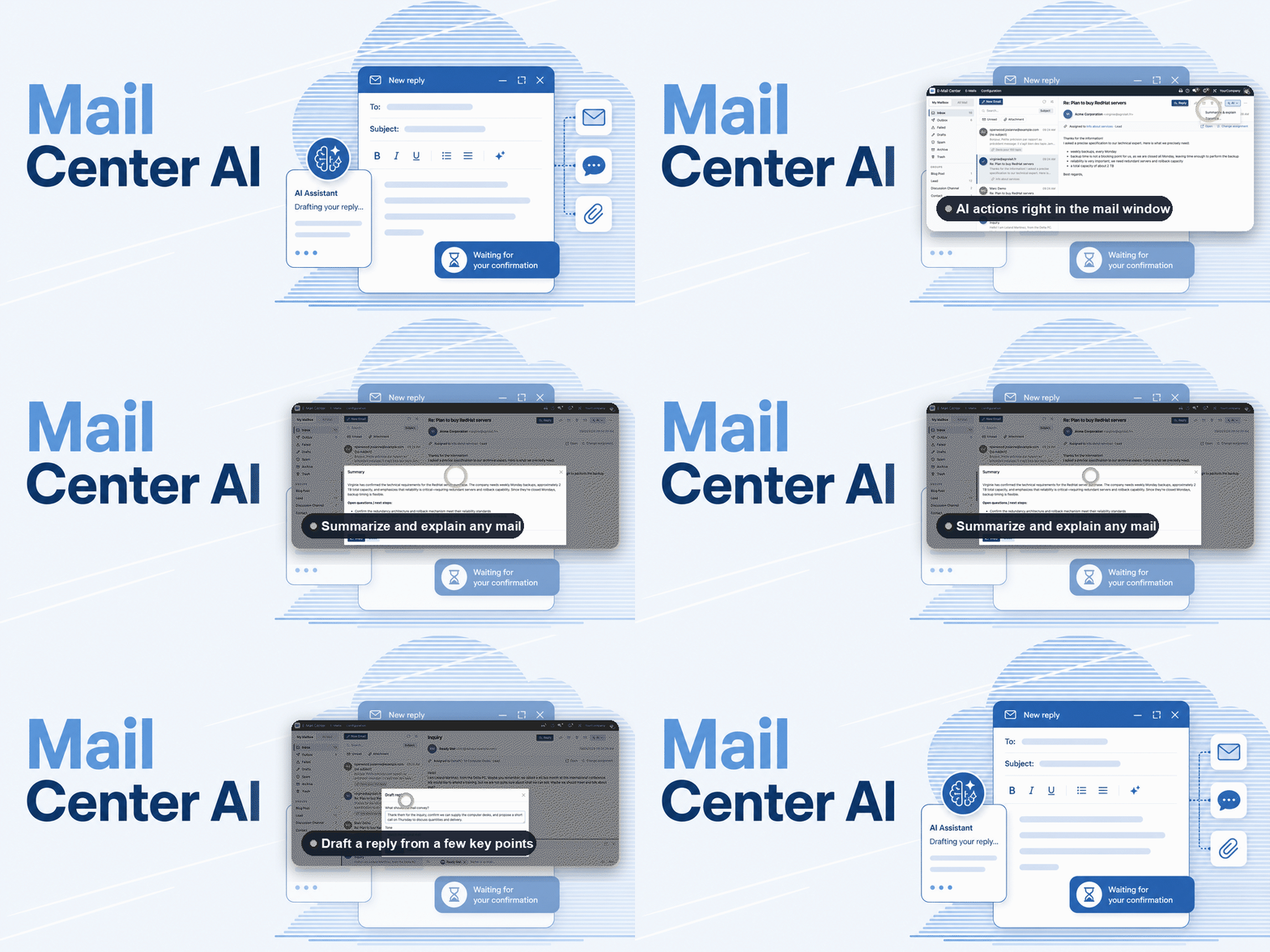
Most of the time an inbox costs is spent on two things: finding the message that matters and phrasing the reply. This module puts the assistant to work on both. It searches and summarises mail on request, and in the composer it drafts a reply, refines wording, suggests a subject or translates the text. Sending is a separate, explicit step — the assistant asks first and never sends on its own initiative.
The help for this module is findable — for people and for AI
One help page in German and English, shipped inside the module. With Help Docs installed you search them in full text — and an AI assistant reads the same content through a machine-readable module card.
"eq_mail_center_ai")
Full-text search and module card come from Help Docs (eq_helper). This module ships the content — no extra configuration.
Features
Find and understand mail by asking
Ask for the mail about a customer, an order or a period and get it — along with a summary of a long thread and an explanation of what is actually being asked. Only mail you are allowed to see is included.
Nothing is sent without an explicit yes
The assistant can prepare a mail, but sending is confirmed separately every time. An assistant that mails a customer on its own initiative is not a convenience — it is an incident.
Help where the writing happens
Inside the composer: draft a reply from the thread, tighten or soften the wording, suggest a subject line, translate the text. The message stays yours — the assistant offers a version, it does not take over the keyboard.
Trained on how business mail is written
The assistant is given guidance on tone, structure and etiquette, so a draft reads like correspondence from your company rather than a generated block of text.
Frequently Asked Questions
Which Python package does the module need?
The eq_chatbot_core library. Odoo resolves module dependencies by itself but never installs a Python package, so this one has to be provided — otherwise the module reports a missing dependency at install time.
How is that package installed?
On a self-hosted instance, install it with pip into the Python environment Odoo runs in, then restart the service. On Odoo.sh, add it to a requirements.txt in the repository — at the branch root or in the folder holding the addons. A pip command typed into the Odoo.sh shell is gone with the next build.
Can the assistant send mail without being asked?
No. Sending always requires an explicit confirmation for that specific message. Reading and drafting are separate from sending, on purpose.
Can the assistant read other people's mail?
No. The search stays within what the logged-in user is allowed to see. The assistant does not widen anyone's access — it works inside it.
Which other modules does it require?
The Mail Center itself and the Equitania chatbot with its tool registry. This module is the bridge between them, not a replacement for either.
How is the module supported?
Through the Equitania support portal and by e-mail. Both are linked in the footer of this page.
Support · Kontakt
We are happy to support you · Wir unterstützen Sie gerne.


Weiherstraße 13
75173 Pforzheim
Deutschland · Germany
Telefon: +49 7231 16 604 0
Telefax: +49 7231 16 604 200
Homepage: www.ownerp.com · odoo2fast.report
Support: support.equitania.de
E-Mail: support@equitania.de
EN · All information on this page is provided for product description purposes only and is not legally binding. It constitutes neither a guarantee of quality nor an assurance of any particular scope of functions, fitness for a particular purpose or specific results; only the contractual agreements and the scope of delivery of the version actually installed are authoritative. Screenshots show example configurations.