Report Patterns
Recurring documents built from a template — not from memory.
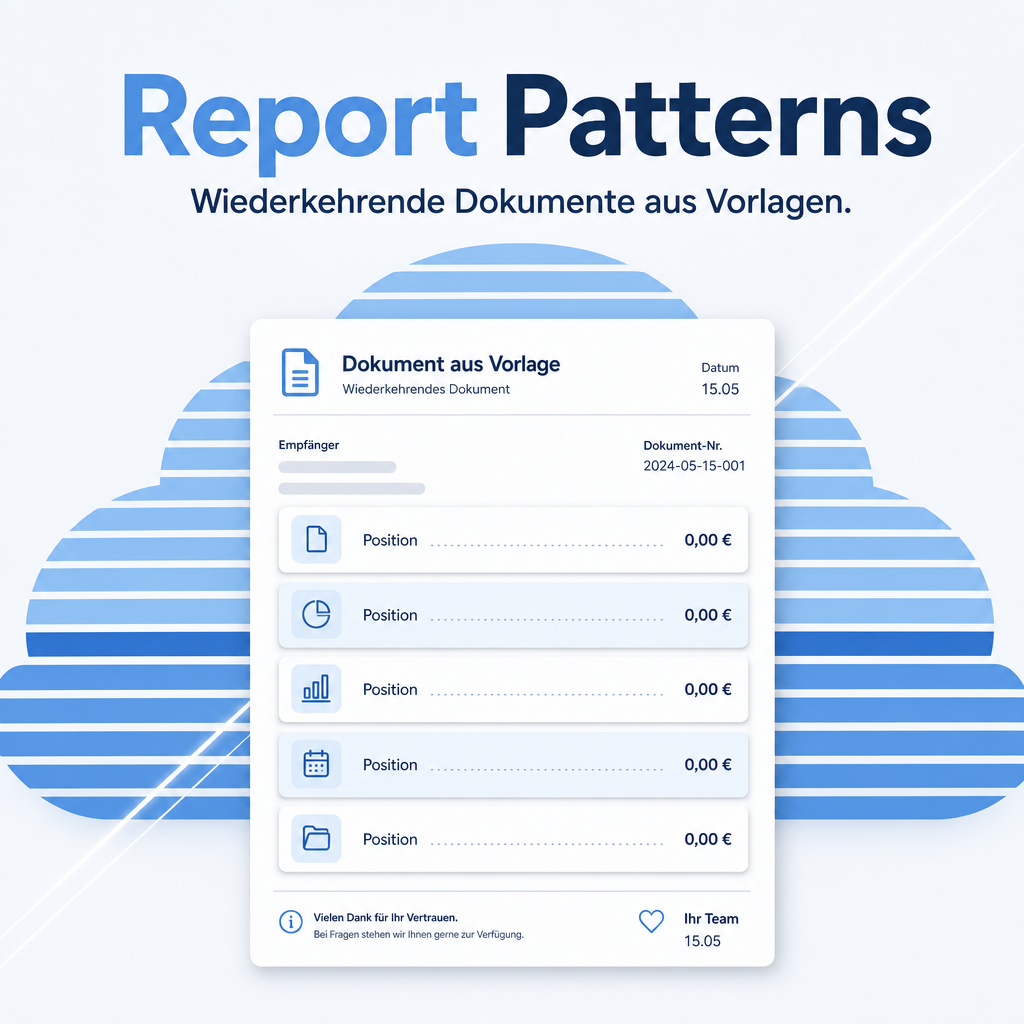
When five people write quotations, five house styles appear. Report Patterns stores header text, footer text and recurring lines as named templates for quotations, orders, purchase orders, invoices and delivery notes. Placeholders in the text fill themselves with the data of the document, so a template stays a template rather than a block of text someone has to edit every time.
The help for this module is findable — for people and for AI
One help page in German and English, shipped inside the module. With Help Docs installed you search them in full text — and an AI assistant reads the same content through a machine-readable module card.
"eq_report_pattern")
Full-text search and module card come from Help Docs (eq_helper). This module ships the content — no extra configuration.
Features
Templates with header, footer and additional text
Three formatted text areas per template: an introduction above the lines, a closing text below, and a further block for notes. Managed under Sales → Configuration → Document Templates.
Pre-filled lines for the items that always appear
Travel flat rate, disposal charge, assembly hours — stored on the template with quantity, unit price and discount, and inserted when the template is applied. The fitter adds the actual job and is done.
Placeholders that fill themselves
Customer name, document number or date are written as placeholders and replaced with the real values when the document is produced. A template does not have to be edited to be correct.
A default per document type
Quotations, orders, purchase orders, invoices and delivery notes can each have their own default template, so the right text appears without anyone choosing it.
Separate templates per company
In a multi-company setup each entity keeps its own templates with its own letter text, and access can be restricted by user group.
Frequently Asked Questions
Where are the templates maintained?
Under Sales → Configuration → Document Templates. The view has a readable backend address, so a link to it can be shared between systems.
Can a template be overridden on a single document?
Yes. The template provides the starting values; the texts and lines can be edited on the document as usual.
Which Odoo editions are supported?
The module runs on Odoo Community and Odoo Enterprise, version 19.0 — self-hosted or on Odoo.sh. Odoo Online, the hosted SaaS edition, does not accept apps from the store, so no third-party module can run there.
Which other modules does it require?
It requires base, base_setup, sale_management, stock, sales_team, eq_sale, eq_purchase, eq_account, product, eq_layout_category. Odoo resolves and installs these dependencies itself when you install the module.
Under which license is the module published?
The module is published under the LGPL-3 open-source license.
Will it keep working after an Odoo update?
Yes, within 19.0.x. A move to the next major Odoo version is delivered as a new module version.
Where do I get support?
Write to support@equitania.de or use our support portal at support.equitania.de.
Can I see the module in action first?
We do not run a public demo instance. Write to support@equitania.deand we will walk you through it.
Support · Kontakt
We are happy to support you · Wir unterstützen Sie gerne.


Weiherstraße 13
75173 Pforzheim
Deutschland · Germany
Telefon: +49 7231 16 604 0
Telefax: +49 7231 16 604 200
Homepage: www.ownerp.com · odoo2fast.report
Support: support.equitania.de
E-Mail: support@equitania.de
EN · All information on this page is provided for product description purposes only and is not legally binding. It constitutes neither a guarantee of quality nor an assurance of any particular scope of functions, fitness for a particular purpose or specific results; only the contractual agreements and the scope of delivery of the version actually installed are authoritative. Screenshots show example configurations.