
Sale
Quotations that go out complete — without anyone adding the missing bits.
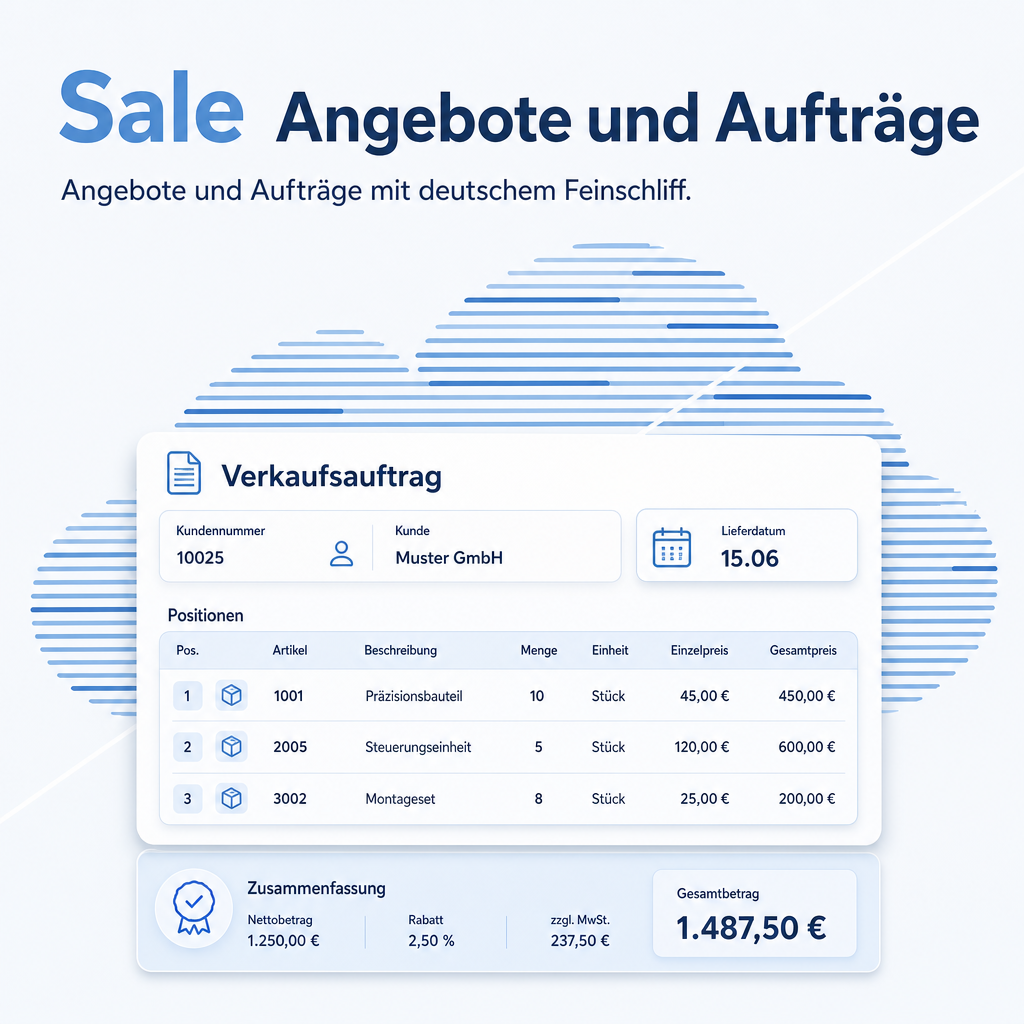
The pieces that make a quotation look professional are the ones people forget under time pressure: the covering text, the delivery week, the right form of address. Sale stores them once and puts them on every document. Add smart buttons on the customer, a configurable line limit for very large orders, and controls that keep an order from landing on a single employee instead of the company. It is the main module of the Sales bundle.
Modules in this bundle
This is the main module of the Sales bundle (package: DACH). It includes:
The help for this module is findable — for people and for AI
One help page in German and English, shipped inside the module. With Help Docs installed you search them in full text — and an AI assistant reads the same content through a machine-readable module card.
"eq_sale")
Full-text search and module card come from Help Docs (eq_helper). This module ships the content — no extra configuration.
Features
Header and footer text, stored once
Formatted introduction and closing text for quotations and order confirmations, with separate defaults for invoices. Stored as a standard and overridable per document — so the reference to a framework agreement can be set for one customer without touching the rest.
Delivery date, optionally as a calendar week
A dedicated field for the promised date, printable on the document. In plant and machinery building the calendar week is the customary unit — and stating it avoids a promise that sounds more precise than it is.
The address on the document names a person
Salutation, first name, additional name lines and district are honoured in the document address. The quotation reaches the right desk instead of the front office.
Quotations and orders reachable from the customer
Two counter buttons on the contact show how many quotations and orders exist and lead straight to the list. Before a sales visit, that is the whole history in one click.
Large orders stay workable
How many lines the form loads at once is configurable, and a line can be opened in its own form instead of edited inline. An order with 400 positions stops being a reason to avoid the system.
The right customer, and the right salesperson
The customer selection can be limited to companies or to contacts linked to the chosen company, and whoever creates the order can be entered as the responsible salesperson automatically. Two small settings that prevent a recurring class of correction.
Frequently Asked Questions
Can the standard texts differ per customer?
The default is set once and can be overwritten on each document. If you need whole named text sets per case, combine this with Report Patterns, which manages templates including pre-filled lines.
Do I need Sale & Stock as well?
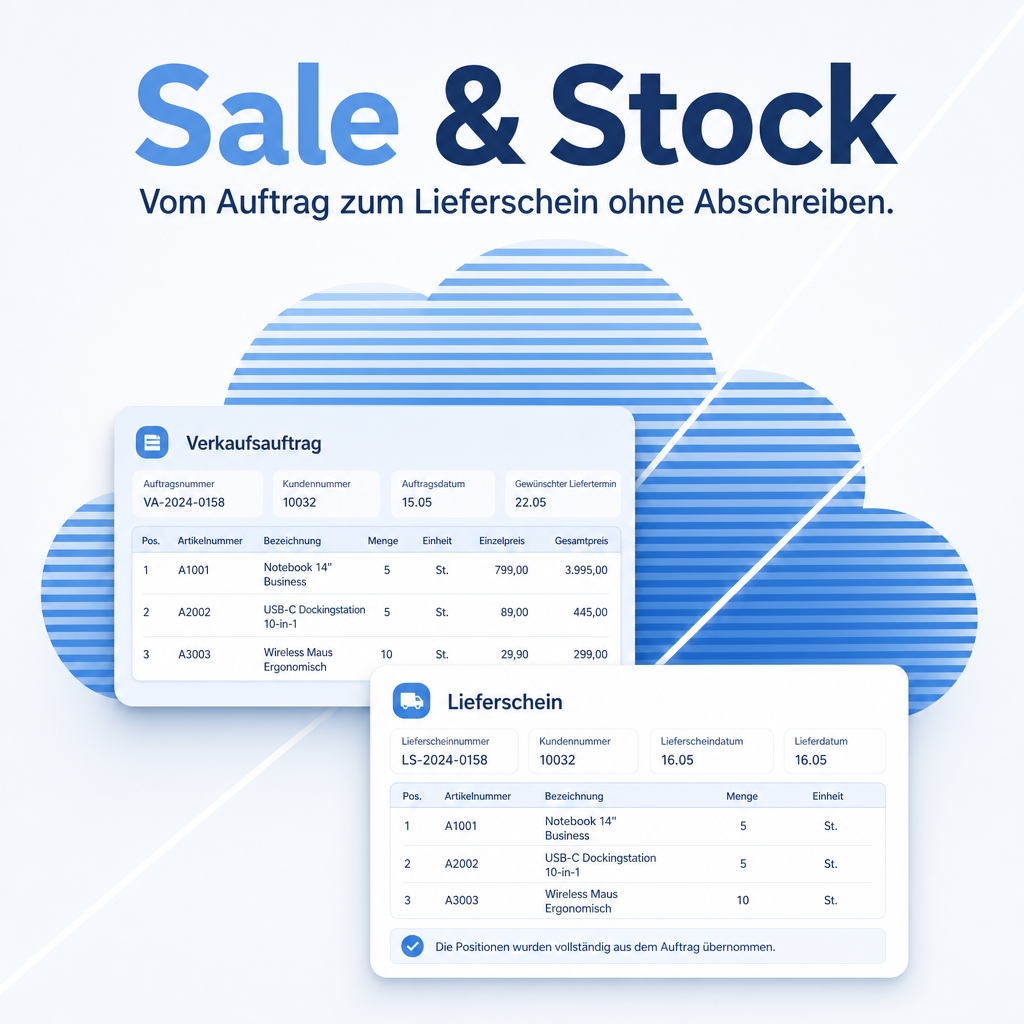
Only if you ship goods. Sale & Stock carries the order line texts onto the delivery note and shows the quantities still open per line — useful the moment you deliver in parts.
Which Odoo editions are supported?
The module runs on Odoo Community and Odoo Enterprise, version 19.0 — self-hosted or on Odoo.sh. Odoo Online, the hosted SaaS edition, does not accept apps from the store, so no third-party module can run there.
Which other modules does it require?
It requires base, base_setup, sale, product, sales_team, sale_stock, delivery, eq_res_partner, eq_stock, mail, eq_account, account. Odoo resolves and installs these dependencies itself when you install the module.
Under which license is the module published?
The module is published under the LGPL-3 open-source license.
Will it keep working after an Odoo update?
Yes, within 19.0.x. A move to the next major Odoo version is delivered as a new module version.
Where do I get support?
Write to support@equitania.de or use our support portal at support.equitania.de.
Can I see the module in action first?
We do not run a public demo instance. Write to support@equitania.deand we will walk you through it.
Support · Kontakt
We are happy to support you · Wir unterstützen Sie gerne.


Weiherstraße 13
75173 Pforzheim
Deutschland · Germany
Telefon: +49 7231 16 604 0
Telefax: +49 7231 16 604 200
Homepage: www.ownerp.com · odoo2fast.report
Support: support.equitania.de
E-Mail: support@equitania.de
EN · All information on this page is provided for product description purposes only and is not legally binding. It constitutes neither a guarantee of quality nor an assurance of any particular scope of functions, fitness for a particular purpose or specific results; only the contractual agreements and the scope of delivery of the version actually installed are authoritative. Screenshots show example configurations.